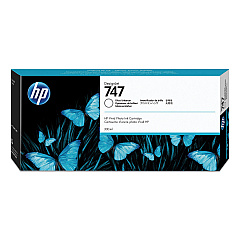






HP DesignJet Z9dr Black Ink Cartridges

HP DesignJet Z9dr Color Ink Cartridges

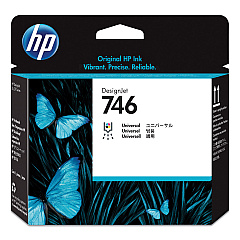
HP DesignJet Z9dr Printheads

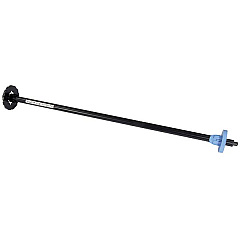
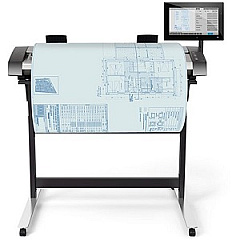
HP DesignJet Z9dr Printer Accessories

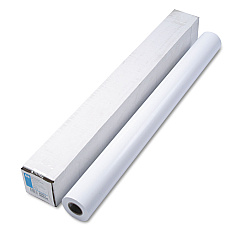
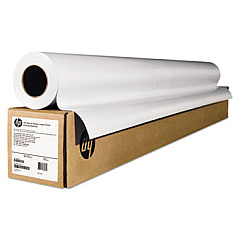
HP DesignJet Z9dr Large Format Paper

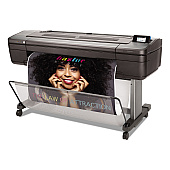
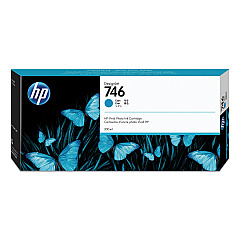
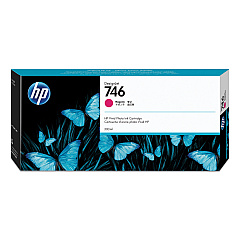
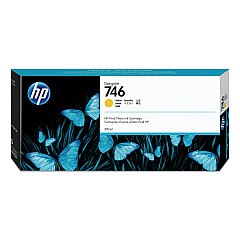
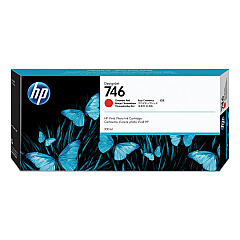
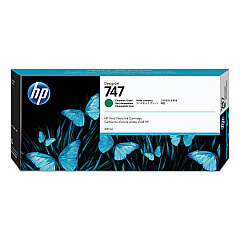
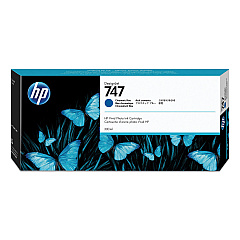
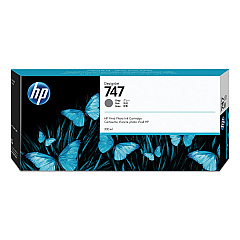
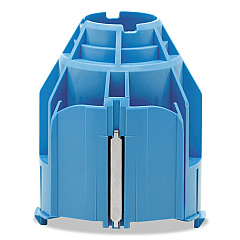
Elevate your large-format printing with HP DesignJet Z9dr Ink Cartridges, designed for exceptional color accuracy and professional-grade output. This comprehensive range includes vibrant inks like Magenta, Yellow, Cyan, and unique Chromatic Red, Green, and Blue for an expanded color gamut. The Photo Black, Matte Black, and Gray cartridges ensure deep blacks and smooth gradients, while the Gloss Enhancer adds a premium finish. Compatible accessories such as the 44-in Take-up Reel, Gloss Enhancer Upgrade Kit, and 3-in Core Adapter enhance productivity. The HD Pro 42-in Scanner allows for high-quality image capture. With the P2V25A Printhead and Q6709A 44" Roll Feed Spindle, the HP DesignJet Z9dr delivers unparalleled print quality and efficiency for businesses, educational institutions, government agencies, healthcare facilities, and wholesale operations requiring top-tier large-format printing solutions.

HP DesignJet Z9dr Ink Cartridges FAQs

  • What is the main advantage of using HP DesignJet Z9dr Ink Cartridges?

    The main advantage is exceptional color accuracy and professional-grade output, with an expanded color gamut due to the unique Chromatic Red, Green, and Blue inks.

  • How many different ink cartridges are available for the HP DesignJet Z9dr?

    There are 10 different ink cartridges available, including Magenta, Yellow, Cyan, Chromatic Red, Photo Black, Matte Black, Chromatic Green, Chromatic Blue, Gray, and Gloss Enhancer.

  • What is the purpose of the Gloss Enhancer Ink Cartridge?

    The Gloss Enhancer Ink Cartridge adds a premium finish to prints, enhancing the overall appearance and quality of the output.

  • Is a scanner included with the HP DesignJet Z9dr?

    While not included by default, an HD Pro 42-in Scanner is available as an accessory for high-quality image capture.

  • What size media can the HP DesignJet Z9dr handle?

    The printer can handle up to 44-inch wide media, as evidenced by the 44-in Take-up Reel and 44" Roll Feed Spindle accessories.

  • Is the Gloss Enhancer Upgrade Kit necessary for all prints?

    No, the Gloss Enhancer Upgrade Kit is optional and can be added to enhance the finish of prints when desired.

  • What is the function of the 3-in Core Adapter?

    The 3-in Core Adapter allows the printer to use media rolls with 3-inch cores, increasing media compatibility and flexibility.

  • How often does the printhead need to be replaced?

    Printhead replacement frequency depends on usage, but it's generally less frequent than ink cartridge replacements. Always follow HP's recommendations for optimal performance.

  • Are these ink cartridges suitable for all types of businesses?

    Yes, these cartridges are suitable for a wide range of businesses, including educational institutions, government agencies, healthcare facilities, and wholesale operations requiring high-quality large-format printing.

  • Can I use third-party ink cartridges with the HP DesignJet Z9dr?

    It's recommended to use genuine HP DesignJet Z9dr Ink Cartridges for optimal print quality, reliability, and to maintain warranty coverage.

Warehouse Locations

Policy & Agreement | Copyright © 1995-2026 BlueDogInk.com
