




Ads

HP DesignJet Z9 ps 24In. Black Ink Cartridges

HP DesignJet Z9 ps 24In. Color Ink Cartridges

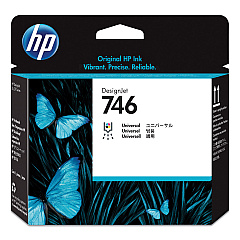
HP DesignJet Z9 ps 24In. Printheads

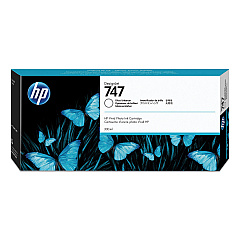
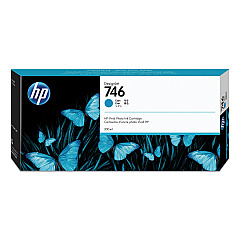
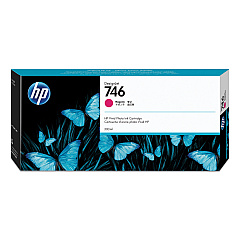
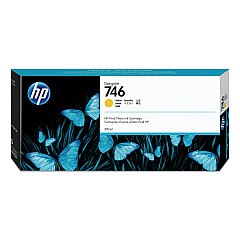
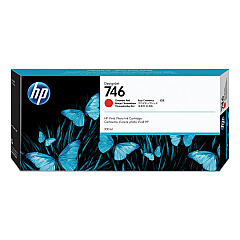
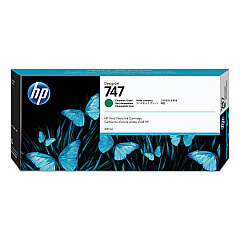
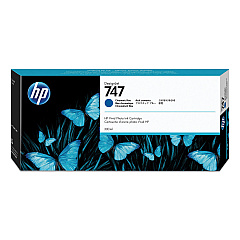
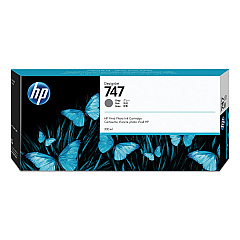
Elevate your large-format printing with HP DesignJet Z9 ps 24In. Ink Cartridges, designed for exceptional color accuracy and professional-grade output. This comprehensive set includes the HP P2V25A Printhead and ten high-capacity ink cartridges, ranging from vibrant Magenta, Yellow, and Cyan to specialized Chromatic Red, Green, and Blue. The Photo Black, Matte Black, and Gray cartridges ensure precise monochrome printing, while the Gloss Enhancer adds a premium finish. These cartridges work in harmony to produce stunning, gallery-quality prints with remarkable color depth and consistency. Whether you're in graphic design, photography, or fine art reproduction, these ink cartridges deliver unparalleled results. Experience the perfect balance of efficiency and quality with HP DesignJet Z9 ps 24In. Ink Cartridges, tailored for businesses, educational institutions, government agencies, and healthcare facilities demanding top-tier large-format printing solutions.

HP DesignJet Z9 ps 24In. Ink Cartridges FAQs

  • What is the page yield for these ink cartridges?

    Page yield varies depending on the specific cartridge and print content. It's best to check the product specifications for each individual cartridge for accurate yield information.

  • Are these ink cartridges compatible with other HP DesignJet models?

    These cartridges are specifically designed for the HP DesignJet Z9 ps 24In. printer. They may not be compatible with other models, so it's important to verify compatibility before purchasing.

  • How long do these ink cartridges last before expiring?

    Typically, HP ink cartridges have a shelf life of 24 months from the date of manufacture when stored properly. Always check the expiration date on the packaging.

  • Can I use third-party ink cartridges instead of genuine HP cartridges?

    While third-party options may exist, using genuine HP cartridges ensures optimal print quality and printer performance. Using non-HP cartridges may void your printer warranty.

  • How do I install these ink cartridges?

    Installation is straightforward. Open the ink cartridge cover, remove the old cartridge, insert the new one until it clicks into place, and close the cover. The printer will guide you through the process.

  • What should I do if a cartridge is not recognized by the printer?

    First, ensure the cartridge is properly seated. If the issue persists, clean the cartridge contacts and try reinserting. If problems continue, contact HP support for assistance.

  • Are these cartridges recyclable?

    Yes, HP offers a free recycling program for its ink cartridges. You can return used cartridges through HP Planet Partners program.

  • How often should I replace the printhead?

    The HP P2V25A Printhead typically lasts much longer than individual ink cartridges. Replace it only when print quality noticeably degrades or when prompted by the printer.

  • Can I buy these cartridges individually, or do I need to purchase the entire set?

    You can purchase individual cartridges as needed. It's not necessary to buy the entire set unless you're replacing all cartridges at once.

  • What's the difference between Photo Black and Matte Black ink?

    Photo Black is optimized for glossy papers, providing deep blacks and high contrast. Matte Black is designed for matte and fine art papers, offering rich blacks without shine.

Warehouse Locations

Policy & Agreement | Copyright © 1995-2026 BlueDogInk.com
