




HP DesignJet Z9+ Pro Black Ink Cartridges

HP DesignJet Z9+ Pro Color Ink Cartridges

HP DesignJet Z9+ Pro Printheads

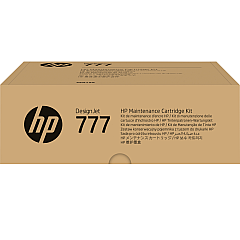
HP DesignJet Z9+ Pro Maintenance Kits

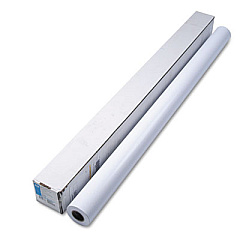
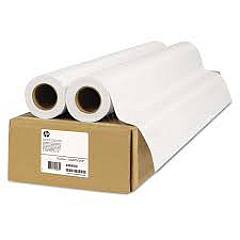
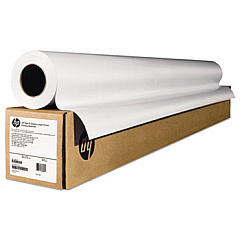
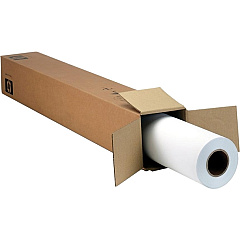
HP DesignJet Z9+ Pro Large Format Paper

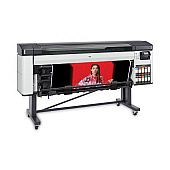
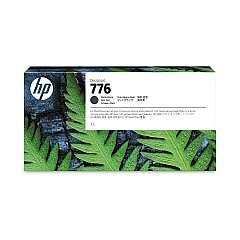
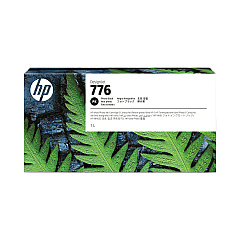
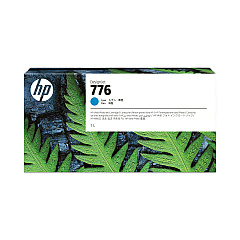
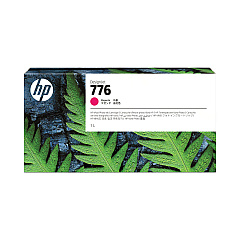
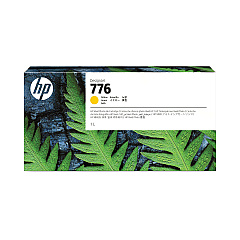
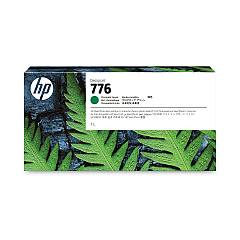
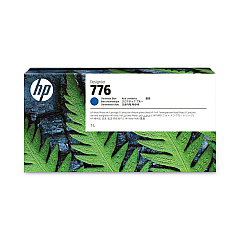
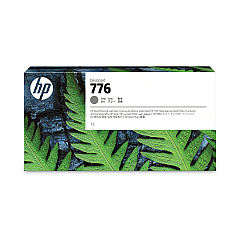
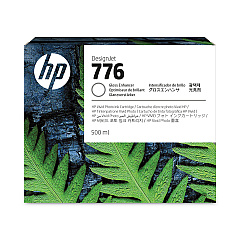
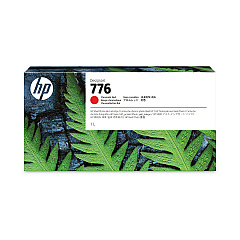
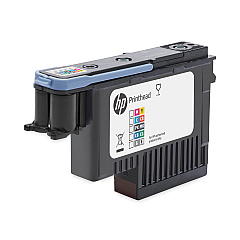
Elevate your large-format printing with HP DesignJet Z9+ Pro Ink Cartridges, designed for exceptional color accuracy and professional-grade output. This comprehensive set includes ten high-capacity ink cartridges: Chromatic Green, Chromatic Blue, Gray, Gloss Enhancer, Magenta, Yellow, Cyan, Chromatic Red, Photo Black, and Matte Black. The HP 777 Maintenance Cartridge and Printhead complete the system, ensuring optimal performance and print quality. These cartridges deliver vivid, true-to-life colors, smooth gradients, and sharp details, making them ideal for photographers, designers, and print shops demanding the highest standards. With HP DesignJet Z9+ Pro Ink Cartridges, you'll achieve gallery-worthy prints, precise proofs, and stunning large-format graphics that captivate your audience and showcase your work in its best light.

HP DesignJet Z9+ Pro Ink Cartridges FAQs

  • What is the page yield for HP DesignJet Z9+ Pro Ink Cartridges?

    Page yield varies depending on the specific cartridge and print content. It's best to check the product specifications for each individual cartridge for accurate yield information.

  • Are these cartridges compatible with other HP DesignJet models?

    HP DesignJet Z9+ Pro Ink Cartridges are specifically designed for the HP DesignJet Z9+ Pro printer. They may not be compatible with other models.

  • How often should I replace the HP 777 Maintenance Cartridge?

    The replacement frequency depends on usage. The printer will indicate when it's time to replace the maintenance cartridge.

  • Can I use third-party ink cartridges in the HP DesignJet Z9+ Pro?

    For optimal performance and print quality, it's recommended to use genuine HP ink cartridges designed for the Z9+ Pro.

  • What is the purpose of the Gloss Enhancer Ink Cartridge?

    The Gloss Enhancer improves print quality by providing a uniform gloss finish and enhancing color vibrancy on glossy media.

  • How long do unopened ink cartridges last?

    Unopened HP ink cartridges typically have a shelf life of 24 months from the date of manufacture when stored properly.

  • Can I replace individual ink cartridges or do I need to replace them all at once?

    You can replace individual ink cartridges as needed. The printer will indicate which cartridges require replacement.

  • What's the difference between Photo Black and Matte Black ink cartridges?

    Photo Black is optimized for glossy media, while Matte Black is designed for matte and fine art papers, providing deeper blacks on those surfaces.

  • How often should the HP 777 Printhead be replaced?

    The printhead is designed for long-term use. Replace it only when print quality issues persist after cleaning and aligning the printhead.

  • Are these ink cartridges environmentally friendly?

    HP offers a recycling program for used ink cartridges. Check HP's website for details on their sustainability initiatives and recycling options.

Warehouse Locations

Policy & Agreement | Copyright © 1995-2026 BlueDogInk.com
