




Ads

HP DesignJet Z9 dr ps vtr 44In. Black Ink Cartridges

HP DesignJet Z9 dr ps vtr 44In. Color Ink Cartridges

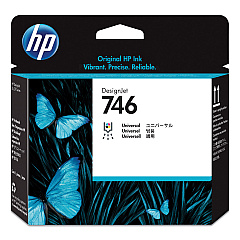
HP DesignJet Z9 dr ps vtr 44In. Printheads

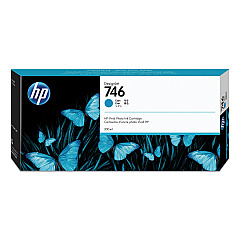
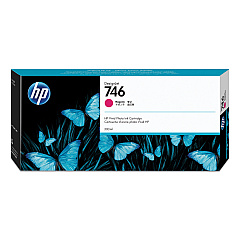
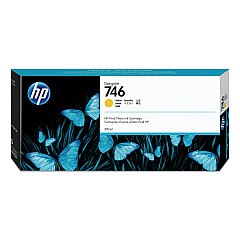
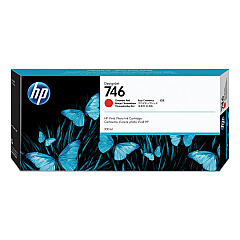
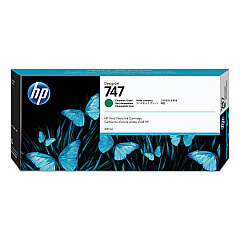
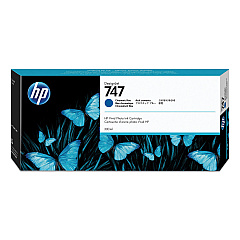
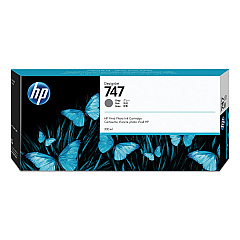
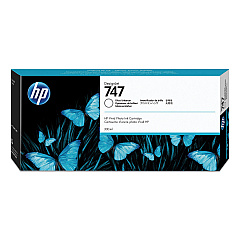
Elevate your large-format printing with HP DesignJet Z9 dr ps vtr 44In. Ink Cartridges. This comprehensive set of ink cartridges delivers stunning, professional-quality prints with vibrant colors and precise details. The range includes a printhead and ten specialized ink cartridges, including Magenta, Yellow, Cyan, Chromatic Red, Photo Black, Matte Black, Chromatic Green, Chromatic Blue, Gray, and Gloss Enhancer. These high-capacity cartridges ensure consistent, long-lasting performance for your HP DesignJet Z9 printer. Whether you're producing eye-catching posters, detailed architectural drawings, or vivid photographs, these ink cartridges provide exceptional color accuracy and durability. Experience the perfect balance of efficiency and quality with HP's advanced ink technology, designed to meet the demands of businesses, educational institutions, and creative professionals.

HP DesignJet Z9 dr ps vtr 44In. Ink Cartridges FAQs

  • What is the page yield for these ink cartridges?

    Page yield varies depending on the specific cartridge and print content. It's best to check the product specifications for each individual cartridge.

  • Are these ink cartridges compatible with other HP DesignJet models?

    These cartridges are specifically designed for the HP DesignJet Z9 dr ps vtr 44In. printer. They may not be compatible with other models.

  • How often should I replace the printhead?

    Printhead replacement frequency depends on usage. HP recommends replacing it when print quality noticeably declines or when prompted by the printer.

  • Can I use third-party ink cartridges with this printer?

    HP recommends using genuine HP ink cartridges for optimal performance and print quality. Using third-party cartridges may void the printer warranty.

  • What is the shelf life of these ink cartridges?

    Unopened HP ink cartridges typically have a shelf life of 1-2 years from the date of manufacture. Always check the expiration date on the package.

  • How do I properly store unused ink cartridges?

    Store unused cartridges in their original sealed packaging at room temperature, away from direct sunlight and heat sources.

  • What is the purpose of the Gloss Enhancer ink cartridge?

    The Gloss Enhancer improves the overall finish of prints, enhancing gloss uniformity and reducing bronzing on glossy papers.

  • Are these ink cartridges environmentally friendly?

    HP offers a recycling program for used ink cartridges. Check HP's website for details on their sustainability initiatives.

  • How do I know when it's time to replace an ink cartridge?

    The printer will display a warning message when ink levels are low. You can also check ink levels through the printer's control panel or software.

  • Can I buy these ink cartridges individually?

    Yes, you can purchase each ink cartridge separately as needed, allowing for more cost-effective replacements.

Warehouse Locations

Policy & Agreement | Copyright © 1995-2026 BlueDogInk.com
