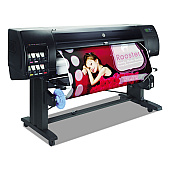
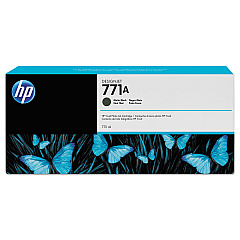
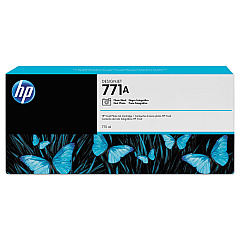
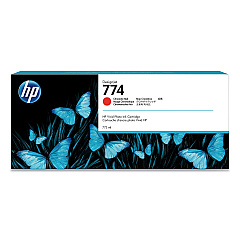
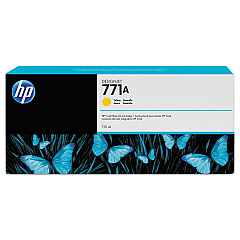





HP DesignJet Z6810 Black Ink Cartridges

HP DesignJet Z6810 Color Ink Cartridges

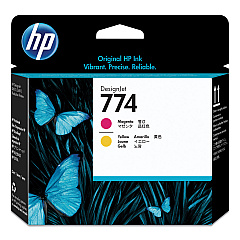
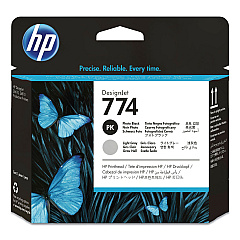
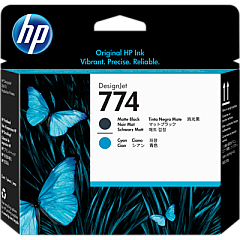
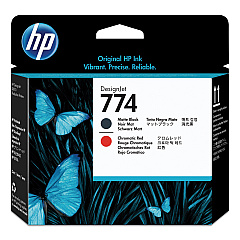
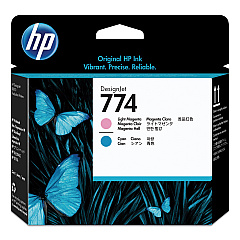
HP DesignJet Z6810 Printheads

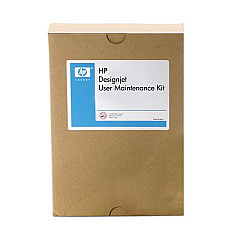
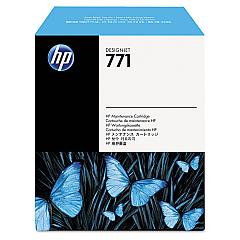
HP DesignJet Z6810 Maintenance Kits

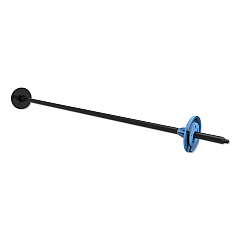
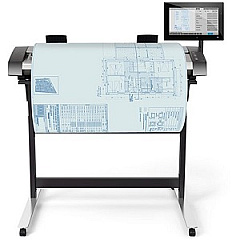
HP DesignJet Z6810 Printer Accessories

HP DesignJet Z6810 Large Format Paper

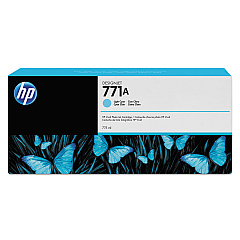
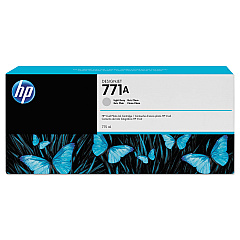
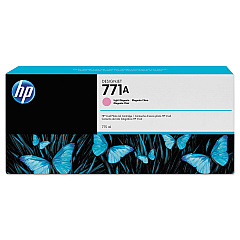
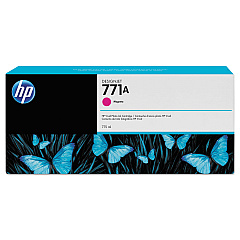
Elevate your large-format printing with HP DesignJet Z6810 Ink Cartridges, designed for exceptional quality and performance. This comprehensive range includes matte black, magenta, yellow, light magenta, light cyan, photo black, light gray, and chromatic red cartridges, ensuring vibrant and accurate color reproduction. The Z6810 series also offers maintenance cartridges, printheads, and upgrade kits to optimize your printing experience. Whether you're producing high-resolution photographs, detailed technical drawings, or eye-catching posters, these genuine HP supplies deliver outstanding results. The HP DesignJet Z6810 Ink Cartridges are compatible with various accessories, including spindles, scanners, and print servers, making it a versatile solution for businesses, educational institutions, and creative professionals seeking top-tier print quality and efficiency.

HP DesignJet Z6810 Ink Cartridges FAQs

  • What is the page yield of HP DesignJet Z6810 Ink Cartridges?

    Page yield varies depending on the specific cartridge and print content. It's best to check the product specifications for each individual cartridge.

  • Are these ink cartridges compatible with other HP DesignJet models?

    These cartridges are specifically designed for the HP DesignJet Z6810 series. They may not be compatible with other models.

  • How often should I replace the maintenance cartridge?

    The maintenance cartridge should be replaced when prompted by the printer or when it reaches its capacity, which varies based on usage.

  • Can I use third-party ink cartridges in the HP DesignJet Z6810?

    While third-party cartridges may work, using genuine HP cartridges ensures optimal print quality and printer performance.

  • What is the shelf life of unopened HP DesignJet Z6810 Ink Cartridges?

    Unopened cartridges typically have a shelf life of 1-2 years from the date of manufacture when stored properly.

  • How do I install new printheads in the HP DesignJet Z6810?

    Follow the instructions in the printer's user manual for proper printhead installation. The process usually involves accessing the printhead carriage and replacing the old printheads with new ones.

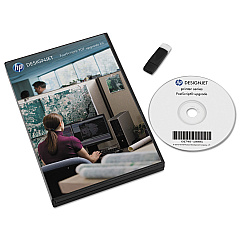
  • What is the purpose of the HP Designjet PostScript PDF Upgrade Kit?

    This upgrade kit enhances the printer's capabilities by adding PostScript and PDF processing, allowing for improved handling of these file formats.

  • How often should I replace the printheads?

    Printhead lifespan varies based on usage and print conditions. Replace them when print quality deteriorates or when prompted by the printer.

  • Can I recycle used HP DesignJet Z6810 Ink Cartridges?

    Yes, HP offers a recycling program for used ink cartridges. Check HP's website for details on how to participate in their recycling initiative.

  • What is the difference between matte black and photo black ink cartridges?

    Matte black is optimized for printing on matte papers, while photo black is designed for glossy papers to achieve deeper blacks and better contrast in photographic prints.

Warehouse Locations

Policy & Agreement | Copyright © 1995-2026 BlueDogInk.com
