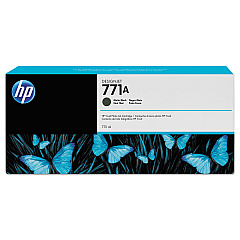
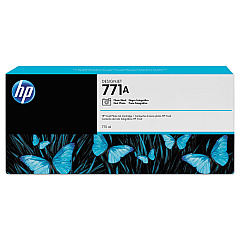
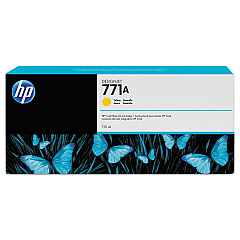
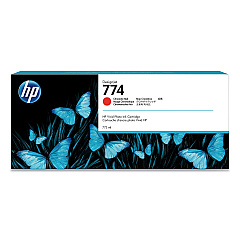





HP DesignJet Z6610 Black Ink Cartridges

HP DesignJet Z6610 Color Ink Cartridges

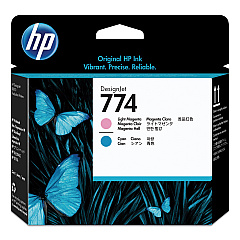
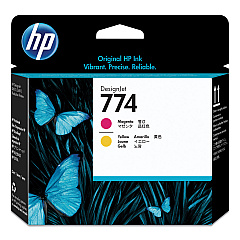
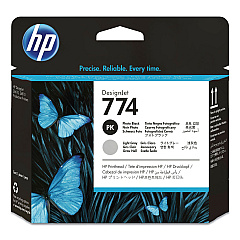
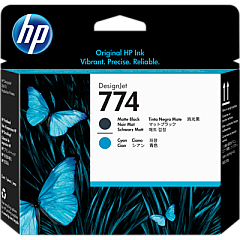
HP DesignJet Z6610 Printheads

HP DesignJet Z6610 Maintenance Kits

HP DesignJet Z6610 Printer Accessories

HP DesignJet Z6610 Large Format Paper

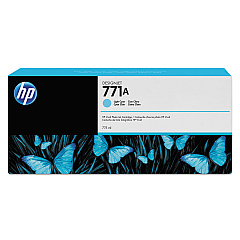
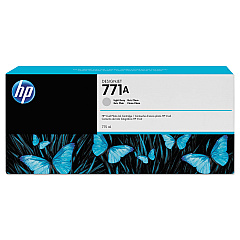
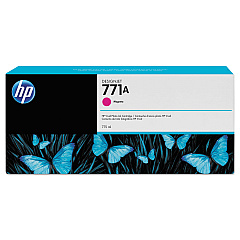
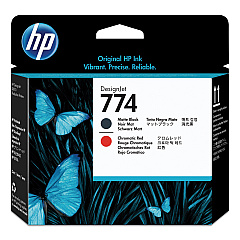
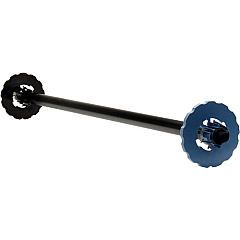
Enhance your large-format printing with genuine HP DesignJet Z6610 Ink Cartridges and supplies. This high-performance printer utilizes a wide range of ink cartridges, including Matte Black, Magenta, Yellow, Light Cyan, Photo Black, Light Gray, and Chromatic Red, to produce stunning, professional-quality prints. The Z6610 also supports various accessories like the Maintenance Cartridge, PostScript PDF Upgrade Kit, and 60-in Spindle for improved functionality. Boost your printing capabilities with the HD Pro 42-in Scanner and Jetdirect 640n Gigabit Ethernet Print Server. Ensure optimal performance with specialized printheads and the Maintenance Kit. Whether you're in business, education, government, healthcare, or wholesale, these HP DesignJet Z6610 Ink Cartridges and supplies deliver exceptional results for all your large-format printing needs.

HP DesignJet Z6610 Ink Cartridges FAQs

  • What is the page yield for HP DesignJet Z6610 Ink Cartridges?

    Page yield varies depending on the specific cartridge and print content. It's best to check the product specifications for each individual cartridge.

  • Are these ink cartridges compatible with other HP DesignJet models?

    These cartridges are specifically designed for the HP DesignJet Z6610. Always check your printer's compatibility before purchasing ink cartridges.

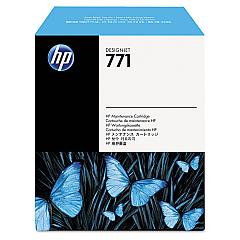
  • How often should I replace the Maintenance Cartridge?

    The frequency of replacement depends on usage. Your printer will indicate when it's time to replace the Maintenance Cartridge.

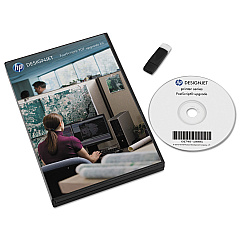
  • What is the purpose of the PostScript PDF Upgrade Kit?

    The PostScript PDF Upgrade Kit enhances your printer's ability to process complex PDF files and improves overall print quality for certain types of documents.

  • Can I use third-party ink cartridges in the HP DesignJet Z6610?

    While third-party cartridges may work, using genuine HP cartridges ensures optimal print quality and helps maintain your printer's warranty.

  • What is the function of the 60-in Spindle?

    The 60-in Spindle is used to load and support large-format media rolls, allowing for smooth and consistent feeding during printing.

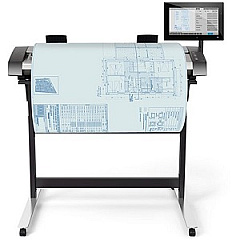
  • How does the HD Pro 42-in Scanner integrate with the Z6610?

    The HD Pro 42-in Scanner can be used in conjunction with the Z6610 to create a high-quality, large-format scan-to-print solution.

  • What is the benefit of using the Jetdirect 640n Gigabit Ethernet Print Server?

    The Jetdirect 640n enables fast and secure network printing, allowing multiple users to easily connect and print to the Z6610.

  • How often should printheads be replaced?

    Printhead lifespan varies based on usage and print conditions. Your printer will typically alert you when a printhead needs replacement.

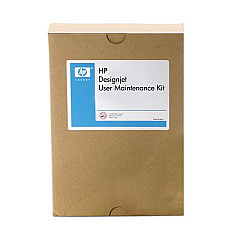
  • What does the Maintenance Kit include?

    The Maintenance Kit typically includes various components to keep your printer in optimal condition, such as rollers, belts, and other wear parts. Check the specific kit contents for details.

Warehouse Locations

Policy & Agreement | Copyright © 1995-2026 BlueDogInk.com
