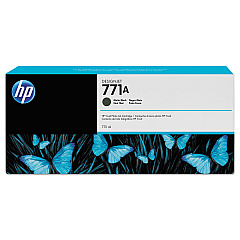
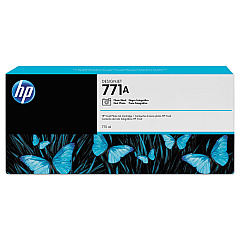
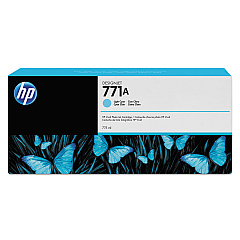
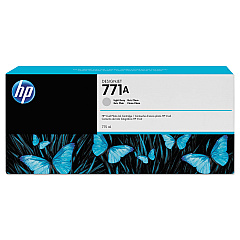
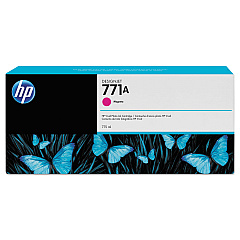
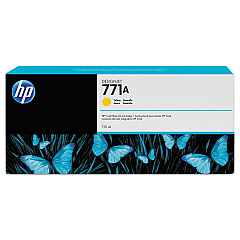
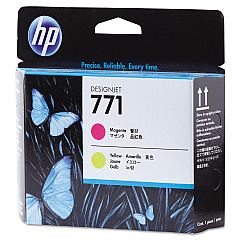
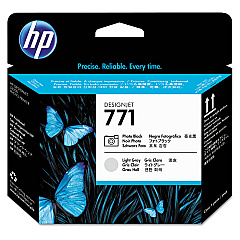






HP Designjet Z6600 Production Printer 60-in Printers Supplies

Ads

HP Designjet Z6600 Production Printer 60-in Black Ink Cartridges

HP Designjet Z6600 Production Printer 60-in Color Ink Cartridges

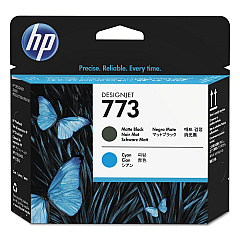
HP Designjet Z6600 Production Printer 60-in Printheads

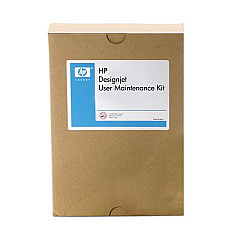
HP Designjet Z6600 Production Printer 60-in Maintenance Kits

HP Designjet Z6600 Production Printer 60-in Warranty and Services

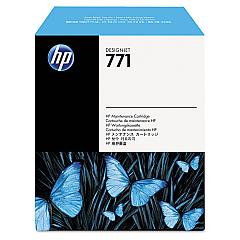
Enhance your large-format printing capabilities with HP Designjet Z6600 Production Printer 60-in Ink Cartridges. This comprehensive range of high-quality ink cartridges and maintenance supplies ensures optimal performance for your HP Designjet Z6600. The lineup includes Matte Black, Magenta, Yellow, Light Cyan, Photo Black, and Light Gray ink cartridges, delivering vibrant and accurate color reproduction. Printheads and maintenance cartridges are also available to keep your printer running smoothly. With these genuine HP supplies, you'll achieve professional-grade prints with exceptional detail and color accuracy. Whether you're printing posters, banners, or technical drawings, these ink cartridges provide the reliability and consistency needed for high-volume production environments. Invest in HP Designjet Z6600 Production Printer 60-in Ink Cartridges to maximize your printer's potential and produce stunning large-format prints.

HP Designjet Z6600 Production Printer 60-in Printers Supplies FAQs

  • How often should I replace the ink cartridges in my HP Designjet Z6600?

    Replacement frequency depends on usage, but typically when the printer indicates low ink levels or you notice a decrease in print quality.

  • Are these ink cartridges compatible with other HP Designjet models?

    These cartridges are specifically designed for the HP Designjet Z6600. Always check your printer's compatibility before purchasing.

  • What is the shelf life of unopened ink cartridges?

    Unopened cartridges typically have a shelf life of 1-2 years from the date of manufacture when stored properly.

  • How do I install new ink cartridges in the HP Designjet Z6600?

    Follow the instructions in your printer's user manual. Generally, you'll need to open the ink cartridge cover, remove the old cartridge, and insert the new one until it clicks into place.

  • What is the purpose of the maintenance cartridge?

    The maintenance cartridge collects waste ink during printing and cleaning processes, helping to maintain the printer's performance and prevent ink buildup.

  • How often should I replace the printheads?

    Printhead replacement varies based on usage and print quality. Replace them when you notice a decline in print quality that persists after cleaning.

  • Can I use third-party ink cartridges in my HP Designjet Z6600?

    While third-party cartridges may work, using genuine HP cartridges ensures optimal print quality and helps maintain your printer's warranty.

  • What is the difference between Matte Black and Photo Black ink?

    Matte Black is optimized for printing on matte papers, while Photo Black provides better results on glossy and semi-glossy media.

  • How do I properly store unused ink cartridges?

    Store cartridges in their original packaging at room temperature, away from direct sunlight and heat sources, to maintain their quality.

  • What should I do if my printer doesn't recognize a new ink cartridge?

    Try removing and reinserting the cartridge. If the issue persists, clean the cartridge contacts and ensure it's properly seated. If problems continue, contact HP support.

Warehouse Locations

Policy & Agreement | Copyright © 1995-2026 BlueDogInk.com
