




Ads

HP DesignJet Z6600 60 In. Black Ink Cartridges

HP DesignJet Z6600 60 In. Color Ink Cartridges

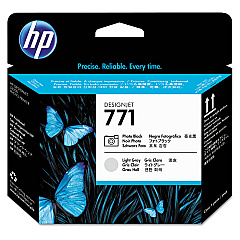
HP DesignJet Z6600 60 In. Printheads

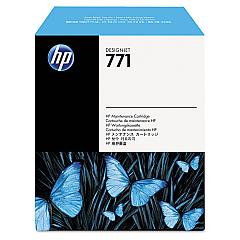
HP DesignJet Z6600 60 In. Maintenance Kits

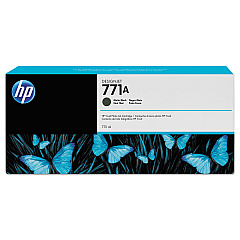
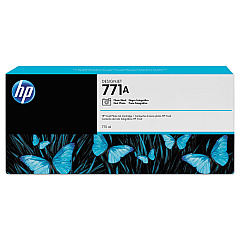
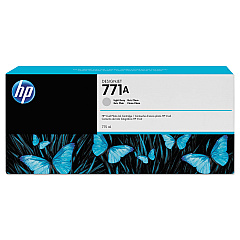
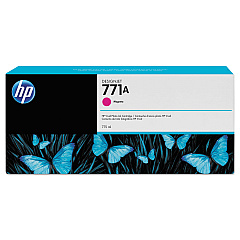
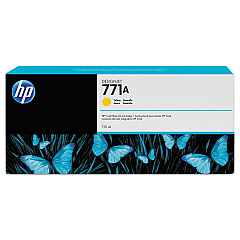
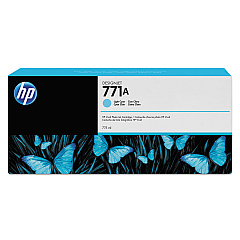
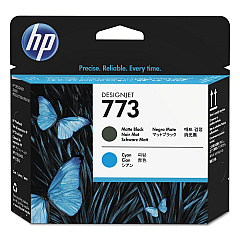
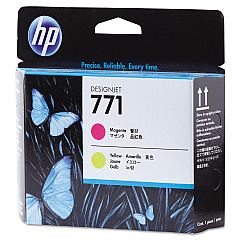
Enhance your printing capabilities with HP DesignJet Z6600 60 In. Ink Cartridges, designed to deliver exceptional quality and performance. This comprehensive range includes the HP B6Y15A Matte Black, B6Y17A Magenta, B6Y18A Yellow, B6Y20A Light Cyan, B6Y21A Photo Black, and B6Y22A Light Gray ink cartridges. These high-capacity cartridges ensure vibrant, long-lasting prints for your large-format projects. The set also features HP C1Q20A, CE018A, and CE020A Printheads for precise ink placement and sharp details. To maintain optimal printer performance, the HP CH644A Maintenance Cartridge is included. Whether you're in graphic design, photography, or architectural rendering, these genuine HP supplies guarantee professional results every time. Invest in HP DesignJet Z6600 60 In. Ink Cartridges for unparalleled print quality and reliability in your large-format printing endeavors.

HP DesignJet Z6600 60 In. Ink Cartridges FAQs

  • What is the page yield for these ink cartridges?

    Page yield varies depending on the specific cartridge and print content. It's best to check the product specifications for each individual cartridge.

  • Are these cartridges compatible with other HP DesignJet models?

    These cartridges are specifically designed for the HP DesignJet Z6600 60 In. printer. Always check your printer's compatibility before purchasing.

  • How often should I replace the printheads?

    Printhead replacement frequency depends on usage. Monitor print quality and replace when you notice a decline in output quality.

  • Can I use third-party ink cartridges with this printer?

    While third-party cartridges may work, using genuine HP cartridges ensures optimal print quality and prevents potential damage to your printer.

  • What is the shelf life of these ink cartridges?

    Unopened HP ink cartridges typically have a shelf life of 1-2 years. Always check the expiration date on the package.

  • How do I know when to replace the maintenance cartridge?

    Your printer will alert you when the maintenance cartridge needs replacement. It's important to replace it promptly to avoid printer downtime.

  • Are these cartridges environmentally friendly?

    HP offers a recycling program for used ink cartridges, contributing to environmental sustainability.

  • Can I buy these cartridges individually or only as a set?

    You can purchase these cartridges individually or as a set, depending on your needs and preferences.

  • How do I install new ink cartridges in the HP DesignJet Z6600?

    The printer has an easy-to-follow on-screen guide for cartridge replacement. Simply follow the instructions displayed on the printer's control panel.

  • What should I do if I experience print quality issues after installing new cartridges?

    First, ensure the cartridges are properly installed. If issues persist, run a printhead cleaning cycle or consult the printer's troubleshooting guide.

Warehouse Locations

Policy & Agreement | Copyright © 1995-2026 BlueDogInk.com
