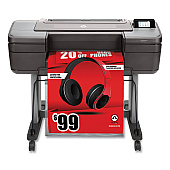
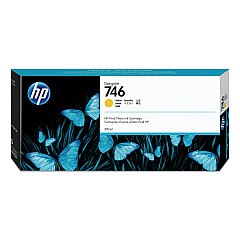
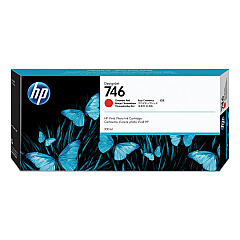
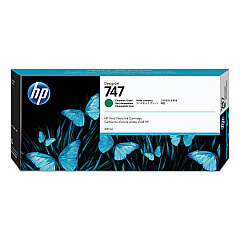
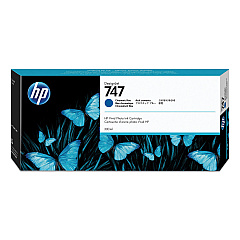
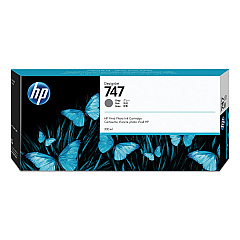





HP DesignJet Z6 Black Ink Cartridges

HP DesignJet Z6 Color Ink Cartridges

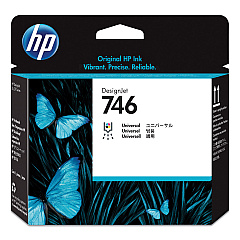
HP DesignJet Z6 Printheads

HP DesignJet Z6 Printer Accessories

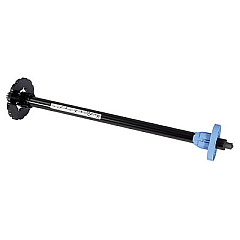
  • HP Q6700A 24-in Spindle

    Item Q6700A

    HP Q6700A 24-in Spindle

    HP - Printer spindle - 24" - for DesignJet T1100, T1100ps, T1120, T1120ps, T610,..

    Status

    In Stock

    $85.00

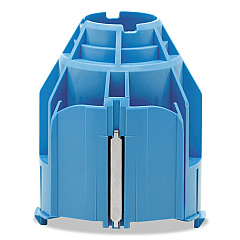
  • HP CN538A 3-in Core Adapter

    Item CN538A

    HP CN538A 3-in Core Adapter

    Printer roll media adapter - for DesignJet HD Pro MFP, SD Pro MFP, T1530, T1700,..

    Status

    In Stock

    $15.00

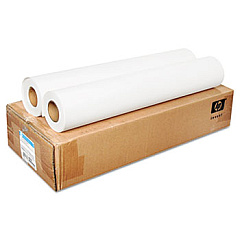
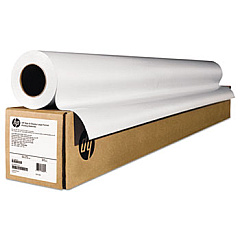
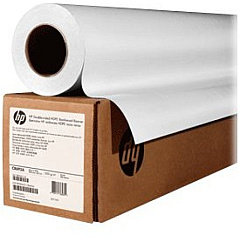
HP DesignJet Z6 Large Format Paper

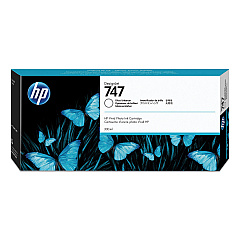
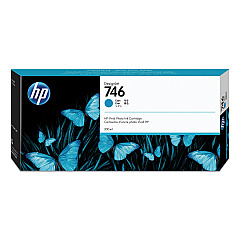
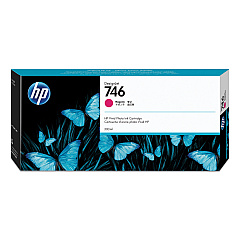
Elevate your large-format printing with HP DesignJet Z6 Ink Cartridges, designed for exceptional color accuracy and durability. This comprehensive range includes the CN538A 3-in Core Adapter, P2V25A Printhead, and a spectrum of high-capacity ink cartridges. From vibrant Magenta (P2V78A) and Yellow (P2V79A) to rich Cyan (P2V80A) and Chromatic Red (P2V81A), these inks deliver stunning results. The lineup also features Photo Black (P2V82A), Matte Black (P2V83A), Chromatic Green (P2V84A), Chromatic Blue (P2V85A), Gray (P2V86A), and Gloss Enhancer (P2V87A) cartridges for unparalleled print quality. Complete your setup with the Q6700A 24-in Spindle for seamless media handling. Trust in HP's innovative technology to produce professional-grade prints that captivate your audience and bring your creative vision to life.

HP DesignJet Z6 Ink Cartridges FAQs

  • What is the page yield of HP DesignJet Z6 Ink Cartridges?

    Page yield varies depending on the specific cartridge and print content. It's best to check the product specifications for each individual cartridge for accurate yield information.

  • Are these ink cartridges compatible with other HP DesignJet models?

    HP DesignJet Z6 Ink Cartridges are specifically designed for the Z6 series. They may not be compatible with other DesignJet models. Always check your printer's compatibility before purchasing.

  • How long do these ink cartridges typically last?

    The lifespan of ink cartridges depends on usage frequency and print volume. Under normal use, they can last several months to a year.

  • Can I use third-party ink cartridges with the HP DesignJet Z6?

    While third-party cartridges may work, HP recommends using genuine HP ink cartridges for optimal print quality and to maintain warranty coverage.

  • What is the purpose of the Gloss Enhancer Ink Cartridge?

    The Gloss Enhancer Ink Cartridge (HP P2V87A) improves the glossiness and color vibrancy of prints, especially on photo papers.

  • How do I install the HP P2V25A Printhead?

    To install the printhead, follow the instructions in your printer's user manual. Generally, you'll need to open the printer cover, locate the printhead carriage, and carefully insert the new printhead.

  • What is the function of the HP CN538A 3-in Core Adapter?

    The HP CN538A 3-in Core Adapter allows you to use media rolls with 3-inch cores in your HP DesignJet Z6 printer.

  • How often should I replace the printhead?

    Printhead replacement frequency depends on usage. Generally, it's recommended to replace the printhead when print quality noticeably declines or when prompted by the printer.

  • Are these ink cartridges environmentally friendly?

    HP designs its ink cartridges with environmental sustainability in mind. They offer recycling programs for used cartridges to minimize environmental impact.

  • What should I do if my printer doesn't recognize a new ink cartridge?

    If your printer doesn't recognize a new cartridge, try removing and reinserting it. Ensure the cartridge is properly seated and the contacts are clean. If issues persist, contact HP support.

Warehouse Locations

Policy & Agreement | Copyright © 1995-2026 BlueDogInk.com
