




Ads

HP DesignJet Z5200 ps Wide Format Black Ink Cartridges

HP DesignJet Z5200 ps Wide Format Color Ink Cartridges

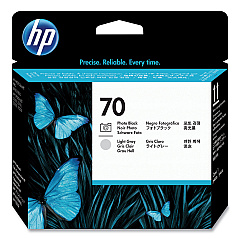
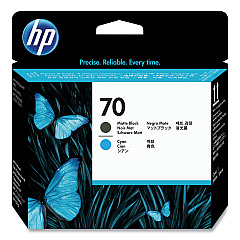
HP DesignJet Z5200 ps Wide Format Printheads

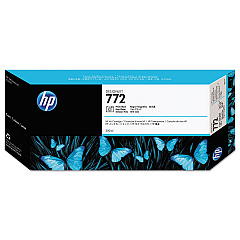
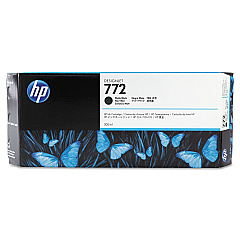
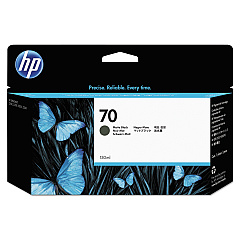
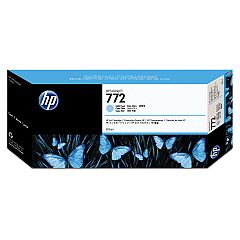
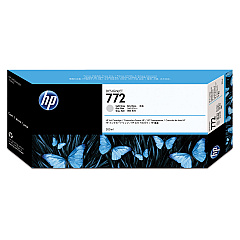
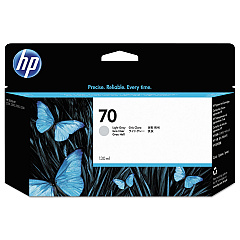
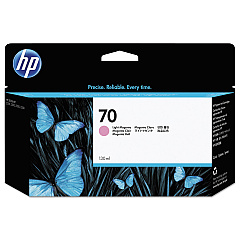
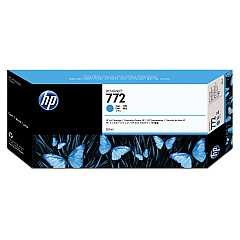
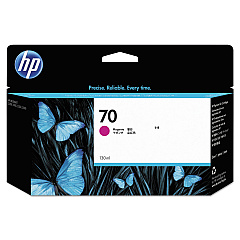
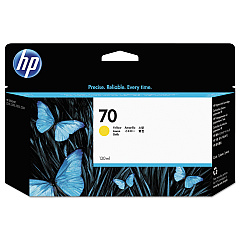
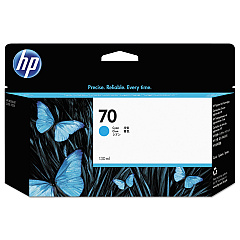
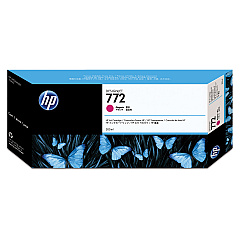
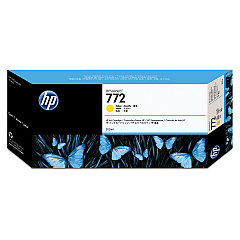
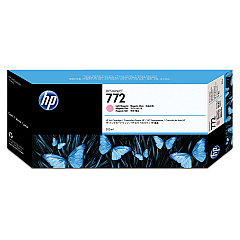
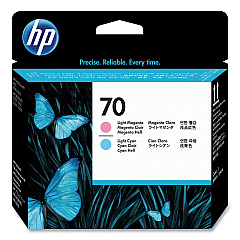
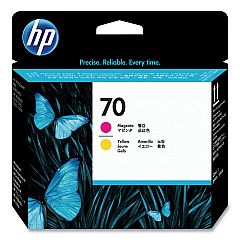
Enhance your wide-format printing capabilities with HP DesignJet Z5200 ps Wide Format Ink Cartridges. This comprehensive range includes high-quality printheads (C9404A, C9405A, C9406A, C9407A) and a diverse selection of ink cartridges in various colors. From matte black (C9448A, CN635A) to vibrant yellows (C9454A, CN630A), these cartridges deliver exceptional color accuracy and longevity. The system utilizes both standard and light variations of key colors, such as magenta (C9453A, CN629A, C9455A, CN631A) and cyan (C9452A, CN636A, CN632A), ensuring smooth gradients and true-to-life prints. With options for photo black (C9449A, CN633A) and light gray (C9451A, CN634A), the HP DesignJet Z5200 ps Wide Format Ink Cartridges provide the versatility needed for a wide range of professional printing applications.

HP DesignJet Z5200 ps Wide Format Ink Cartridges FAQs

  • How long do HP DesignJet Z5200 ps ink cartridges typically last?

    The lifespan of ink cartridges varies depending on usage, but they generally last for several hundred to a few thousand prints.

  • Are these ink cartridges compatible with other HP DesignJet models?

    These cartridges are specifically designed for the HP DesignJet Z5200 ps and may not be compatible with other models.

  • Can I use third-party ink cartridges in my HP DesignJet Z5200 ps?

    While third-party options exist, using genuine HP cartridges ensures optimal print quality and printer performance.

  • How often should I replace the printheads?

    Printheads typically last longer than ink cartridges and should be replaced when print quality noticeably declines or when prompted by the printer.

  • What's the difference between photo black and matte black ink?

    Photo black is ideal for glossy media, while matte black is best for matte or fine art papers, providing deeper blacks on these surfaces.

  • How do I properly store unused ink cartridges?

    Store cartridges in their original packaging at room temperature, away from direct sunlight and heat sources.

  • Can I recycle empty HP ink cartridges?

    Yes, HP offers a recycling program for empty ink cartridges. Check their website for details on how to participate.

  • What should I do if a cartridge is not recognized by the printer?

    Try cleaning the cartridge contacts and reinserting it. If the issue persists, the cartridge may be defective and need replacement.

  • How can I ensure the best print quality with these cartridges?

    Use genuine HP cartridges, perform regular printer maintenance, and use appropriate media for your printing needs.

  • Is it necessary to replace all ink cartridges at the same time?

    No, you only need to replace cartridges as they run out. The printer will indicate which specific cartridges need replacement.

Warehouse Locations

Policy & Agreement | Copyright © 1995-2026 BlueDogInk.com
