




Ads

HP DesignJet T920 PostScript ePrinter Black Ink Cartridges

HP DesignJet T920 PostScript ePrinter Color Ink Cartridges

HP DesignJet T920 PostScript ePrinter Printheads

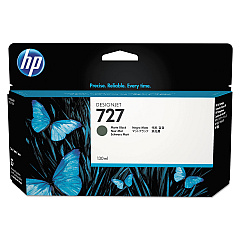
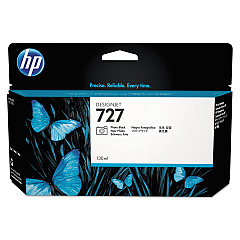
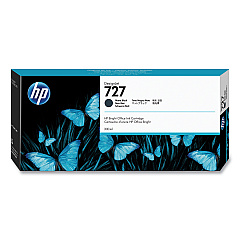
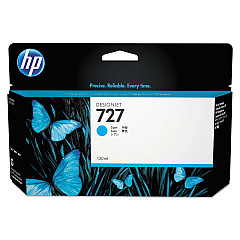
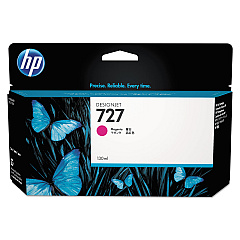
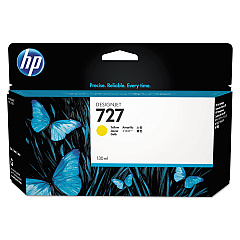
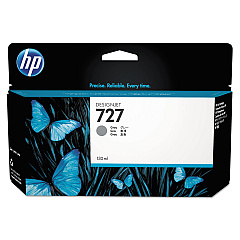
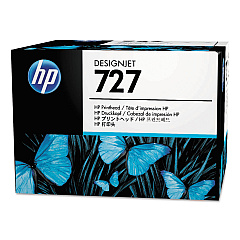
Ensure optimal performance and stunning print quality with genuine HP DesignJet T920 PostScript ePrinter Ink Cartridges. This comprehensive range includes the HP B3P06A Printhead and six individual ink cartridges: Cyan (B3P19A), Magenta (B3P20A), Yellow (B3P21A), Matte Black (B3P22A and C1Q12A), Photo Black (B3P23A), and Gray (B3P24A). These high-capacity cartridges are designed to deliver exceptional color accuracy, sharp lines, and smooth gradients for your large-format printing needs. Whether you're producing architectural drawings, maps, or professional photographs, these ink cartridges ensure consistent, fade-resistant results. Compatible with the HP DesignJet T920 PostScript ePrinter, these supplies are essential for maintaining your printer's efficiency and maximizing its output quality. Invest in genuine HP ink cartridges to protect your printer and guarantee impressive results for all your wide-format printing projects.

HP DesignJet T920 PostScript ePrinter Ink Cartridges FAQs

  • How long do HP DesignJet T920 PostScript ePrinter Ink Cartridges typically last?

    The lifespan of ink cartridges varies depending on usage, but they typically last for several hundred to a few thousand square feet of printing.

  • Are these ink cartridges compatible with other HP DesignJet models?

    These cartridges are specifically designed for the HP DesignJet T920 PostScript ePrinter and may not be compatible with other models.

  • Can I use third-party ink cartridges instead of genuine HP cartridges?

    While third-party cartridges may work, using genuine HP cartridges ensures optimal print quality and helps maintain your printer's warranty.

  • How do I know when it's time to replace an ink cartridge?

    The printer's control panel will display a message when ink levels are low and cartridges need replacement.

  • What's the difference between Matte Black and Photo Black ink cartridges?

    Matte Black is used for printing on matte papers, while Photo Black is optimized for glossy photo papers.

  • Can I replace individual color cartridges, or do I need to replace them all at once?

    You can replace individual cartridges as needed; there's no need to replace all colors simultaneously.

  • How should I store unused ink cartridges?

    Store cartridges in their original packaging at room temperature, away from direct sunlight and heat sources.

  • What should I do if my printer doesn't recognize a new ink cartridge?

    Try removing and reinserting the cartridge. If the issue persists, clean the cartridge contacts and try again.

  • Are these ink cartridges environmentally friendly?

    HP offers a recycling program for used ink cartridges, helping to reduce environmental impact.

  • How often should I replace the printhead (HP B3P06A)?

    The printhead typically lasts much longer than ink cartridges and only needs replacement when print quality noticeably degrades.

Warehouse Locations

Policy & Agreement | Copyright © 1995-2026 BlueDogInk.com
