






Ads

HP Designjet T790 Black Ink Cartridges

HP Designjet T790 Color Ink Cartridges

HP Designjet T790 Ink Set

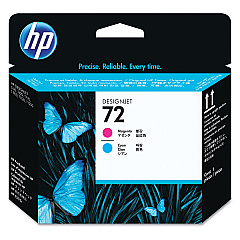
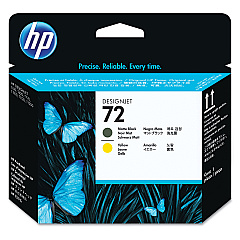
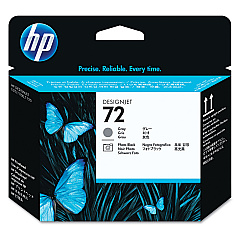
HP Designjet T790 Printheads

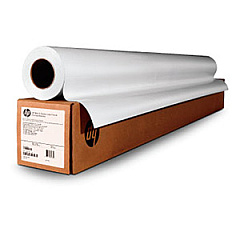
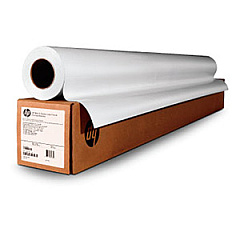
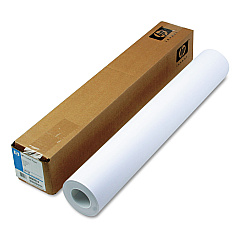
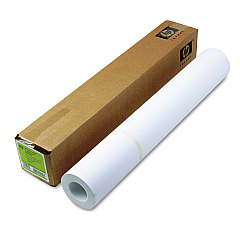
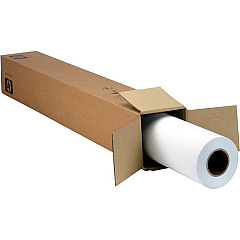
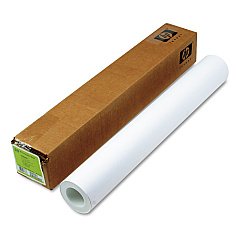
HP Designjet T790 Large Format Paper

HP Designjet T790 Warranty and Services

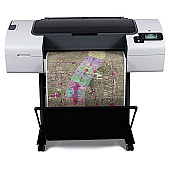
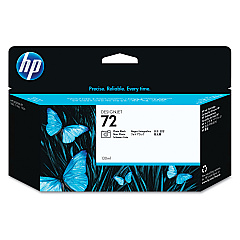
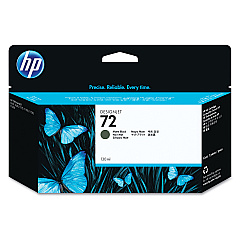
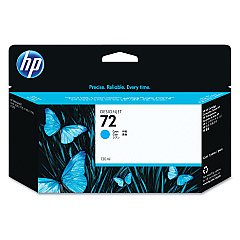
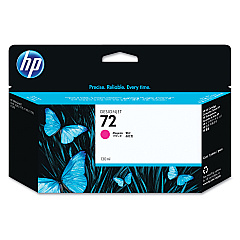
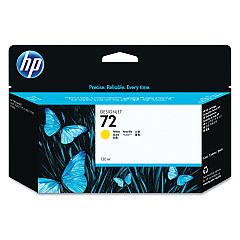
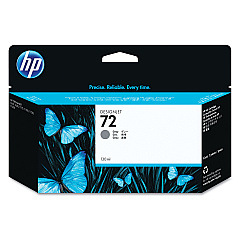
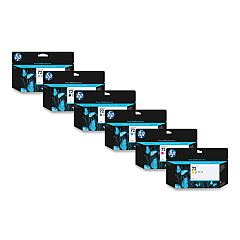
Enhance your printing experience with genuine HP Designjet T790 Ink Cartridges. These high-quality supplies ensure exceptional results for your large-format printing needs. The comprehensive range includes the HP 72 Ink Cartridge Set, featuring Photo Black, Cyan, Magenta, Yellow, Gray, and Matte Black cartridges. Each color is designed to deliver vibrant, long-lasting prints with remarkable detail and accuracy. The set also includes HP C9380A, C9383A, and C9384A Printheads, guaranteeing optimal performance and consistent output. Whether you're printing technical drawings, maps, or high-resolution photos, these cartridges provide the reliability and precision required for professional-grade results. Invest in authentic HP supplies to maximize your Designjet T790 printer's potential and achieve stunning, fade-resistant prints that stand the test of time.

HP Designjet T790 Ink Cartridges FAQs

  • How long do HP Designjet T790 Ink Cartridges typically last?

    The lifespan of ink cartridges varies depending on usage, but they generally last for several hundred to a few thousand pages.

  • Are these ink cartridges compatible with other HP Designjet models?

    HP 72 Ink Cartridges are compatible with several Designjet models, but it's best to check your printer's specifications for exact compatibility.

  • Can I use third-party ink cartridges in my HP Designjet T790?

    While third-party cartridges may work, using genuine HP cartridges ensures optimal print quality and prevents potential damage to your printer.

  • How often should I replace the printheads?

    Printheads typically last longer than ink cartridges. Replace them when print quality noticeably declines or when prompted by the printer.

  • What's the difference between Photo Black and Matte Black ink?

    Photo Black is ideal for glossy media, while Matte Black is best for matte papers and produces deeper blacks on non-glossy surfaces.

  • Can I buy individual ink colors, or do I need to purchase the entire set?

    You can buy individual ink cartridges as needed, allowing you to replace only the colors that are running low.

  • How should I store unused ink cartridges?

    Store cartridges in their original packaging at room temperature, away from direct sunlight and heat sources, to maintain their quality.

  • What should I do if my printer doesn't recognize a new ink cartridge?

    Try removing and reinserting the cartridge, cleaning the contacts, or running a printer diagnostic. If issues persist, contact HP support.

  • Are these ink cartridges environmentally friendly?

    HP offers a recycling program for used cartridges, helping to reduce environmental impact. Check HP's website for details on their recycling initiatives.

  • How can I maximize the lifespan of my ink cartridges?

    Print regularly to prevent ink from drying, use draft mode for non-critical prints, and keep your printer maintained to ensure efficient ink usage.

Warehouse Locations

Policy & Agreement | Copyright © 1995-2026 BlueDogInk.com
