




Ads

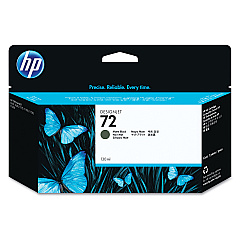
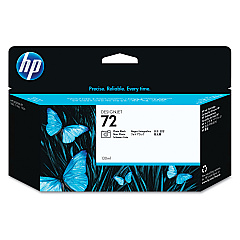
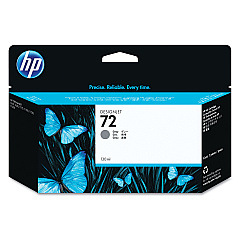
HP DesignJet T790 PostScript ePrinter 44In Black Ink Cartridges

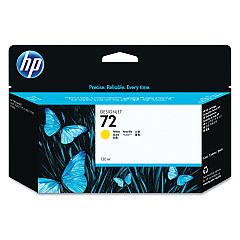
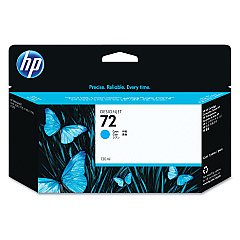
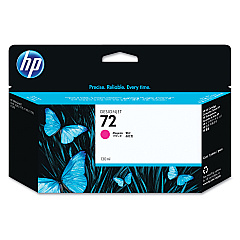
HP DesignJet T790 PostScript ePrinter 44In Color Ink Cartridges

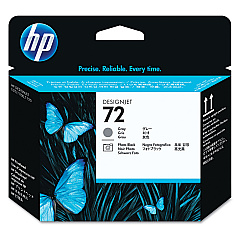
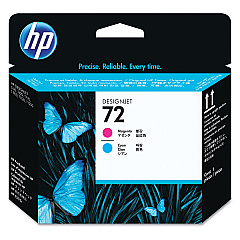
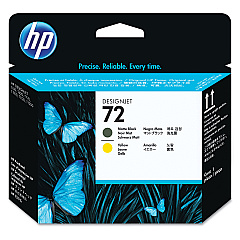
HP DesignJet T790 PostScript ePrinter 44In Printheads

Enhance your printing capabilities with HP DesignJet T790 PostScript ePrinter 44In Ink Cartridges. This comprehensive set includes a range of high-quality ink cartridges and printheads designed to deliver exceptional results for your large-format printing needs. The collection features Photo Black, Cyan, Magenta, Yellow, Gray, and Matte Black ink cartridges, ensuring vibrant colors and sharp details in every print. The HP C9380A, C9383A, and C9384A printheads work in perfect harmony with these inks to produce professional-grade output. Whether you're printing architectural designs, posters, or technical drawings, these genuine HP supplies guarantee optimal performance and longevity for your HP DesignJet T790 PostScript ePrinter. Invest in these reliable cartridges to maintain consistent print quality and maximize your printer's efficiency.

HP DesignJet T790 PostScript ePrinter 44In Ink Cartridges FAQs

  • What ink cartridges are compatible with the HP DesignJet T790 PostScript ePrinter?

    The compatible ink cartridges are HP C9370A, C9371A, C9372A, C9373A, C9374A, and C9403A.

  • How many printheads are required for the HP DesignJet T790?

    The HP DesignJet T790 requires three printheads: HP C9380A, C9383A, and C9384A.

  • What is the page yield for these ink cartridges?

    Page yield varies depending on the specific cartridge and print content. It's best to check the product specifications for each cartridge.

  • Are these genuine HP ink cartridges?

    Yes, all the listed cartridges and printheads are genuine HP products.

  • Can I use third-party ink cartridges in the HP DesignJet T790?

    While third-party cartridges may work, HP recommends using genuine HP supplies for optimal performance and print quality.

  • How often should I replace the printheads?

    Printhead replacement frequency depends on usage. Replace them when print quality deteriorates or when prompted by the printer.

  • What's the difference between Photo Black and Matte Black ink?

    Photo Black is ideal for glossy media, while Matte Black is best for matte papers and produces deeper blacks on non-glossy media.

  • Can I buy these ink cartridges individually?

    Yes, you can purchase each ink cartridge and printhead separately as needed.

  • How do I install new ink cartridges in the HP DesignJet T790?

    Open the ink cartridge cover, remove the old cartridge, insert the new one, and close the cover. The printer will recognize the new cartridge automatically.

  • Are these ink cartridges environmentally friendly?

    HP offers a recycling program for used ink cartridges, helping to reduce environmental impact. Check HP's website for details on their recycling initiatives.

Warehouse Locations

Policy & Agreement | Copyright © 1995-2026 BlueDogInk.com
