




Ads

HP DesignJet T790 PostScript ePrinter 24In Black Ink Cartridges

HP DesignJet T790 PostScript ePrinter 24In Color Ink Cartridges

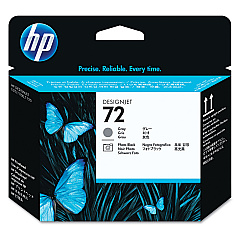
HP DesignJet T790 PostScript ePrinter 24In Printheads

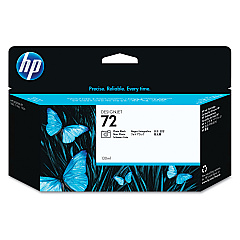
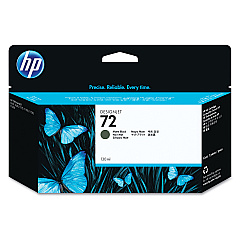
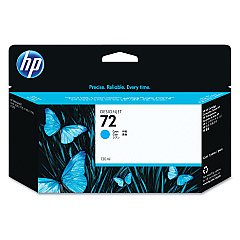
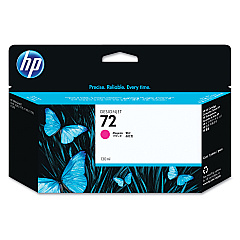
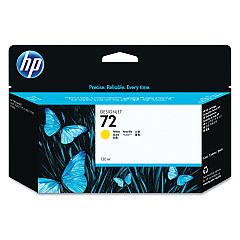
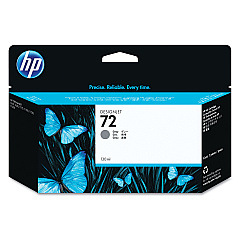
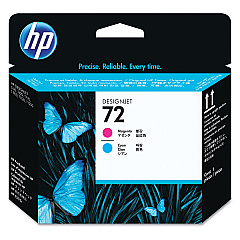
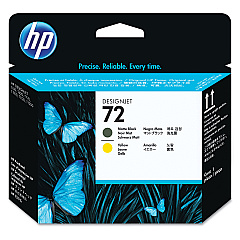
Enhance your printing capabilities with genuine HP DesignJet T790 PostScript ePrinter 24In Ink Cartridges. These high-quality ink cartridges are designed to deliver exceptional results for your large-format printing needs. The comprehensive range includes Photo Black (C9370A), Cyan (C9371A), Magenta (C9372A), Yellow (C9373A), Gray (C9374A), and Matte Black (C9403A) ink cartridges, ensuring vibrant and accurate color reproduction. Additionally, the set features three printheads (C9380A, C9383A, C9384A) for optimal print quality and efficiency. Whether you're printing architectural designs, maps, or high-resolution photos, these ink cartridges provide consistent, professional-grade output. Trust in HP's reliable technology to produce crisp lines, smooth gradients, and true-to-life colors that meet the demands of businesses, educational institutions, and creative professionals alike.

HP DesignJet T790 PostScript ePrinter 24In Ink Cartridges FAQs

  • How long do HP DesignJet T790 ink cartridges typically last?

    The lifespan of ink cartridges varies depending on usage, but they generally last for several hundred to a few thousand square feet of printing.

  • Are these ink cartridges compatible with other HP DesignJet models?

    These cartridges are specifically designed for the HP DesignJet T790 PostScript ePrinter. Always check your printer's compatibility before purchasing.

  • How often should I replace the printheads?

    Printheads typically last longer than ink cartridges. Replace them when print quality noticeably declines or when prompted by the printer.

  • Can I use third-party ink cartridges in my HP DesignJet T790?

    While third-party options exist, using genuine HP cartridges ensures optimal print quality and prevents potential damage to your printer.

  • What's the difference between Photo Black and Matte Black ink?

    Photo Black is ideal for glossy media, while Matte Black is best for matte papers, providing deeper blacks on non-glossy surfaces.

  • How do I properly store unused ink cartridges?

    Store cartridges in their original packaging at room temperature, away from direct sunlight and heat sources, to maintain their quality.

  • Are these ink cartridges environmentally friendly?

    HP offers a recycling program for used cartridges, promoting environmental sustainability.

  • What should I do if my printer doesn't recognize a new cartridge?

    Ensure the cartridge is properly installed and clean the contacts. If issues persist, contact HP support for assistance.

  • How can I maximize the lifespan of my ink cartridges?

    Regularly use your printer, store it properly when not in use, and clean printheads as recommended to extend cartridge life.

  • Do these cartridges come with a warranty?

    Yes, genuine HP ink cartridges typically come with a warranty. Check the packaging or HP's website for specific warranty details.

Warehouse Locations

Policy & Agreement | Copyright © 1995-2026 BlueDogInk.com
