




Ads

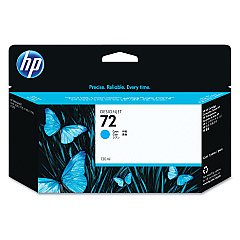
HP DesignJet T790 ePrinter 44In Black Ink Cartridges

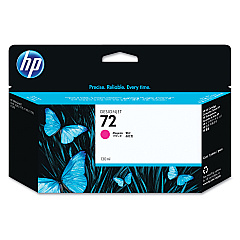
HP DesignJet T790 ePrinter 44In Color Ink Cartridges

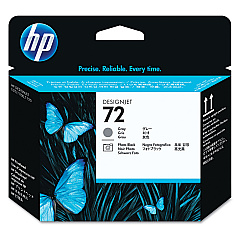
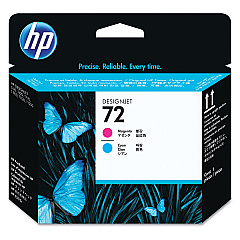
HP DesignJet T790 ePrinter 44In Printheads

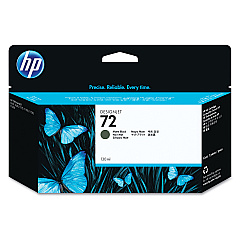
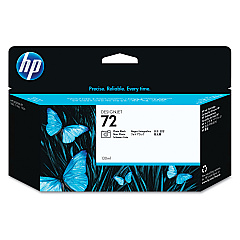
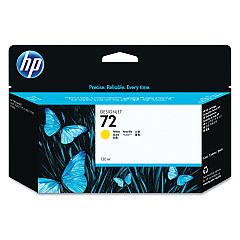
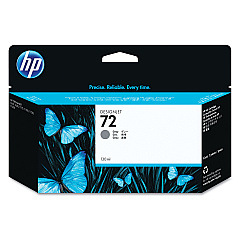
Enhance your HP DesignJet T790 ePrinter 44In with premium ink cartridges designed for exceptional print quality. Our comprehensive range includes the HP C9370A Photo Black, C9371A Cyan, C9372A Magenta, C9373A Yellow, C9374A Gray, and C9403A Matte Black ink cartridges. These genuine HP supplies ensure vibrant colors, sharp details, and long-lasting prints. For optimal performance, pair them with HP C9380A, C9383A, and C9384A printheads. Whether you're printing architectural designs, GIS maps, or high-resolution photos, these HP DesignJet T790 ePrinter 44In Ink Cartridges deliver professional results every time. Trust in the reliability and consistency of HP's advanced ink technology to bring your large-format printing projects to life with stunning clarity and precision.

HP DesignJet T790 ePrinter 44In Ink Cartridges FAQs

  • How long do HP DesignJet T790 ink cartridges typically last?

    The lifespan of ink cartridges varies depending on usage, but they generally last for several hundred to a few thousand square feet of printing.

  • Are these ink cartridges compatible with other HP DesignJet models?

    These cartridges are specifically designed for the HP DesignJet T790 ePrinter. Always check your printer's compatibility before purchasing.

  • How often should I replace the printheads?

    Printheads typically last longer than ink cartridges. Replace them when print quality noticeably declines or when prompted by the printer.

  • Can I use third-party ink cartridges in my HP DesignJet T790?

    While third-party options exist, using genuine HP cartridges ensures optimal print quality and prevents potential damage to your printer.

  • What's the difference between Photo Black and Matte Black ink?

    Photo Black is ideal for glossy media, while Matte Black is best for matte papers and produces deeper blacks on non-glossy surfaces.

  • How should I store unused ink cartridges?

    Store cartridges in their original packaging at room temperature, away from direct sunlight and heat sources, to maintain their quality.

  • Can I recycle empty HP ink cartridges?

    Yes, HP offers a free recycling program for empty ink cartridges. Visit their website for details on how to participate.

  • What should I do if my printer doesn't recognize a new cartridge?

    Try cleaning the cartridge contacts, ensuring it's properly seated, and restarting the printer. If issues persist, contact HP support.

  • How can I tell if my ink cartridge is genuine HP?

    Look for the HP hologram on the packaging and use the HP Sure Supply verification tool on their website to confirm authenticity.

  • Is it necessary to replace all ink cartridges at once?

    No, you can replace individual cartridges as they run out. However, replacing them all at once can ensure consistent color output.

Warehouse Locations

Policy & Agreement | Copyright © 1995-2026 BlueDogInk.com
