




HP DesignJet T650 24-in Black Ink Cartridges

HP DesignJet T650 24-in Color Ink Cartridges

HP DesignJet T650 24-in Printheads

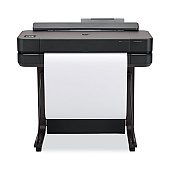
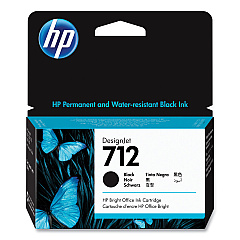
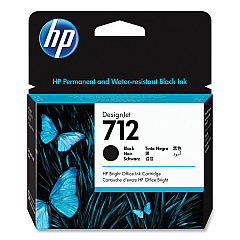
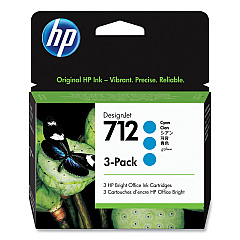
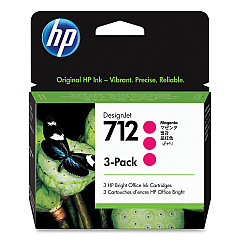
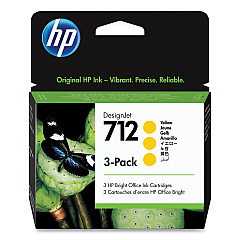
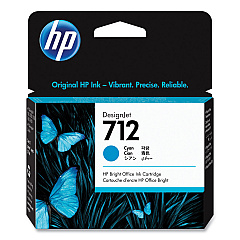
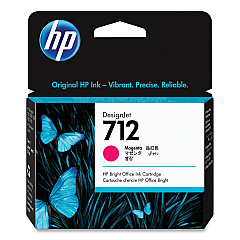
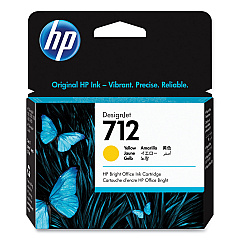
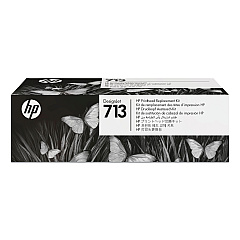
Enhance your printing experience with genuine HP DesignJet T650 24-in Ink Cartridges. These high-quality cartridges are designed to deliver exceptional color accuracy and sharp, precise lines for your large-format printing needs. The range includes HP 712 cartridges in Cyan (3ED67A, 3ED77A), Magenta (3ED68A, 3ED78A), Yellow (3ED69A, 3ED79A), and Black (3ED70A, 3ED71A), ensuring vibrant and long-lasting prints. The HP 713 Printhead (3ED58A) complements these cartridges, providing optimal performance and reliability. Whether you're printing technical drawings, maps, or posters, these ink cartridges are engineered to work seamlessly with your HP DesignJet T650 24-in printer, delivering professional-quality results every time. Trust in HP's innovative technology to bring your ideas to life with stunning clarity and color fidelity.

HP DesignJet T650 24-in Ink Cartridges FAQs

  • What is the difference between the various HP 712 cartridges?

    The HP 712 cartridges come in different colors (Cyan, Magenta, Yellow, Black) and capacities. Some models have higher ink volumes for extended printing.

  • How often should I replace the HP 713 Printhead?

    The HP 713 Printhead typically lasts for the lifetime of the printer, but it may need replacement if print quality deteriorates significantly.

  • Are these cartridges compatible with other HP DesignJet models?

    These cartridges are specifically designed for the HP DesignJet T650 24-in printer. Always check your printer's compatibility before purchasing.

  • What is the shelf life of these ink cartridges?

    Unopened HP ink cartridges typically have a shelf life of 1-2 years from the date of manufacture when stored properly.

  • Can I use third-party ink cartridges in my HP DesignJet T650?

    While third-party cartridges may work, HP recommends using genuine HP cartridges for optimal print quality and to maintain warranty coverage.

  • How do I install these ink cartridges?

    Installation is simple: open the ink cartridge door, remove the old cartridge, insert the new one, and close the door. The printer will recognize the new cartridge automatically.

  • What should I do if my printer doesn't recognize a new cartridge?

    Try removing and reinserting the cartridge. If the issue persists, clean the cartridge contacts and try again. If problems continue, contact HP support.

  • How can I check the ink levels in my HP DesignJet T650?

    You can check ink levels through the printer's control panel or via the HP software on your computer.

  • Are these cartridges environmentally friendly?

    HP offers a recycling program for used cartridges. You can return empty cartridges to HP for free, environmentally responsible recycling.

  • What's the average page yield for these cartridges?

    Page yield varies depending on the specific cartridge and print content. Check the product specifications for estimated yields based on ISO/IEC standards.

Warehouse Locations

Policy & Agreement | Copyright © 1995-2026 BlueDogInk.com
