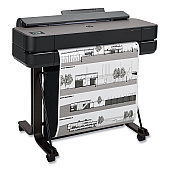
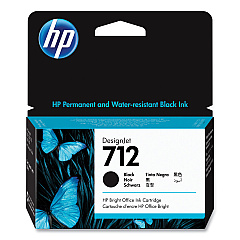
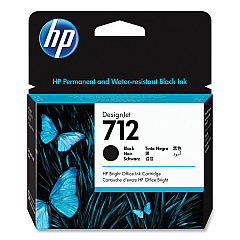





HP DesignJet T630 Black Ink Cartridges

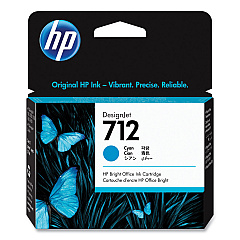
HP DesignJet T630 Color Ink Cartridges

HP DesignJet T630 Printheads

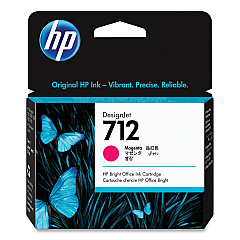
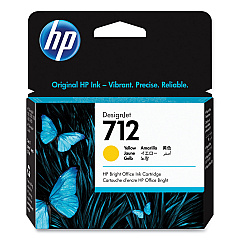
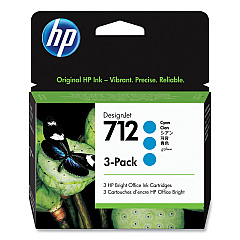
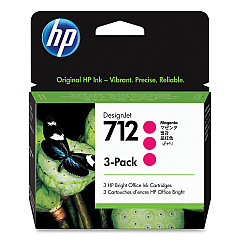
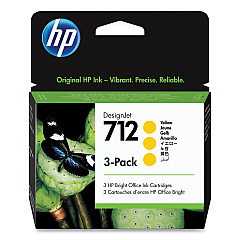
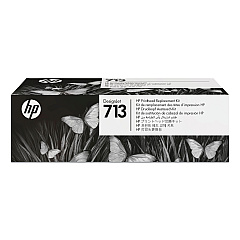
Elevate your large-format printing with genuine HP DesignJet T630 Ink Cartridges. These high-quality ink cartridges are designed to deliver exceptional color accuracy and sharp detail for your technical drawings, maps, and presentations. The range includes HP 712 cartridges in Cyan (3ED67A, 3ED77A), Magenta (3ED68A, 3ED78A), Yellow (3ED69A, 3ED79A), and Black (3ED70A, 3ED71A), ensuring vibrant and long-lasting prints. The HP 713 Printhead (3ED58A) complements these cartridges, providing consistent and reliable performance. Whether you're in architecture, engineering, or any field requiring precise large-format printing, these HP DesignJet T630 Ink Cartridges deliver professional-grade results. Experience the perfect balance of quality and efficiency with these genuine HP supplies, optimized for your DesignJet T630 printer.

HP DesignJet T630 Printers Supplies FAQs

  • What is the page yield for HP 712 ink cartridges?

    Page yield varies depending on the specific cartridge and printing conditions. For exact yields, please refer to the product specifications on the HP website.

  • Are these ink cartridges compatible with other HP DesignJet models?

    HP 712 ink cartridges are specifically designed for the HP DesignJet T630 series. Always check your printer's compatibility before purchasing.

  • How often should I replace the HP 713 Printhead?

    The HP 713 Printhead typically lasts for the lifetime of the printer under normal usage conditions. Replace only if print quality issues persist after cleaning.

  • Can I use non-HP ink cartridges in my DesignJet T630?

    While third-party cartridges may work, using genuine HP ink cartridges ensures optimal print quality and helps maintain your printer's warranty.

  • What's the difference between the standard and high-capacity HP 712 cartridges?

    High-capacity cartridges (e.g., 3ED77A) contain more ink than standard cartridges (e.g., 3ED67A), allowing for more prints before replacement.

  • How should I store unused ink cartridges?

    Store cartridges in their original packaging at room temperature until ready for use. Avoid extreme temperatures and direct sunlight.

  • Are these ink cartridges environmentally friendly?

    HP offers a recycling program for used ink cartridges. Check the HP website for details on their sustainability initiatives.

  • What should I do if I experience print quality issues?

    First, run a printhead cleaning cycle. If issues persist, check ink levels and replace cartridges if necessary. Consult the printer manual for troubleshooting steps.

  • Can I mix old and new ink cartridges in my printer?

    While it's possible, for best results, it's recommended to replace all cartridges at the same time to ensure consistent print quality.

  • How long do unopened ink cartridges last?

    Unopened HP ink cartridges typically have a shelf life of 1-2 years from the manufacture date. Check the expiration date on the packaging for specific information.

Warehouse Locations

Policy & Agreement | Copyright © 1995-2026 BlueDogInk.com
