




Ads

HP DesignJet T610 24in. - 44 in. Black Ink Cartridges

HP DesignJet T610 24in. - 44 in. Color Ink Cartridges

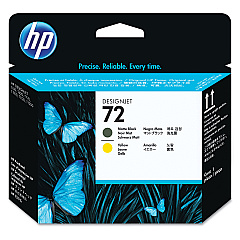
HP DesignJet T610 24in. - 44 in. Printheads

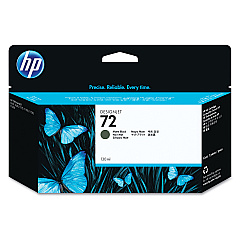
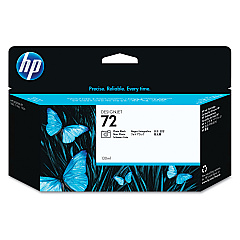
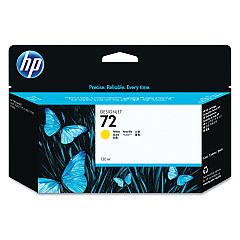
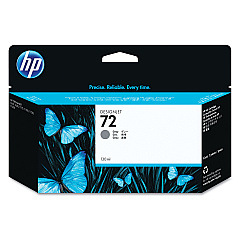
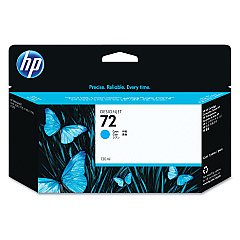
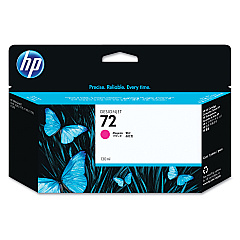
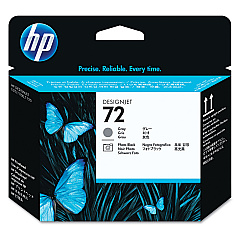
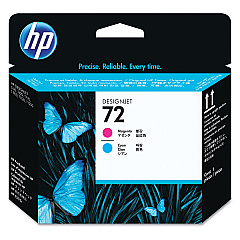
Enhance your printing capabilities with genuine HP DesignJet T610 24in. - 44 in. Ink Cartridges. These high-quality ink cartridges are designed specifically for the HP DesignJet T610 series, ensuring optimal performance and stunning print results. The comprehensive range includes Photo Black, Cyan, Magenta, Yellow, Gray, and Matte Black ink cartridges, along with compatible printheads. Whether you're producing architectural drawings, GIS maps, or vibrant posters, these cartridges deliver exceptional color accuracy and sharp detail. The HP C9370A, C9371A, C9372A, C9373A, C9374A, and C9403A ink cartridges work seamlessly with the C9380A, C9383A, and C9384A printheads to produce professional-grade prints. Trust in HP's reliable technology to keep your large-format printing projects running smoothly and efficiently.

HP DesignJet T610 24in. - 44 in. Ink Cartridges FAQs

  • What is the page yield for these ink cartridges?

    Page yield varies depending on the specific cartridge and print content. It's best to check the product specifications for each individual cartridge.

  • Are these cartridges compatible with other HP DesignJet models?

    These cartridges are specifically designed for the HP DesignJet T610 series. Always check your printer's compatibility before purchasing.

  • How often should I replace the printheads?

    Printhead replacement frequency depends on usage. Replace them when print quality noticeably declines or when prompted by the printer.

  • Can I use third-party ink cartridges in my HP DesignJet T610?

    While third-party cartridges may work, using genuine HP cartridges ensures optimal print quality and printer performance.

  • How do I install these ink cartridges?

    Follow the instructions in your printer's user manual. Generally, you'll need to open the ink cartridge cover, remove the old cartridge, and insert the new one until it clicks into place.

  • What's the shelf life of these ink cartridges?

    Unopened cartridges typically have a shelf life of 1-2 years. Always check the expiration date on the packaging.

  • Are these cartridges recyclable?

    Yes, HP offers a recycling program for used ink cartridges. Visit HP's website for more information on their recycling initiatives.

  • What should I do if my printer doesn't recognize the new cartridge?

    Try removing and reinserting the cartridge. If the issue persists, clean the cartridge contacts and try again. If problems continue, contact HP support.

  • Can I mix old and new ink cartridges in my printer?

    It's generally recommended to replace all cartridges at the same time for optimal print quality, but you can replace individual cartridges as needed.

  • How can I ensure the best print quality with these cartridges?

    Use genuine HP cartridges, keep your printer clean and well-maintained, and use appropriate paper for your printing needs. Regularly calibrate your printer as recommended in the user manual.

Warehouse Locations

Policy & Agreement | Copyright © 1995-2026 BlueDogInk.com
