




Ads

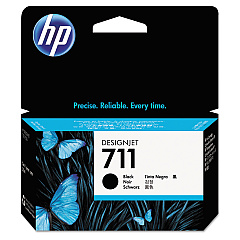
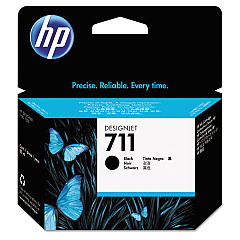
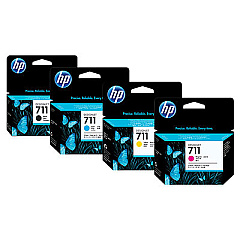
HP DesignJet T530 Black Ink Cartridges

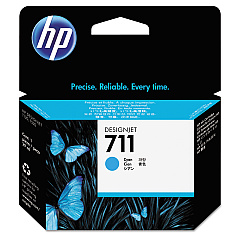
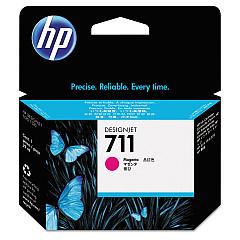
HP DesignJet T530 Color Ink Cartridges

HP DesignJet T530 Ink Set

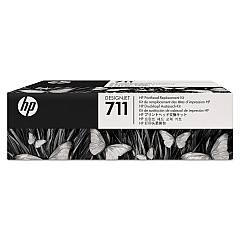
HP DesignJet T530 Printheads

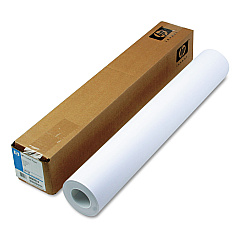
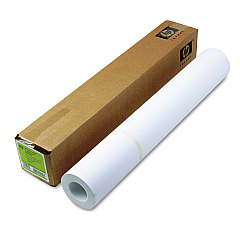
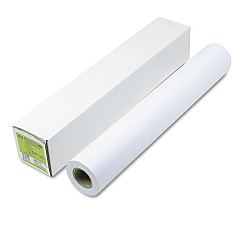
HP DesignJet T530 Large Format Paper

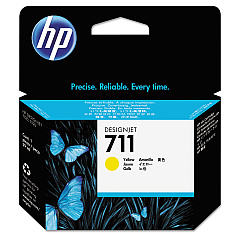
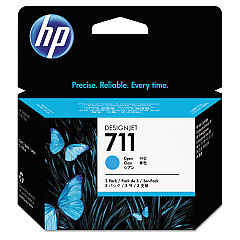
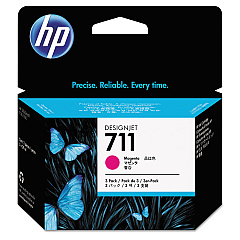
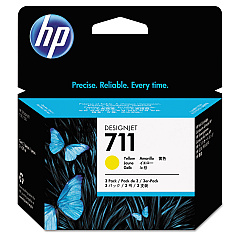
Enhance your large-format printing with genuine HP DesignJet T530 Ink Cartridges. These high-quality ink cartridges are designed to deliver exceptional color accuracy and sharp detail for your technical drawings, maps, and presentations. The comprehensive range includes the HP 711 Ink Cartridge Set, HP C1Q10A Printhead, and individual cartridges in black, cyan, magenta, and yellow. For high-volume printing, consider the cost-effective 3-pack options in cyan, magenta, and yellow. These cartridges work seamlessly with your HP DesignJet T530 printer to produce professional-grade prints up to 36 inches wide. Whether you're in architecture, engineering, or graphic design, these ink cartridges ensure your work stands out with vibrant colors and crisp lines. Trust in HP's reliable performance and consistent output quality to meet your large-format printing needs.

HP DesignJet T530 Ink Cartridges FAQs

  • What is the page yield for HP DesignJet T530 Ink Cartridges?

    Page yield varies depending on the specific cartridge and print content. For exact yields, refer to the product specifications on the HP website.

  • Are these ink cartridges compatible with other HP DesignJet models?

    These cartridges are specifically designed for the HP DesignJet T530 series. Always check your printer's compatibility before purchasing.

  • How often should I replace the HP C1Q10A Printhead?

    Printhead replacement frequency depends on usage. Replace when print quality deteriorates or when prompted by the printer.

  • Can I use third-party ink cartridges in my HP DesignJet T530?

    While third-party cartridges may work, HP recommends using genuine HP ink cartridges for optimal print quality and printer performance.

  • What's the difference between the standard and high-capacity ink cartridges?

    High-capacity cartridges contain more ink and are more cost-effective for high-volume printing needs.

  • How do I install new ink cartridges in my HP DesignJet T530?

    Follow the instructions in your printer's user manual. Generally, you'll need to open the ink cartridge cover, remove the old cartridge, and insert the new one until it clicks into place.

  • Are these ink cartridges environmentally friendly?

    HP offers a recycling program for used ink cartridges. Check the HP website for details on how to participate in their recycling initiative.

  • How long do unopened ink cartridges last?

    Unopened cartridges typically last up to 24 months from the date of manufacture when stored properly.

  • Can I mix different brands of ink cartridges in my HP DesignJet T530?

    It's not recommended to mix brands. Using non-HP cartridges may void your printer's warranty and could potentially damage the printer.

  • What should I do if my printer doesn't recognize a new ink cartridge?

    Try removing and reinserting the cartridge. If the issue persists, clean the cartridge contacts and try again. If problems continue, contact HP support.

Warehouse Locations

Policy & Agreement | Copyright © 1995-2026 BlueDogInk.com
