







Ads

HP DesignJet T530 24-in Black Ink Cartridges

HP DesignJet T530 24-in Color Ink Cartridges

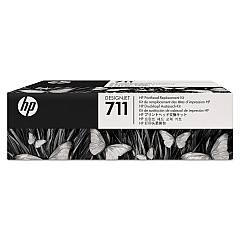
HP DesignJet T530 24-in Printheads

HP DesignJet T530 24-in Warranty and Services

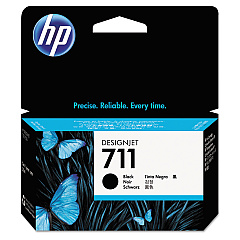
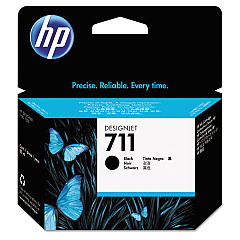
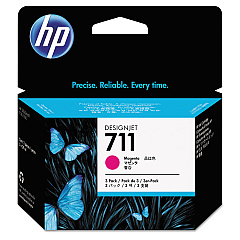
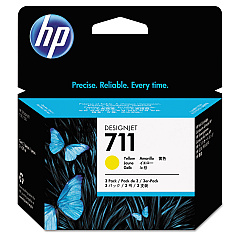
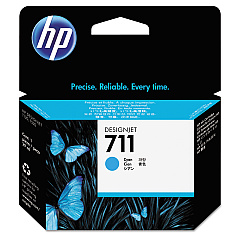
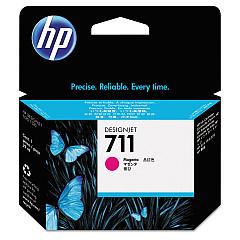
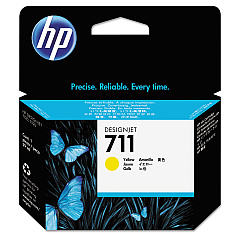
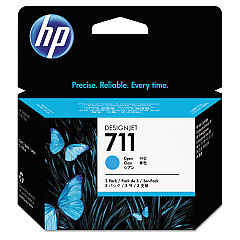
Enhance your printing experience with genuine HP DesignJet T530 24-in Ink Cartridges. These high-quality ink cartridges are designed to deliver exceptional results for your large-format printing needs. The range includes the HP C1Q10A Printhead and individual color cartridges in black, cyan, magenta, and yellow (HP CZ129A, CZ130A, CZ131A, CZ132A, CZ133A). For added convenience, 3-pack options are available for cyan, magenta, and yellow (HP CZ134A, CZ135A, CZ136A). These cartridges ensure vibrant, long-lasting prints with sharp details and smooth color transitions. Compatible with the HP DesignJet T530 24-in printer, these ink cartridges are perfect for businesses, educational institutions, and design professionals who demand top-notch print quality and reliability. Invest in genuine HP ink cartridges to maximize your printer's performance and produce stunning large-format prints every time.

HP DesignJet T530 24-in Printers Supplies FAQs

  • What is the difference between HP CZ129A and HP CZ133A black ink cartridges?

    HP CZ129A is a standard black ink cartridge, while HP CZ133A is a high-capacity black ink cartridge, offering more prints before replacement.

  • Are these ink cartridges compatible with other HP DesignJet models?

    These cartridges are specifically designed for the HP DesignJet T530 24-in printer. Always check your printer's compatibility before purchasing ink cartridges.

  • How often should I replace the HP C1Q10A Printhead?

    The printhead typically lasts for the lifetime of the printer, but it may need replacement if print quality deteriorates significantly.

  • What are the benefits of using genuine HP ink cartridges?

    Genuine HP ink cartridges ensure optimal print quality, reliability, and longevity of your printer, and are covered by HP's warranty.

  • How many pages can I print with a single ink cartridge?

    Page yield varies depending on the specific cartridge and print content. Refer to HP's specifications for estimated page yields.

  • Can I use third-party ink cartridges in my HP DesignJet T530 24-in printer?

    While third-party cartridges may work, they can potentially damage your printer and void the warranty. It's recommended to use genuine HP ink cartridges.

  • What is the shelf life of these ink cartridges?

    Unopened ink cartridges typically have a shelf life of 1-2 years. Always check the expiration date on the package.

  • How do I properly store unused ink cartridges?

    Store unused cartridges in their original packaging, at room temperature, and away from direct sunlight to maintain their quality.

  • Are these ink cartridges environmentally friendly?

    HP offers a recycling program for used ink cartridges, helping to reduce environmental impact.

  • What should I do if I experience print quality issues with these cartridges?

    First, ensure the cartridges are properly installed and not expired. If issues persist, run a printer diagnostic and cleaning cycle, or contact HP support for assistance.

Warehouse Locations

Policy & Agreement | Copyright © 1995-2026 BlueDogInk.com
