




Ads

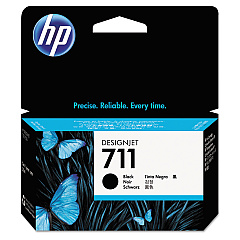
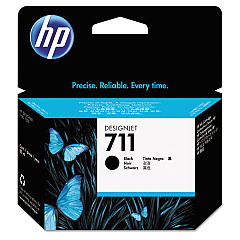
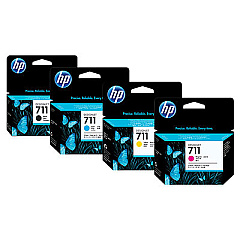
HP DesignJet T525 36-in Black Ink Cartridges

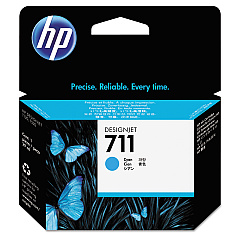
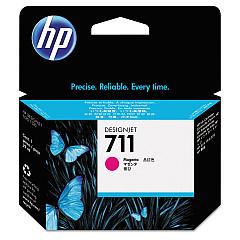
HP DesignJet T525 36-in Color Ink Cartridges

HP DesignJet T525 36-in Ink Set

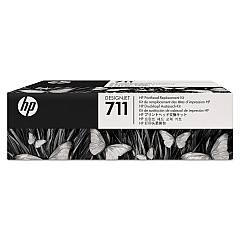
HP DesignJet T525 36-in Printheads

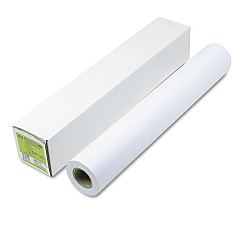
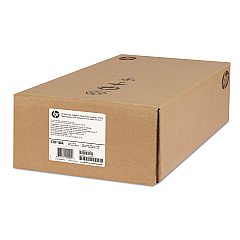
HP DesignJet T525 36-in Large Format Paper

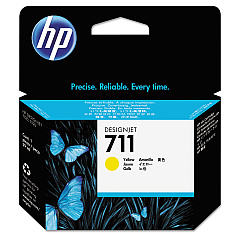
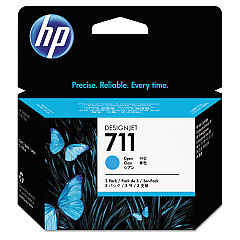
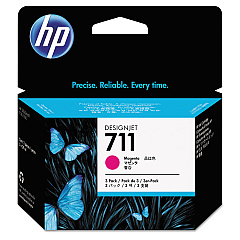
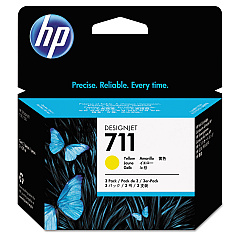
Enhance your printing capabilities with genuine HP DesignJet T525 36-in Ink Cartridges. These high-quality ink cartridges are designed to deliver exceptional results for your large-format printing needs. The comprehensive range includes the HP 711 Ink Cartridge Set, HP C1Q10A Printhead, and individual color cartridges in black, cyan, magenta, and yellow. For high-volume printing, consider the convenient 3-pack options available in cyan, magenta, and yellow. These cartridges ensure vibrant colors, sharp text, and precise line accuracy, making them ideal for technical drawings, maps, and presentations. Compatible with the HP DesignJet T525 36-in printer, these ink cartridges provide reliable performance and consistent output quality. Whether you're in architecture, engineering, or graphic design, trust HP's original ink cartridges to bring your ideas to life with professional-grade results.

HP DesignJet T525 36-in Ink Cartridges FAQs

  • What ink cartridges are compatible with the HP DesignJet T525 36-in printer?

    The HP DesignJet T525 36-in printer is compatible with HP 711 Ink Cartridge Set, HP C1Q10A Printhead, and individual color cartridges including HP CZ129A Black, HP CZ130A Cyan, HP CZ131A Magenta, and HP CZ132A Yellow.

  • Are there high-capacity ink options available?

    Yes, HP offers high-capacity options such as the HP CZ133A Black Ink Cartridge and 3-pack options for cyan, magenta, and yellow (HP CZ134A, CZ135A, and CZ136A respectively).

  • How often should I replace the printhead?

    The printhead (HP C1Q10A) typically lasts longer than ink cartridges. Replace it when you notice a decline in print quality that cannot be resolved by cleaning or replacing ink cartridges.

  • Can I use non-HP ink cartridges in my DesignJet T525 36-in printer?

    While third-party cartridges may work, HP recommends using genuine HP ink cartridges to ensure optimal print quality and printer performance.

  • How do I know when it's time to replace an ink cartridge?

    Your printer will display a message when ink levels are low. You can also check ink levels through the printer's control panel or printer software.

  • Are these ink cartridges environmentally friendly?

    HP offers a recycling program for used ink cartridges. You can return empty cartridges to HP for free, environmentally responsible recycling.

  • What's the shelf life of unopened HP ink cartridges?

    Unopened HP ink cartridges typically have a shelf life of 1-2 years from the date of manufacture when stored properly.

  • Can I buy individual color cartridges or do I need to replace all colors at once?

    You can buy and replace individual color cartridges as needed. There's no need to replace all colors simultaneously unless they're all depleted.

  • How many pages can I print with one set of ink cartridges?

    Page yield varies depending on the complexity of your prints. Refer to HP's specifications for estimated page yields for each cartridge type.

  • Are these ink cartridges covered by warranty?

    Yes, HP ink cartridges are covered by warranty against defects in materials and workmanship for the period of the cartridge's shelf life or until the HP ink is depleted, whichever occurs first.

Warehouse Locations

Policy & Agreement | Copyright © 1995-2026 BlueDogInk.com
