




Ads

HP DesignJet T520 ePrinter - 24 in. Black Ink Cartridges

HP DesignJet T520 ePrinter - 24 in. Color Ink Cartridges

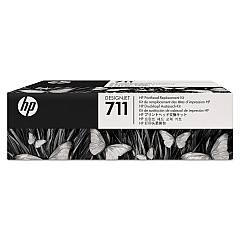
HP DesignJet T520 ePrinter - 24 in. Printheads

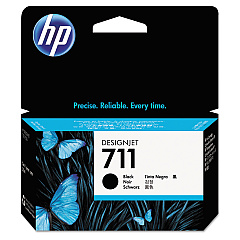
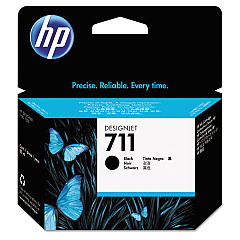
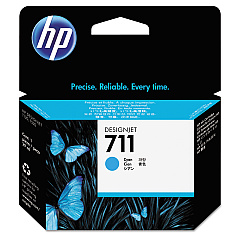
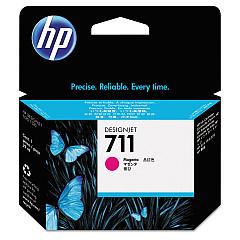
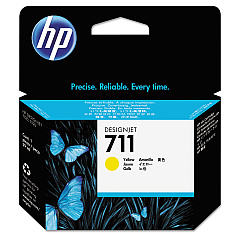
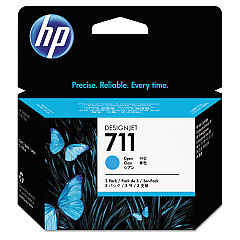
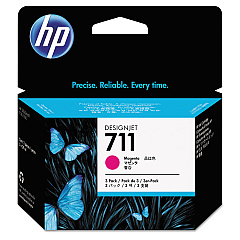
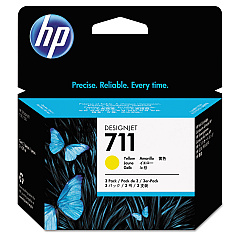
Enhance your printing experience with genuine HP DesignJet T520 ePrinter - 24 in. Ink Cartridges. These high-quality ink cartridges are designed to deliver exceptional results for your large-format printing needs. The range includes the HP C1Q10A Printhead and individual color cartridges: CZ129A Black, CZ130A Cyan, CZ131A Magenta, and CZ132A Yellow. For higher volume printing, opt for the CZ133A Black Ink Cartridge or the convenient 3-pack options in Cyan (CZ134A), Magenta (CZ135A), and Yellow (CZ136A). These cartridges ensure vibrant colors, sharp text, and precise line quality, making them ideal for technical drawings, maps, and presentations. Compatible with the HP DesignJet T520 ePrinter - 24 in., these cartridges are engineered to work seamlessly with your printer, providing reliable performance and professional-grade output for businesses, educational institutions, and design professionals.

HP DesignJet T520 ePrinter - 24 in. Ink Cartridges FAQs

  • What is the page yield for these ink cartridges?

    Page yield varies depending on the specific cartridge and printing content. It's best to check the product specifications for each cartridge model.

  • Are these cartridges compatible with other HP DesignJet models?

    These cartridges are specifically designed for the HP DesignJet T520 ePrinter - 24 in. model. Always check your printer's compatibility before purchasing.

  • How long do these ink cartridges last?

    The lifespan of the cartridges depends on usage frequency and print volume. Under normal conditions, they can last several months to a year.

  • Can I use third-party ink cartridges instead of genuine HP ones?

    While third-party options exist, using genuine HP cartridges ensures optimal print quality and prevents potential damage to your printer.

  • What's the difference between the regular black cartridge and the high-capacity black cartridge?

    The high-capacity black cartridge (CZ133A) contains more ink and is suitable for higher volume printing, offering better value for frequent users.

  • How do I install these ink cartridges?

    Installation is straightforward. Open the printer's ink cartridge access door, remove the old cartridge, and insert the new one until it clicks into place.

  • Are these cartridges environmentally friendly?

    HP offers a recycling program for used cartridges, promoting environmental sustainability. Check HP's website for details on their recycling initiatives.

  • What should I do if my printer doesn't recognize the new cartridge?

    Ensure the cartridge is properly seated and the contacts are clean. If issues persist, consult your printer's manual or contact HP support.

  • Can I buy these cartridges in bulk?

    Yes, HP offers 3-pack options for cyan, magenta, and yellow cartridges, which can be more economical for high-volume users.

  • How often should I replace the printhead?

    The printhead (HP C1Q10A) typically lasts longer than ink cartridges. Replace it when print quality deteriorates and cannot be resolved by cleaning or replacing ink cartridges.

Warehouse Locations

Policy & Agreement | Copyright © 1995-2026 BlueDogInk.com
