




Ads

HP DesignJet T2530 ps Black Ink Cartridges

HP DesignJet T2530 ps Color Ink Cartridges

HP DesignJet T2530 ps Printheads

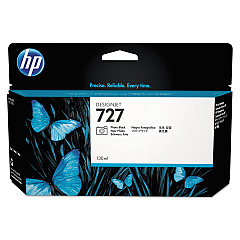
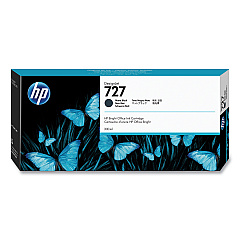
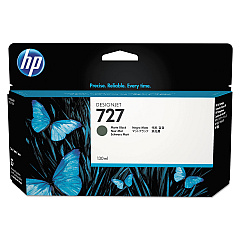
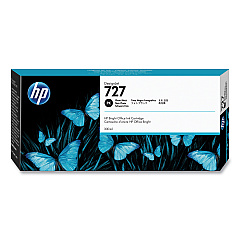
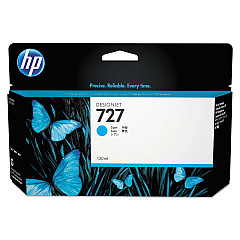
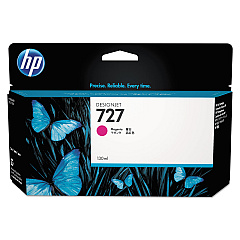
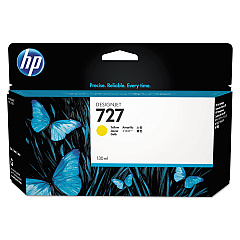
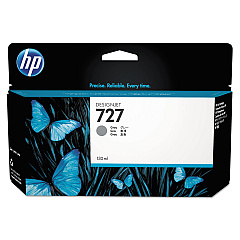
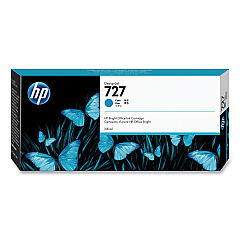
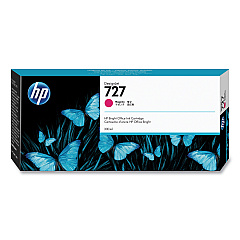
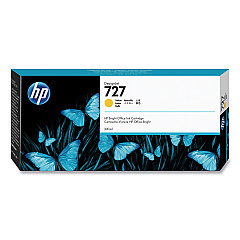
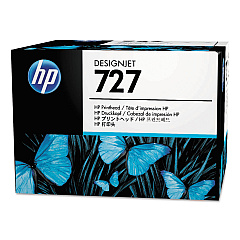
Enhance your printing capabilities with genuine HP DesignJet T2530 ps Ink Cartridges. These high-quality cartridges are designed to deliver exceptional results for your large-format printing needs. The comprehensive range includes the HP B3P06A Printhead and various color options such as Cyan, Magenta, Yellow, Matte Black, Photo Black, and Gray. Whether you're printing technical drawings, maps, or vibrant presentations, these cartridges ensure crisp lines, vivid colors, and long-lasting prints. The HP DesignJet T2530 ps Ink Cartridges are available in both standard and high-capacity options, allowing you to choose the best fit for your printing volume. With these reliable ink cartridges, you can maximize your printer's performance and produce professional-grade output consistently. Trust in HP's innovative technology to bring your ideas to life with stunning clarity and precision.

HP DesignJet T2530 ps Ink Cartridges FAQs

  • How long do HP DesignJet T2530 ps Ink Cartridges typically last?

    The lifespan of ink cartridges varies depending on usage and print volume. On average, standard cartridges can last for several hundred pages, while high-capacity cartridges can print over a thousand pages.

  • Are these ink cartridges compatible with other HP DesignJet models?

    These cartridges are specifically designed for the HP DesignJet T2530 ps. It's important to check your printer's compatibility before purchasing ink cartridges for other models.

  • Can I use third-party ink cartridges in my HP DesignJet T2530 ps?

    While third-party cartridges may work, HP recommends using genuine HP ink cartridges to ensure optimal print quality and to maintain your printer's warranty.

  • How do I know when it's time to replace an ink cartridge?

    Your printer will typically alert you when ink levels are low. You can also check ink levels through the printer's control panel or software interface.

  • What's the difference between Matte Black and Photo Black ink cartridges?

    Matte Black is ideal for printing on matte or plain papers, while Photo Black is designed for glossy papers and produces richer blacks in photo prints.

  • How should I store unused ink cartridges?

    Store unused cartridges in their original packaging at room temperature. Avoid extreme temperatures and direct sunlight to maintain ink quality.

  • Can I recycle empty HP DesignJet T2530 ps Ink Cartridges?

    Yes, HP offers a recycling program for empty ink cartridges. You can return them to HP or participating retailers for environmentally friendly disposal.

  • What should I do if my printer doesn't recognize a new ink cartridge?

    Try removing and reinserting the cartridge. If the issue persists, clean the cartridge contacts and ensure it's properly seated in the correct slot.

  • Are these ink cartridges pigment-based or dye-based?

    HP DesignJet T2530 ps Ink Cartridges use pigment-based inks, which offer better water resistance and longevity compared to dye-based inks.

  • How can I maximize the lifespan of my ink cartridges?

    To extend cartridge life, print regularly to prevent ink from drying out, use draft mode for non-critical prints, and keep your printer maintained according to HP's recommendations.

Warehouse Locations

Policy & Agreement | Copyright © 1995-2026 BlueDogInk.com
