




Ads

HP Designjet T2530 PostScript Black Ink Cartridges

HP Designjet T2530 PostScript Color Ink Cartridges

HP Designjet T2530 PostScript Printheads

HP Designjet T2530 PostScript Printer Accessories

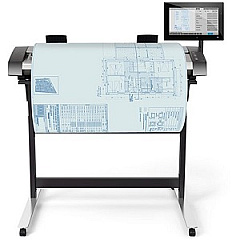
  • HP HD Pro 42-in Scanner

    Item G6H51B

    HP HD Pro 42-in Scanner

    Roll scanner - Roll (42 in) - 1200 dpi x 1200 dpi - USB 3.0, Gigabit LAN - for D..

    Status

    In Stock

    Free Shipping

    $16995.00

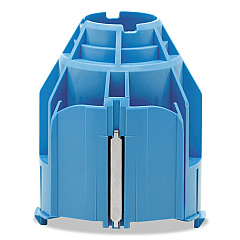
  • HP CN538A 3-in Core Adapter

    Item CN538A

    HP CN538A 3-in Core Adapter

    Printer roll media adapter - for DesignJet HD Pro MFP, SD Pro MFP, T1530, T1700,..

    Status

    In Stock

    $15.00

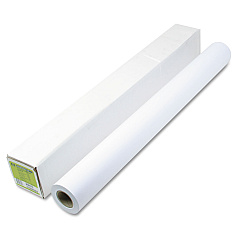
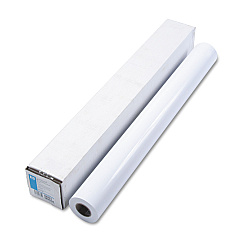
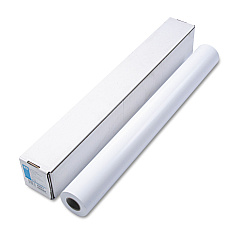
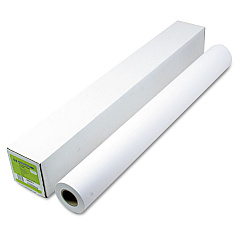
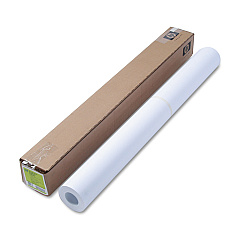
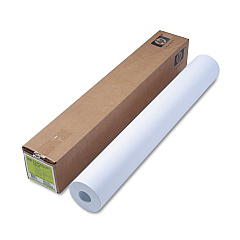
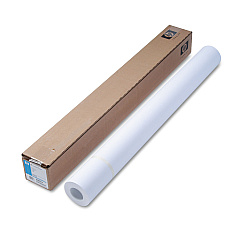
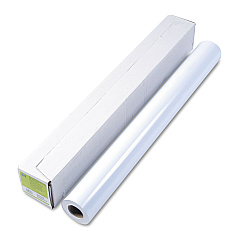
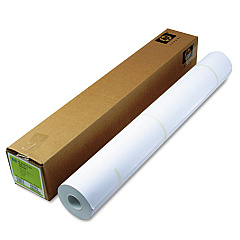
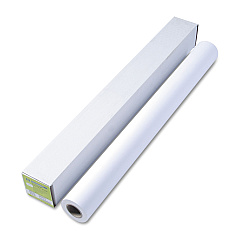
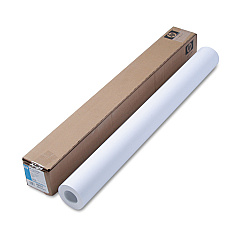
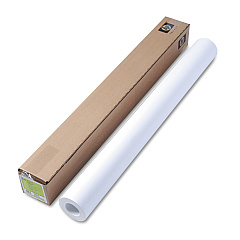
HP Designjet T2530 PostScript Large Format Paper

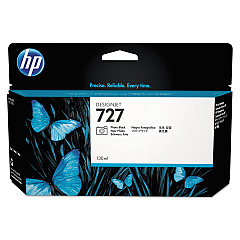
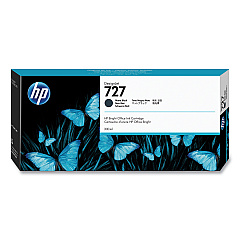
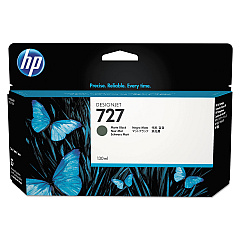
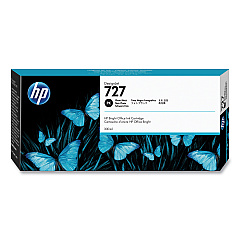
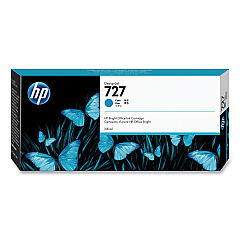
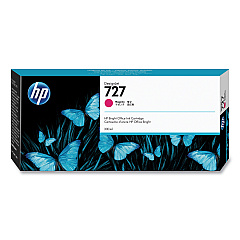
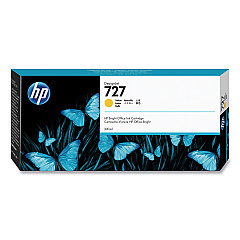
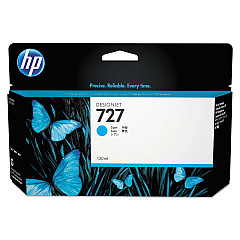
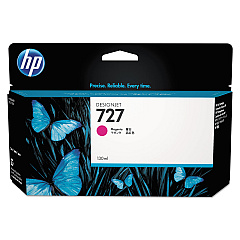
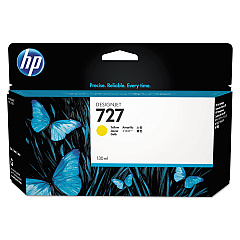
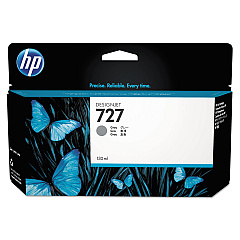
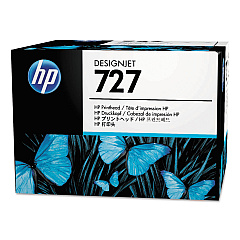
Enhance your large-format printing capabilities with genuine HP Designjet T2530 PostScript Ink Cartridges. This comprehensive range includes the HP B3P06A Printhead and a variety of color-specific cartridges, such as Cyan (HP B3P19A, HP F9J76A), Magenta (HP B3P20A, HP F9J77A), Yellow (HP B3P21A, HP F9J78A), Matte Black (HP B3P22A, HP C1Q12A), Photo Black (HP B3P23A, HP F9J79A), and Gray (HP B3P24A, HP F9J80A). These high-quality inks ensure vibrant, long-lasting prints for your professional projects. The HP CN538A 3-in Core Adapter and HP HD Pro 42-in Scanner complement your printing setup, offering versatility and efficiency. Whether you're in business, education, government, healthcare, or wholesale, these HP Designjet T2530 PostScript Ink Cartridges deliver exceptional results, maintaining the superior performance of your HP Designjet T2530 printer.

HP Designjet T2530 PostScript Ink Cartridges FAQs

  • What is the difference between the B3P and F9J series ink cartridges?

    The B3P series are standard capacity cartridges, while the F9J series are high-capacity cartridges, offering more ink and longer print runs.

  • How often should I replace the HP B3P06A Printhead?

    The printhead typically lasts for the lifetime of the printer, but may need replacement if print quality deteriorates significantly.

  • Are these ink cartridges compatible with other HP Designjet models?

    These cartridges are specifically designed for the HP Designjet T2530 PostScript printer. Always check your printer's compatibility before purchasing.

  • What is the purpose of the HP CN538A 3-in Core Adapter?

    The 3-in Core Adapter allows you to use 3-inch core media rolls with your HP Designjet T2530 printer.

  • How do I install the HP HD Pro 42-in Scanner?

    The scanner installation should be done by a certified HP technician to ensure proper setup and integration with your printer.

  • What is the shelf life of these ink cartridges?

    Unopened cartridges typically have a shelf life of 1-2 years. Always check the expiration date on the packaging.

  • Can I use non-HP ink cartridges in my HP Designjet T2530 PostScript printer?

    While third-party cartridges may work, using genuine HP cartridges ensures optimal print quality and prevents potential damage to your printer.

  • How do I properly store unused ink cartridges?

    Store cartridges in their original packaging, at room temperature, and away from direct sunlight until ready for use.

  • What should I do if my printer doesn't recognize a new ink cartridge?

    Try removing and reinserting the cartridge. If the issue persists, clean the cartridge contacts and try again. If problems continue, contact HP support.

  • How can I maximize the lifespan of my ink cartridges?

    Print regularly to prevent ink from drying, use the printer's cleaning function sparingly, and always power off the printer properly to allow it to cap the cartridges.

Warehouse Locations

Policy & Agreement | Copyright © 1995-2026 BlueDogInk.com
