




Ads

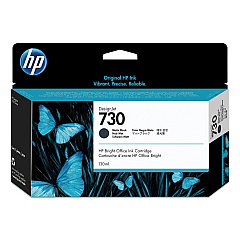
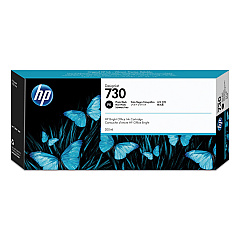
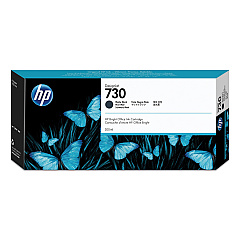
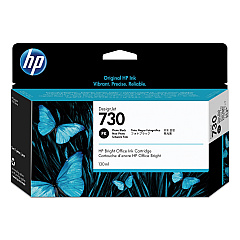
HP DesignJet T1600dr PostScript 36In. Black Ink Cartridges

HP DesignJet T1600dr PostScript 36In. Color Ink Cartridges

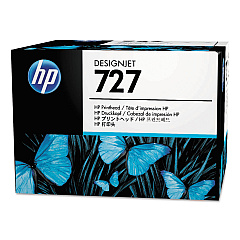
HP DesignJet T1600dr PostScript 36In. Printheads

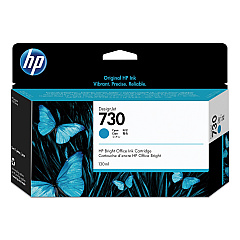
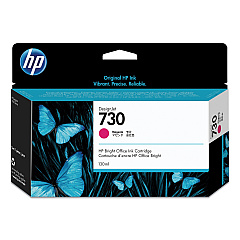
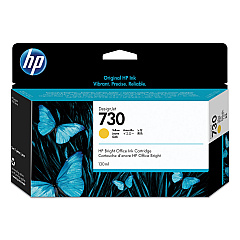
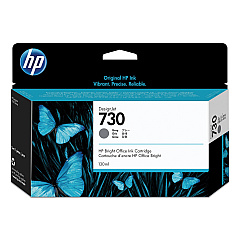
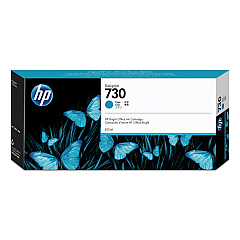
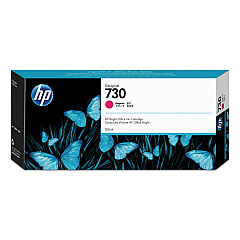
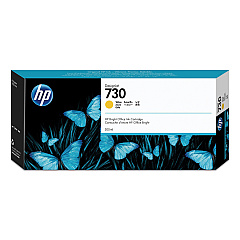
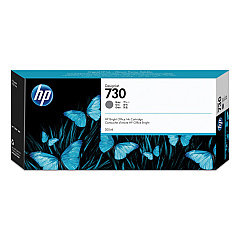
Enhance your large-format printing capabilities with HP DesignJet T1600dr PostScript 36In. Ink Cartridges. This comprehensive range of ink cartridges ensures exceptional print quality and color accuracy for your professional projects. The lineup includes the HP B3P06A Printhead and a variety of color-specific cartridges such as Cyan, Magenta, Yellow, Matte Black, Gray, and Photo Black in both standard and high-capacity options. These genuine HP ink cartridges are designed to work seamlessly with your DesignJet T1600dr printer, delivering crisp lines, vibrant colors, and smooth gradients. Whether you're printing technical drawings, maps, or high-quality presentations, these ink cartridges provide the reliability and performance you need for consistent, professional results. Invest in HP DesignJet T1600dr PostScript 36In. Ink Cartridges to maximize your printer's potential and achieve outstanding print quality.

HP DesignJet T1600dr PostScript 36In. Ink Cartridges FAQs

  • What is the difference between standard and high-capacity ink cartridges?

    High-capacity cartridges contain more ink and are suitable for higher volume printing, while standard cartridges are ideal for regular use.

  • How often should I replace the HP B3P06A Printhead?

    The printhead typically lasts for several ink cartridge changes. Replace it when print quality noticeably declines or when prompted by the printer.

  • Are these ink cartridges compatible with other HP DesignJet models?

    These cartridges are specifically designed for the HP DesignJet T1600dr PostScript 36In. printer. Always check compatibility before purchasing.

  • How long do unopened ink cartridges last?

    Unopened cartridges typically last up to 24 months from the date of manufacture when stored properly.

  • Can I use non-HP ink cartridges in my DesignJet T1600dr printer?

    While third-party cartridges may work, using genuine HP cartridges ensures optimal print quality and prevents potential damage to your printer.

  • How do I know when it's time to replace an ink cartridge?

    Your printer will display a warning message when ink levels are low. You can also check ink levels through the printer's control panel or software.

  • What's the average page yield for these ink cartridges?

    Page yield varies depending on the specific cartridge and print content. Check the product specifications for estimated yields.

  • Are these ink cartridges environmentally friendly?

    HP offers a recycling program for used ink cartridges, helping to reduce environmental impact.

  • Can I mix old and new ink cartridges in my printer?

    Yes, you can use a mix of old and new cartridges, but it's recommended to replace all cartridges at once for consistent print quality.

  • How should I store unused ink cartridges?

    Store unused cartridges in their original packaging at room temperature, away from direct sunlight and heat sources.

Warehouse Locations

Policy & Agreement | Copyright © 1995-2026 BlueDogInk.com
