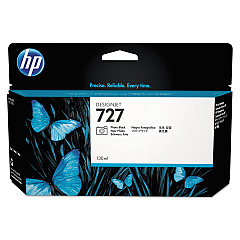
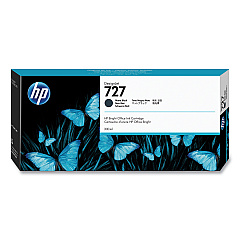
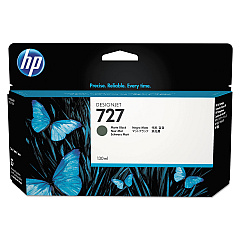
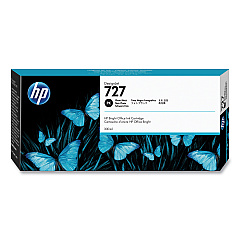
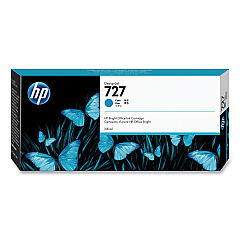
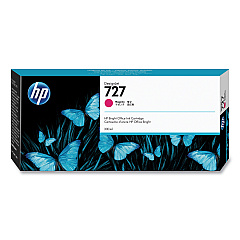
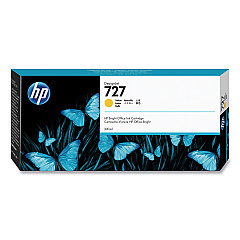
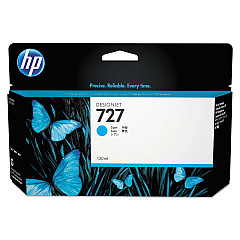
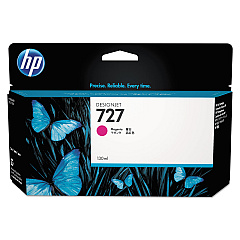





HP DesignJet T1530 Black Ink Cartridges

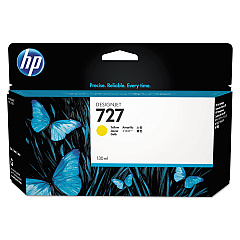
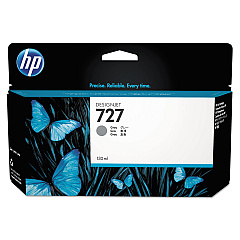
HP DesignJet T1530 Color Ink Cartridges

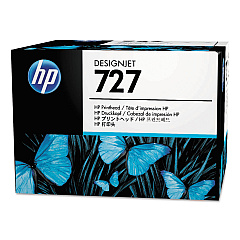
HP DesignJet T1530 Printheads

HP DesignJet T1530 Printer Accessories

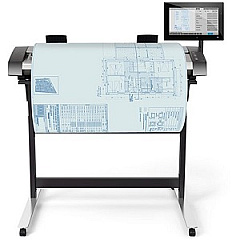
  • HP HD Pro 42-in Scanner

    Item G6H51B

    HP HD Pro 42-in Scanner

    Roll scanner - Roll (42 in) - 1200 dpi x 1200 dpi - USB 3.0, Gigabit LAN - for D..

    Status

    In Stock

    Free Shipping

    $16995.00

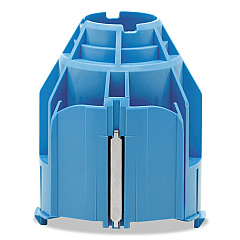
  • HP CN538A 3-in Core Adapter

    Item CN538A

    HP CN538A 3-in Core Adapter

    Printer roll media adapter - for DesignJet HD Pro MFP, SD Pro MFP, T1530, T1700,..

    Status

    In Stock

    $15.00

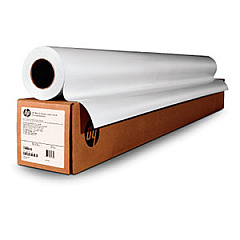
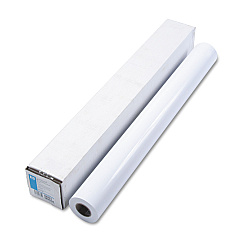
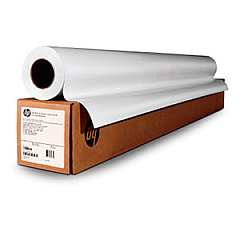
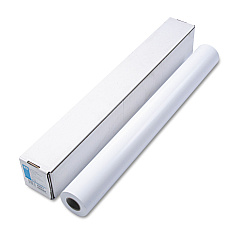
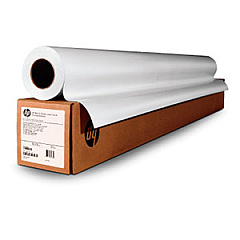
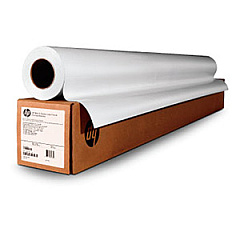
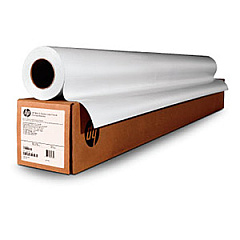
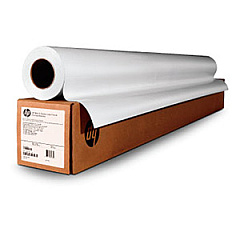
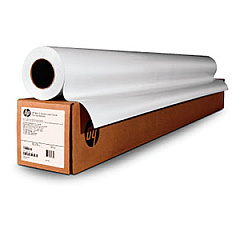
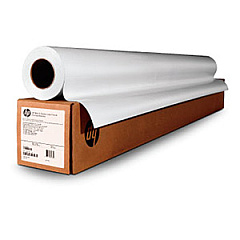
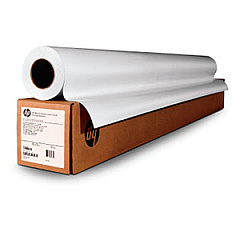
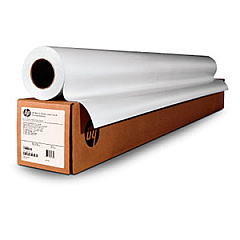
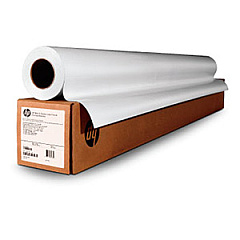
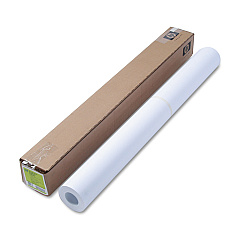
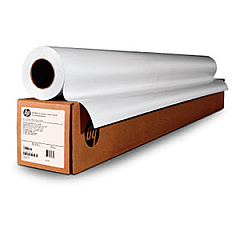
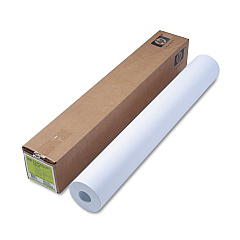
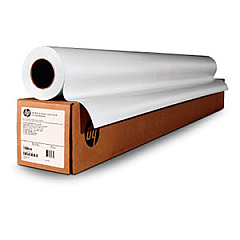
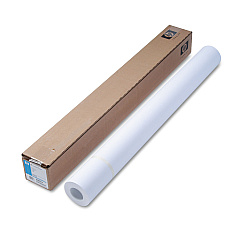
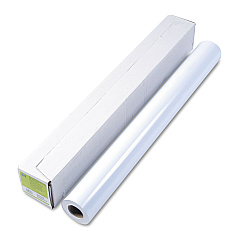
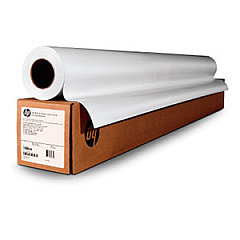
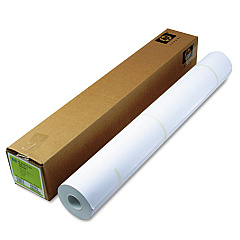
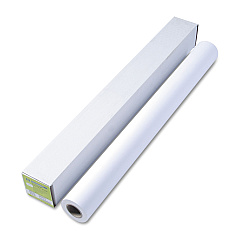
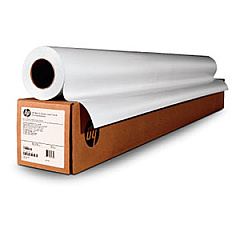
HP DesignJet T1530 Large Format Paper

Enhance your large-format printing with genuine HP DesignJet T1530 Ink Cartridges. This comprehensive range includes the HP B3P06A Printhead and a variety of color cartridges such as Cyan, Magenta, Yellow, Matte Black, Photo Black, and Gray. For high-volume printing, consider the larger capacity options like HP C1Q12A Matte Black and HP F9J76A-80A series. The CN538A 3-in Core Adapter ensures smooth media handling, while the HD Pro 42-in Scanner complements your printing setup. These premium supplies are designed to deliver exceptional print quality, color accuracy, and longevity for your technical drawings, maps, and presentations. Trust in HP's innovative technology to provide consistent, professional results for your large-format printing needs.

HP DesignJet T1530 Ink Cartridges FAQs

  • What is the page yield of HP DesignJet T1530 Ink Cartridges?

    Page yield varies depending on the specific cartridge and print content. For accurate information, refer to the product specifications for each individual cartridge.

  • Are these ink cartridges compatible with other HP DesignJet models?

    While some cartridges may be compatible with other models, it's best to check the printer's specifications or consult HP's compatibility guide to ensure proper fit and function.

  • How long do HP DesignJet T1530 Ink Cartridges last?

    Cartridge life depends on usage frequency and print volume. Under normal conditions, they can last several months to a year.

  • Can I use third-party ink cartridges in my HP DesignJet T1530?

    While third-party options exist, using genuine HP cartridges ensures optimal print quality and prevents potential damage to your printer.

  • How do I install new ink cartridges in the HP DesignJet T1530?

    Follow the printer's on-screen instructions or user manual for step-by-step guidance on replacing ink cartridges.

  • What's the difference between Matte Black and Photo Black ink?

    Matte Black is ideal for text and line drawings, while Photo Black enhances contrast and depth in photographic prints.

  • Are these cartridges environmentally friendly?

    HP offers a recycling program for used cartridges, contributing to environmental sustainability.

  • How can I maximize the lifespan of my ink cartridges?

    Regular printer maintenance, proper storage, and avoiding unnecessary printing can help extend cartridge life.

  • What should I do if my printer doesn't recognize a new cartridge?

    Try removing and reinserting the cartridge, cleaning the contacts, or updating printer firmware. If issues persist, contact HP support.

  • Can I buy these cartridges in bulk for cost savings?

    Yes, many suppliers offer bulk purchasing options for HP DesignJet T1530 Ink Cartridges, which can provide cost savings for high-volume users.

Warehouse Locations

Policy & Agreement | Copyright © 1995-2026 BlueDogInk.com
