




Ads

HP DesignJet T1300 ePrinter Black Ink Cartridges

HP DesignJet T1300 ePrinter Color Ink Cartridges

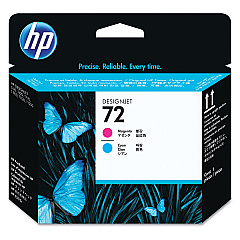
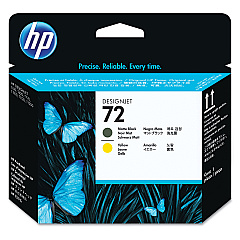
HP DesignJet T1300 ePrinter Printheads

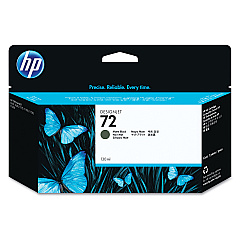
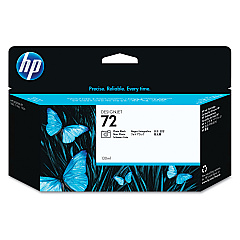
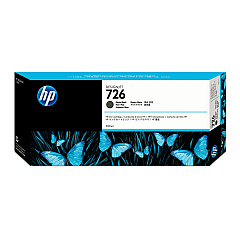
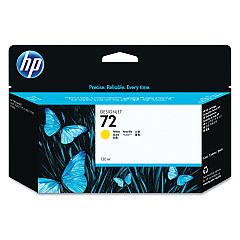
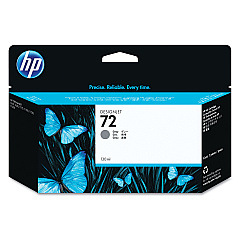
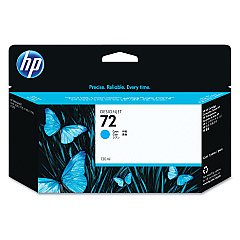
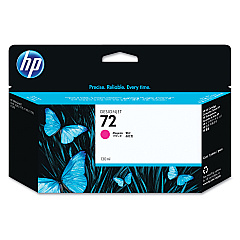
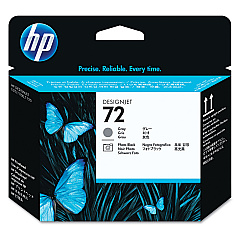
Enhance your printing experience with genuine HP DesignJet T1300 ePrinter Ink Cartridges. These high-quality cartridges ensure exceptional color accuracy and vivid prints for your large-format projects. The range includes Photo Black, Cyan, Magenta, Yellow, Gray, and Matte Black ink cartridges, along with specialized printheads for optimal performance. Whether you're producing architectural drawings, GIS maps, or professional photographs, these cartridges deliver consistent, fade-resistant results. The HP C9370A, C9371A, C9372A, C9373A, C9374A, C9403A, and CH575A ink cartridges work seamlessly with the C9380A, C9383A, and C9384A printheads to provide superior print quality and longevity. Trust in HP's innovative technology to bring your designs to life with stunning clarity and precision. Upgrade your HP DesignJet T1300 ePrinter with these reliable ink cartridges for unparalleled printing results.

HP DesignJet T1300 ePrinter Ink Cartridges FAQs

  • How long do HP DesignJet T1300 ePrinter ink cartridges typically last?

    The lifespan of ink cartridges varies depending on usage, but they generally last for several hundred to a few thousand square feet of printing.

  • Are these ink cartridges compatible with other HP DesignJet models?

    These cartridges are specifically designed for the HP DesignJet T1300 ePrinter. Always check your printer's compatibility before purchasing ink cartridges.

  • How can I tell when it's time to replace an ink cartridge?

    Your printer will display a warning message when ink levels are low. You can also check ink levels through the printer's control panel or software interface.

  • What's the difference between the C9403A and CH575A Matte Black ink cartridges?

    The CH575A is a higher capacity version of the C9403A Matte Black ink cartridge, offering more prints before needing replacement.

  • How often should I replace the printheads?

    Printheads typically last longer than ink cartridges. Replace them when you notice a decline in print quality that persists after cleaning and aligning the printheads.

  • Can I use third-party ink cartridges in my HP DesignJet T1300 ePrinter?

    While third-party cartridges may work, using genuine HP cartridges ensures the best print quality and helps maintain your printer's warranty.

  • What should I do with empty ink cartridges?

    HP offers a recycling program for empty ink cartridges. You can return them to HP or participating retailers for environmentally friendly disposal.

  • How should I store unused ink cartridges?

    Store unused cartridges in their original packaging at room temperature. Avoid extreme temperatures and direct sunlight to maintain ink quality.

  • Can I replace individual ink colors, or do I need to replace all cartridges at once?

    You can replace individual ink cartridges as needed. The printer will indicate which specific cartridge requires replacement.

  • What's the shelf life of unopened HP DesignJet T1300 ePrinter ink cartridges?

    Unopened cartridges typically have a shelf life of 1-2 years from the date of manufacture when stored properly. Check the expiration date on the packaging for specific information.

Warehouse Locations

Policy & Agreement | Copyright © 1995-2026 BlueDogInk.com
