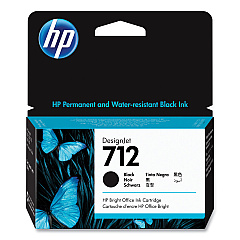
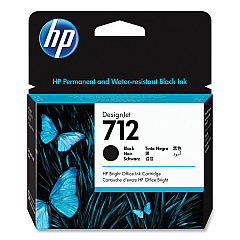
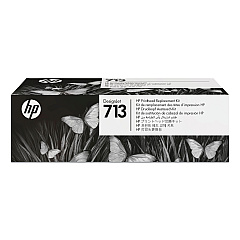





HP DesignJet Studio Steel 36-in Black Ink Cartridges

HP DesignJet Studio Steel 36-in Color Ink Cartridges

HP DesignJet Studio Steel 36-in Printheads

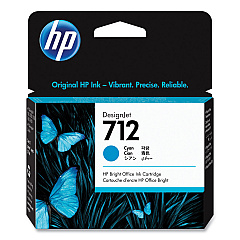
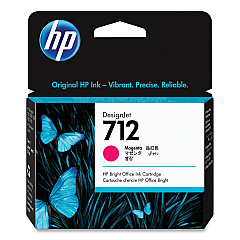
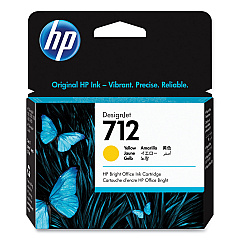
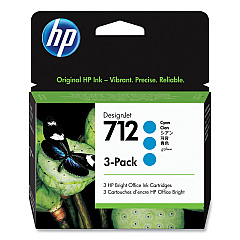
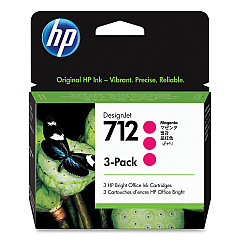
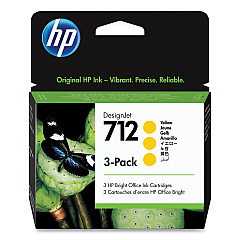
Enhance your HP DesignJet Studio Steel 36-in printer's performance with our premium HP DesignJet Studio Steel 36-in Ink Cartridges. This comprehensive range includes HP 712 cartridges in Cyan (3ED67A, 3ED77A), Magenta (3ED68A, 3ED78A), Yellow (3ED69A, 3ED79A), and Black (3ED70A, 3ED71A), ensuring vibrant, long-lasting prints. The HP 713 Printhead (3ED58A) completes the set, guaranteeing precise ink placement for exceptional print quality. These genuine HP cartridges are designed to work seamlessly with your DesignJet Studio Steel 36-in printer, delivering consistent, professional-grade results for all your large-format printing needs. Whether you're producing architectural drawings, posters, or technical documents, these ink cartridges provide the reliability and color accuracy required for your most demanding projects. Trust in HP's superior ink technology to bring your designs to life with unparalleled clarity and brilliance.

HP DesignJet Studio Steel 36-in Ink Cartridges FAQs

  • What is the page yield for HP 712 ink cartridges?

    Page yield varies depending on the specific cartridge and print content. For accurate yield information, please refer to the product specifications on the HP website.

  • Are these ink cartridges compatible with other HP DesignJet models?

    These cartridges are specifically designed for the HP DesignJet Studio Steel 36-in printer. Always check your printer's compatibility before purchasing ink cartridges.

  • How often should I replace the HP 713 Printhead?

    The HP 713 Printhead typically lasts for the lifetime of the printer. However, if you notice a decline in print quality, it may need replacement.

  • Can I use third-party ink cartridges in my HP DesignJet Studio Steel 36-in printer?

    While third-party cartridges may work, we recommend using genuine HP ink cartridges for optimal print quality and to maintain your printer's warranty.

  • How do I install new ink cartridges in my HP DesignJet Studio Steel 36-in printer?

    Refer to your printer's user manual for step-by-step instructions on replacing ink cartridges. Generally, it involves opening the ink cartridge cover and following the on-screen prompts.

  • What's the shelf life of unopened HP 712 ink cartridges?

    Unopened HP ink cartridges typically have a shelf life of 24 months from the date of manufacture when stored properly.

  • Are these ink cartridges environmentally friendly?

    HP offers a recycling program for used ink cartridges. Visit the HP website for information on how to recycle your used cartridges responsibly.

  • Can I buy these ink cartridges in bulk?

    Yes, bulk purchasing options are available. Contact our customer service for information on volume discounts and bulk orders.

  • What should I do if my printer doesn't recognize a new ink cartridge?

    Try removing and reinserting the cartridge. If the issue persists, clean the cartridge contacts and try again. If problems continue, contact HP support.

  • Do these ink cartridges come with a warranty?

    Yes, genuine HP ink cartridges come with a warranty. Check the packaging or HP website for specific warranty details.

Warehouse Locations

Policy & Agreement | Copyright © 1995-2026 BlueDogInk.com
