




Ads

HP DesignJet SD Pro Black Ink Cartridges

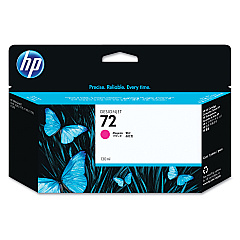
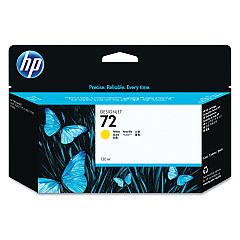
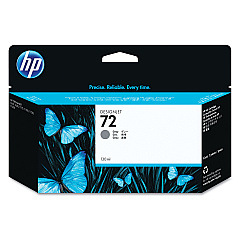
HP DesignJet SD Pro Color Ink Cartridges

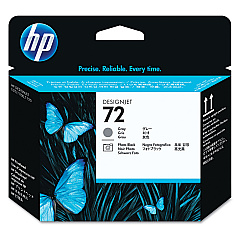
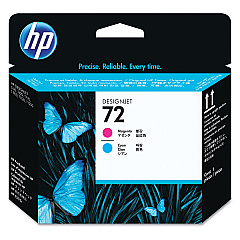
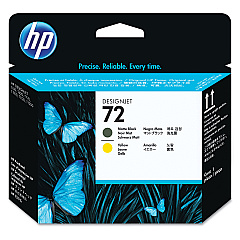
HP DesignJet SD Pro Printheads

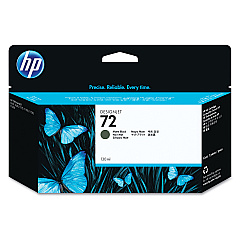
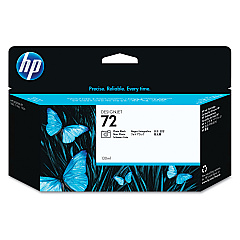
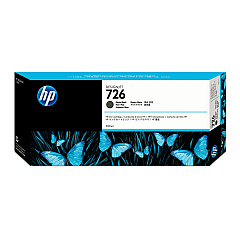
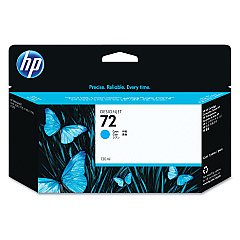
Enhance your large-format printing with genuine HP DesignJet SD Pro Ink Cartridges. These high-quality cartridges are designed to deliver exceptional color accuracy, sharp details, and long-lasting prints. The comprehensive range includes Photo Black, Cyan, Magenta, Yellow, Gray, and Matte Black ink cartridges, along with compatible printheads. Whether you're producing professional photographs, technical drawings, or vibrant posters, these cartridges ensure consistent, professional results. The HP DesignJet SD Pro Ink Cartridges are optimized for use with HP DesignJet printers, guaranteeing seamless compatibility and peak performance. With their high capacity and efficient ink usage, these cartridges offer excellent value for businesses, educational institutions, government agencies, and healthcare facilities requiring reliable, high-volume printing solutions.

HP DesignJet SD Pro Ink Cartridges FAQs

  • What printer models are compatible with HP DesignJet SD Pro Ink Cartridges?

    These cartridges are designed for use with HP DesignJet SD Pro series printers. Always check your printer's specifications for exact compatibility.

  • How long do HP DesignJet SD Pro Ink Cartridges typically last?

    The lifespan of these cartridges varies depending on usage and print settings. On average, they can produce hundreds of large-format prints before needing replacement.

  • Are these cartridges recyclable?

    Yes, HP offers a recycling program for used ink cartridges. Check HP's website for details on how to participate in their recycling initiative.

  • Can I use non-HP cartridges in my HP DesignJet SD Pro printer?

    While third-party cartridges may work, using genuine HP cartridges ensures optimal print quality and helps maintain your printer's warranty.

  • How often should I replace the printheads?

    Printhead replacement frequency depends on usage. Most users replace them every 12-18 months, but heavy users may need to replace them more often.

  • What's the difference between Photo Black and Matte Black ink cartridges?

    Photo Black is optimized for glossy media, while Matte Black is designed for matte papers, providing deeper blacks on non-glossy surfaces.

  • Can I mix old and new ink cartridges in my printer?

    It's best to use cartridges of similar age to ensure consistent print quality. However, you can replace individual cartridges as needed.

  • How should I store unused ink cartridges?

    Store cartridges in their original packaging at room temperature, away from direct sunlight and heat sources, to maintain their quality and shelf life.

  • Do these cartridges come with a warranty?

    Yes, genuine HP ink cartridges typically come with a warranty. Check the packaging or HP's website for specific warranty details.

  • How can I tell if my ink cartridge is genuine HP?

    Look for the HP hologram on the packaging and use HP's online verification tool to check the authenticity of your cartridges.

Warehouse Locations

Policy & Agreement | Copyright © 1995-2026 BlueDogInk.com
