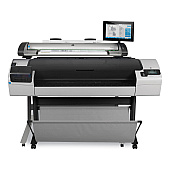
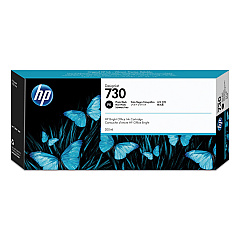
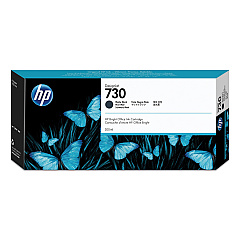
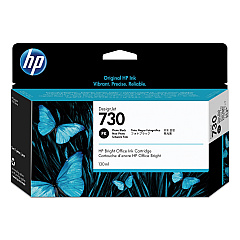
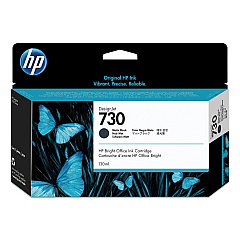
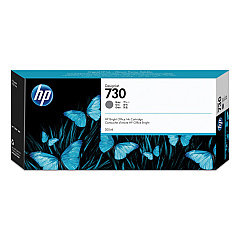
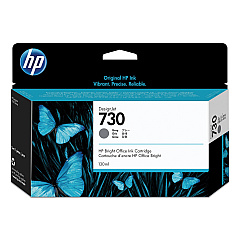
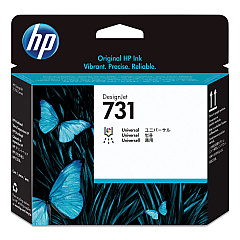





HP DesignJet SD Pro 2 Black Ink Cartridges

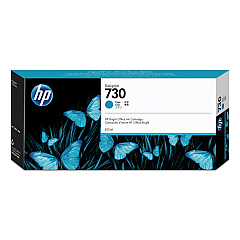
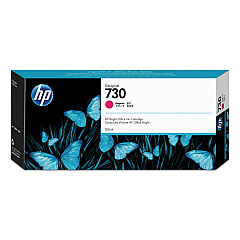
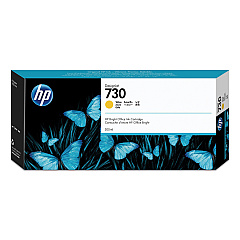
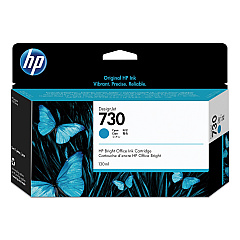
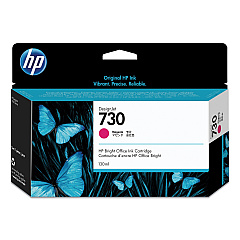
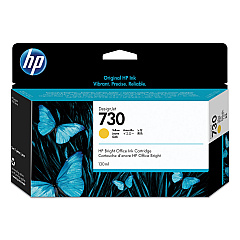
HP DesignJet SD Pro 2 Color Ink Cartridges

HP DesignJet SD Pro 2 Printheads

Elevate your large-format printing with HP DesignJet SD Pro 2 Ink Cartridges, designed for exceptional quality and efficiency. This comprehensive range includes the HP P2V27A Printhead and a variety of ink cartridges in cyan, magenta, yellow, matte black, gray, and photo black. Available in both standard and high-capacity options, these cartridges ensure vibrant colors, sharp text, and smooth gradients for your professional prints. The HP DesignJet SD Pro 2 Ink Cartridges are engineered to work seamlessly with your printer, delivering consistent results and minimizing downtime. Whether you're producing architectural drawings, GIS maps, or high-quality photos, these genuine HP supplies provide the reliability and performance you need for your demanding projects. Invest in HP DesignJet SD Pro 2 Ink Cartridges for unparalleled print quality and longevity in your large-format printing endeavors.

HP DesignJet SD Pro 2 Printers Supplies FAQs

  • What is the difference between standard and high-capacity ink cartridges?

    High-capacity cartridges contain more ink and are ideal for high-volume printing, while standard cartridges are suitable for regular use.

  • How often should I replace the HP P2V27A Printhead?

    The printhead typically lasts for several ink cartridge changes. Replace it when print quality noticeably declines or when prompted by the printer.

  • Are these ink cartridges compatible with other HP DesignJet models?

    These cartridges are specifically designed for the HP DesignJet SD Pro 2. Always check your printer's compatibility before purchasing.

  • How long do unopened ink cartridges last?

    Unopened cartridges typically last up to 24 months from the date of manufacture when stored properly.

  • Can I use third-party ink cartridges in my HP DesignJet SD Pro 2?

    While third-party cartridges may work, using genuine HP cartridges ensures optimal print quality and printer performance.

  • How do I properly store unused ink cartridges?

    Store cartridges in their original packaging at room temperature, away from direct sunlight and heat sources.

  • What should I do if my printer doesn't recognize a new cartridge?

    Try removing and reinserting the cartridge. If the issue persists, clean the cartridge contacts and try again.

  • How can I maximize the lifespan of my ink cartridges?

    Print regularly to prevent ink from drying, use the printer's cleaning function sparingly, and store the printer in a suitable environment.

  • Are these ink cartridges environmentally friendly?

    HP offers a recycling program for used cartridges, helping to reduce environmental impact.

  • What's the average page yield for these ink cartridges?

    Page yield varies depending on the specific cartridge and print content. Check the product specifications for estimated yields.

Warehouse Locations

Policy & Agreement | Copyright © 1995-2026 BlueDogInk.com
