




Ads

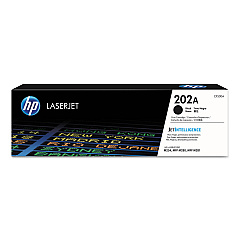
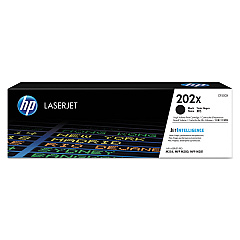
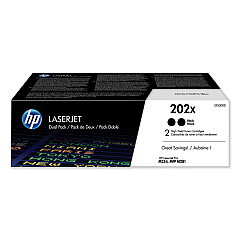
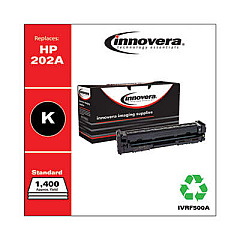
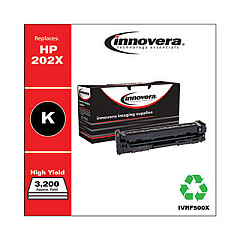
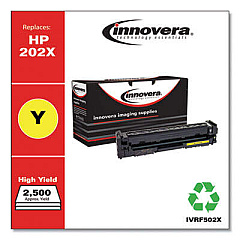
HP Color LaserJet Pro MFP M281fdn Black Toner Cartridges

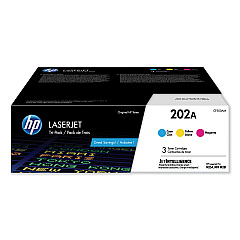
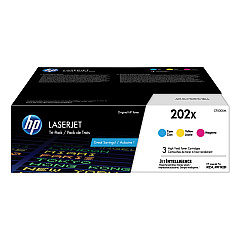
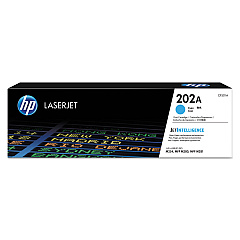
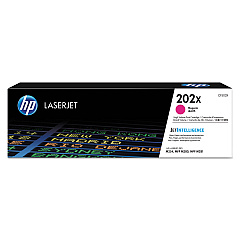
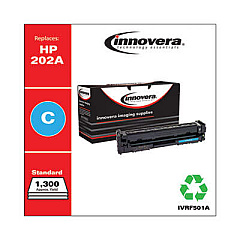
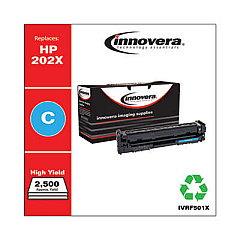
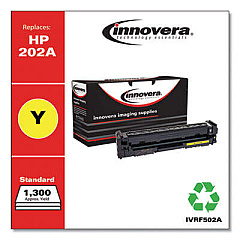
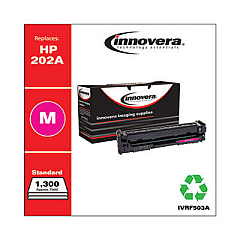
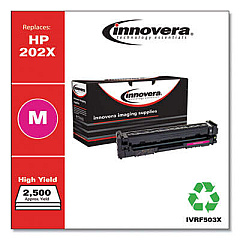
HP Color LaserJet Pro MFP M281fdn Color Toner Cartridges

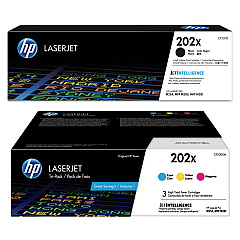
HP Color LaserJet Pro MFP M281fdn Toner Set

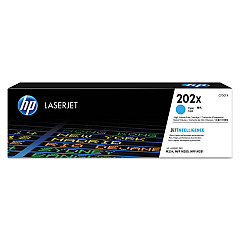
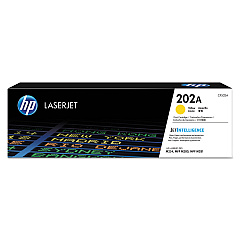
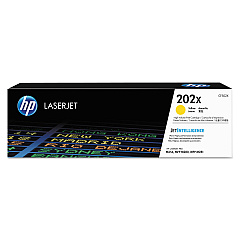
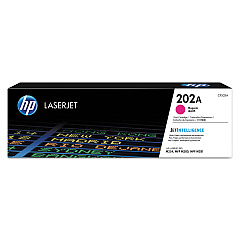
Enhance your printing experience with genuine HP Color LaserJet Pro MFP M281fdn Toner Cartridges. These high-quality cartridges ensure exceptional color accuracy and sharp text for all your business documents. Choose from a range of options, including standard and high-yield cartridges in black, cyan, magenta, and yellow. The HP 202A and 202X series offer versatility with individual cartridges or convenient multi-packs. Whether you need the CF500AM 3-pack for vibrant colors or the CF500XD high-yield black 2-pack for increased efficiency, these toner cartridges deliver consistent, professional results. Designed specifically for the HP Color LaserJet Pro MFP M281fdn, these cartridges optimize printer performance and reliability. Invest in genuine HP toner to maximize print quality, minimize downtime, and protect your printer's warranty.

HP Color LaserJet Pro MFP M281fdn Toner Cartridges FAQs

  • What is the difference between HP 202A and 202X toner cartridges?

    HP 202A are standard yield cartridges, while 202X are high-yield cartridges that print more pages before needing replacement.

  • Are these toner cartridges compatible with other HP printers?

    These cartridges are specifically designed for the HP Color LaserJet Pro MFP M281fdn. Always check your printer's compatibility before purchasing.

  • How many pages can I print with the HP 202X high-yield cartridges?

    Page yield varies by color, but typically, high-yield cartridges print about 3,200 pages for black and 2,500 pages for each color.

  • Can I use third-party toner cartridges in my HP Color LaserJet Pro MFP M281fdn?

    While third-party cartridges may work, using genuine HP toner ensures optimal print quality and protects your printer's warranty.

  • What's the benefit of buying multi-pack toner cartridges?

    Multi-packs often offer cost savings compared to buying individual cartridges and ensure you have replacement toners on hand.

  • How long do these toner cartridges last?

    Toner cartridge life depends on usage, but unopened cartridges typically last 18-24 months from the date of purchase.

  • Are these toner cartridges environmentally friendly?

    HP offers a recycling program for used toner cartridges, helping to reduce environmental impact.

  • What should I do if I experience print quality issues with these cartridges?

    First, ensure the cartridges are properly installed. If issues persist, run a printer cleaning cycle or contact HP support for assistance.

  • Can I use black toner only if I run out of color toner?

    Yes, you can continue printing in black and white if you run out of color toner, but you may need to change printer settings.

  • How do I know when it's time to replace my toner cartridge?

    Your printer will display a low toner warning. You may also notice a decrease in print quality when cartridges are nearing the end of their life.

Warehouse Locations

Policy & Agreement | Copyright © 1995-2026 BlueDogInk.com
