





Ads

HP Color LaserJet Pro MFP M281 Black Toner Cartridges

HP Color LaserJet Pro MFP M281 Color Toner Cartridges

HP Color LaserJet Pro MFP M281 Toner Set

HP Color LaserJet Pro MFP M281 Warranty and Services

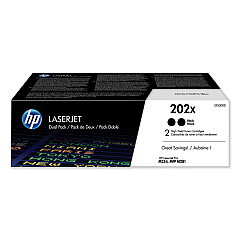
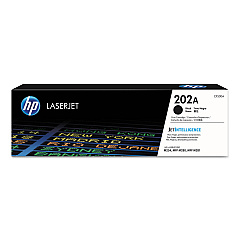
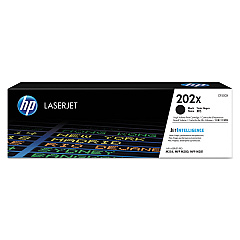
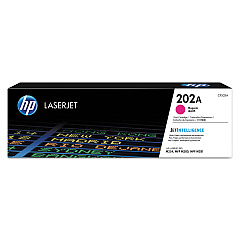
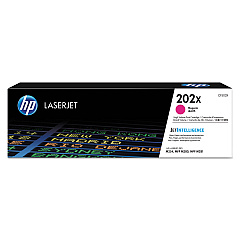
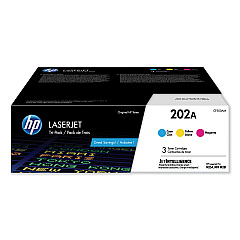
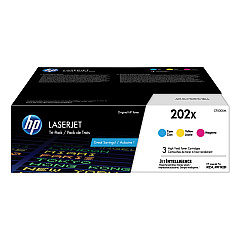
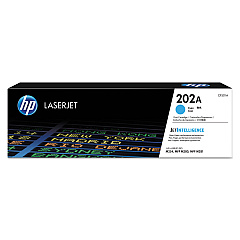
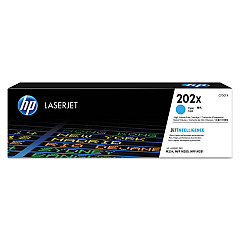
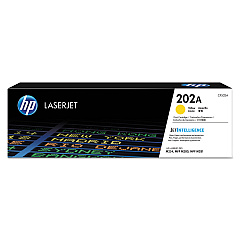
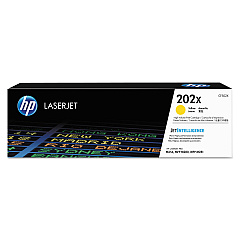
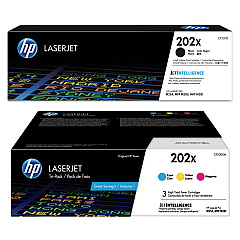
Enhance your printing experience with genuine HP Color LaserJet Pro MFP M281 Toner Cartridges. Our comprehensive range includes standard and high-yield options to suit your printing needs. Choose from individual cartridges in black, cyan, magenta, and yellow, or opt for convenient multi-packs for cost-effective printing. The HP 202A series offers reliable performance, while the HP 202X high-yield cartridges provide extended print runs, perfect for busy offices. These toner cartridges deliver exceptional print quality, vibrant colors, and sharp text, ensuring your documents make a lasting impression. Compatible with the HP Color LaserJet Pro MFP M281 printer, these cartridges are designed for optimal performance and longevity. Whether you're printing business reports, marketing materials, or everyday documents, trust HP toner cartridges to deliver consistent, professional results page after page.

HP Color LaserJet Pro MFP M281 Printers Supplies FAQs

  • What is the difference between HP 202A and HP 202X toner cartridges?

    HP 202A are standard yield cartridges, while HP 202X are high-yield cartridges that offer more prints per cartridge.

  • Are these toner cartridges compatible with other HP printers?

    These cartridges are specifically designed for the HP Color LaserJet Pro MFP M281 series. Always check your printer's compatibility before purchasing.

  • How many pages can I print with the HP 202X high-yield cartridges?

    Page yield varies by color and print content, but generally, HP 202X cartridges offer significantly more prints than standard yield cartridges.

  • Can I use third-party toner cartridges in my HP Color LaserJet Pro MFP M281?

    While third-party cartridges may work, HP recommends using genuine HP toner cartridges for optimal print quality and printer performance.

  • How do I install these toner cartridges in my printer?

    Installation is simple. Open the printer's front cover, remove the old cartridge, and insert the new one until it clicks into place. Refer to your printer's manual for detailed instructions.

  • What's the shelf life of these toner cartridges?

    HP toner cartridges typically have a shelf life of 24 months from the date of manufacture when stored properly in their original packaging.

  • Are these toner cartridges environmentally friendly?

    Yes, HP offers a recycling program for used toner cartridges, helping to reduce environmental impact.

  • Can I buy individual color cartridges or do I have to purchase a set?

    You can purchase individual color cartridges or choose from various multi-pack options depending on your needs.

  • How do I know when it's time to replace my toner cartridge?

    Your printer will typically alert you when toner levels are low. You may also notice a decrease in print quality.

  • What's the difference between toner and ink cartridges?

    Toner cartridges contain a fine powder and are used in laser printers, while ink cartridges contain liquid ink and are used in inkjet printers.

Warehouse Locations

Policy & Agreement | Copyright © 1995-2026 BlueDogInk.com
