




Ads

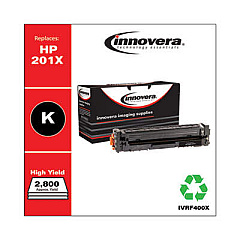
HP Color LaserJet Pro MFP M274n Black Toner Cartridges

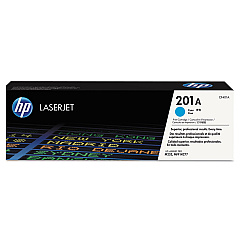
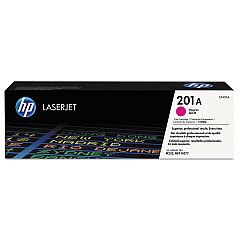
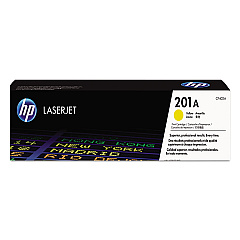
HP Color LaserJet Pro MFP M274n Color Toner Cartridges

HP Color LaserJet Pro MFP M274n Toner Set

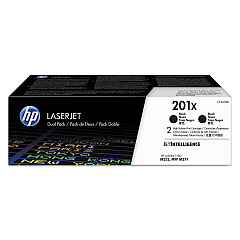
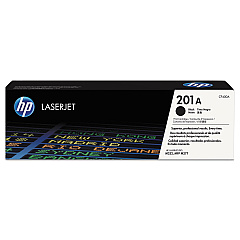
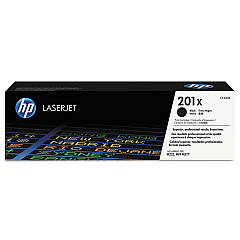
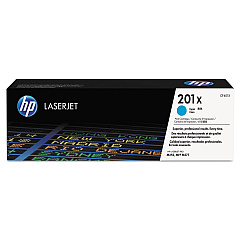
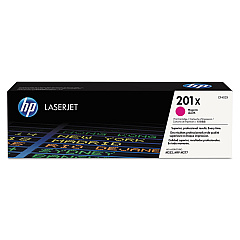
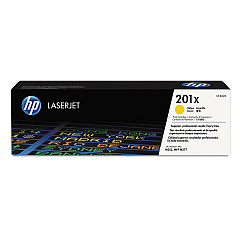
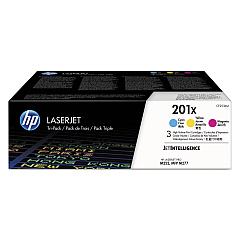
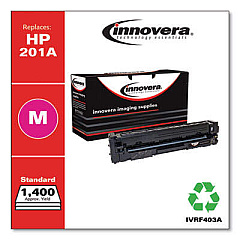
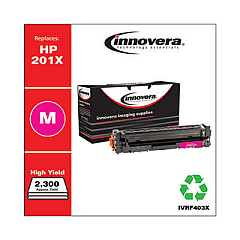
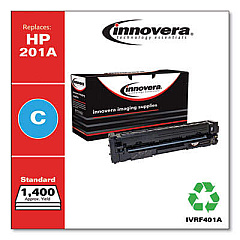
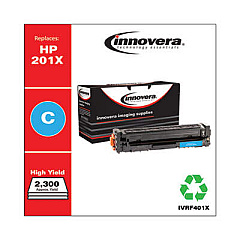
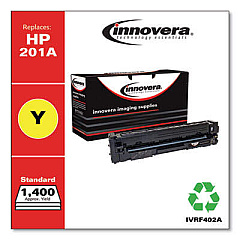
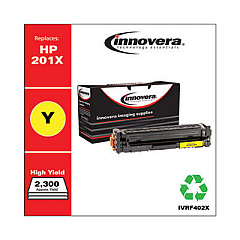
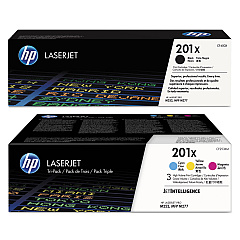
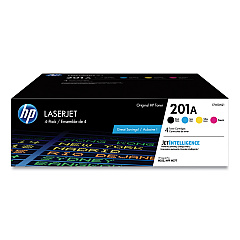
Enhance your printing experience with genuine HP Color LaserJet Pro MFP M274n Toner Cartridges. These high-quality cartridges are designed to deliver exceptional color accuracy and sharp text for all your professional documents. Choose from a range of options, including the standard HP 201A series for everyday printing or the high-yield HP 201X series for increased page output. The CF253XM Color Toner Cartridge Pack offers convenience for bulk printing needs. Whether you need individual cartridges in black, cyan, magenta, or yellow, or prefer the cost-effective multipack options, these toners ensure optimal performance for your HP Color LaserJet Pro MFP M274n printer. Experience consistent, professional-grade results and reduce downtime with these reliable, easy-to-install cartridges that are perfect for businesses, educational institutions, healthcare facilities, and government offices.

HP Color LaserJet Pro MFP M274n Toner Cartridges FAQs

  • What is the difference between HP 201A and HP 201X toner cartridges?

    HP 201A are standard yield cartridges, while HP 201X are high-yield cartridges that provide more pages per cartridge.

  • Are these toner cartridges compatible with other HP printers?

    These cartridges are specifically designed for the HP Color LaserJet Pro MFP M274n. Always check your printer's compatibility before purchasing.

  • How many pages can I print with the HP 201A black toner cartridge?

    The HP 201A black toner cartridge typically yields around 1,500 pages.

  • What is the CF253XM Color Toner Cartridge Pack?

    The CF253XM is a multipack containing cyan, magenta, and yellow high-yield toner cartridges.

  • Can I use third-party toner cartridges in my HP Color LaserJet Pro MFP M274n?

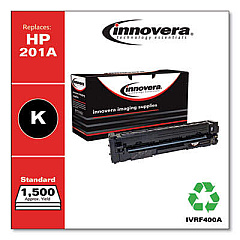
    While third-party cartridges may work, using genuine HP toner cartridges ensures the best print quality and printer performance.

  • How do I install a new toner cartridge in my HP Color LaserJet Pro MFP M274n?

    Open the front cover, remove the old cartridge, and insert the new one until it clicks into place. Close the cover to complete installation.

  • What's the shelf life of these toner cartridges?

    Unopened HP toner cartridges typically have a shelf life of about 2.5 years from the date of manufacture.

  • Are these toner cartridges environmentally friendly?

    Yes, HP offers a recycling program for used toner cartridges to minimize environmental impact.

  • How can I tell if my toner cartridge is running low?

    Your printer will display a low toner warning on its control panel or through the printer software on your computer.

  • What's the difference between the CF400A and CF400X black toner cartridges?

    The CF400X is a high-yield cartridge that prints more pages than the standard CF400A, making it more economical for high-volume printing.

Warehouse Locations

Policy & Agreement | Copyright © 1995-2026 BlueDogInk.com
