




Ads

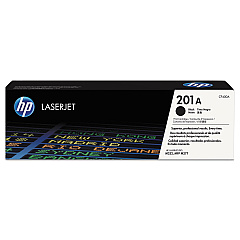
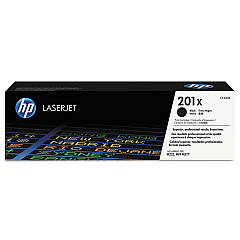
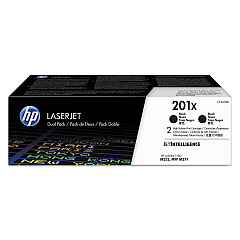
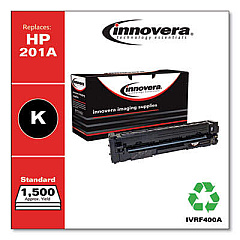
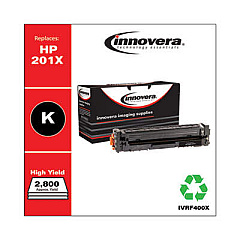
HP Color LaserJet Pro MFP M252n Black Toner Cartridges

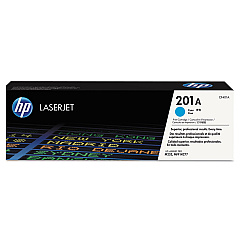
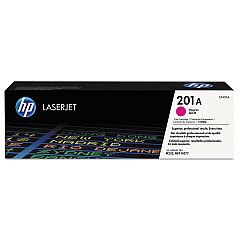
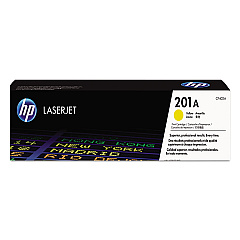
HP Color LaserJet Pro MFP M252n Color Toner Cartridges

HP Color LaserJet Pro MFP M252n Toner Set

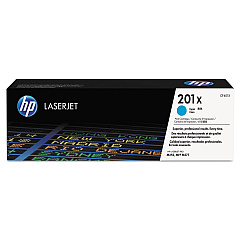
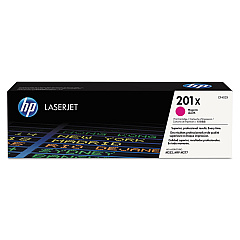
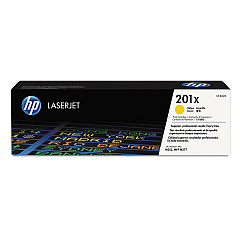
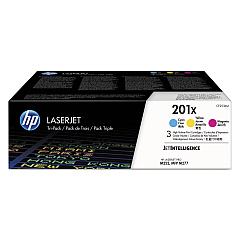
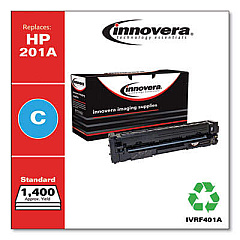
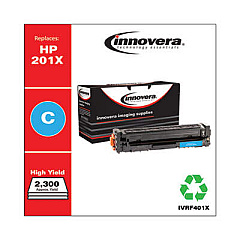
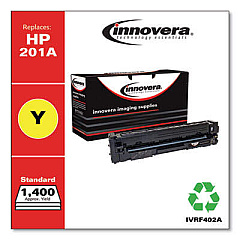
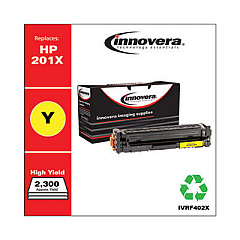
Enhance your printing experience with genuine HP Color LaserJet Pro MFP M252n Toner Cartridges. These high-quality cartridges are designed to deliver exceptional color accuracy and sharp text for all your professional documents. Choose from a range of options, including the standard HP 201A series for everyday printing or the high-yield HP 201X series for increased page output. The versatile lineup includes individual black, cyan, magenta, and yellow cartridges, as well as convenient multi-pack options like the CF253XM Color Toner Cartridge Pack. Whether you're printing marketing materials, reports, or presentations, these toner cartridges ensure consistent, professional results. Compatible with the HP Color LaserJet Pro MFP M252n printer, these cartridges are engineered to work seamlessly with your device, providing reliable performance and minimizing downtime.

HP Color LaserJet Pro MFP M252n Toner Cartridges FAQs

  • What is the difference between HP 201A and HP 201X toner cartridges?

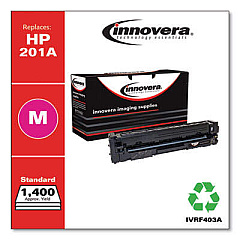
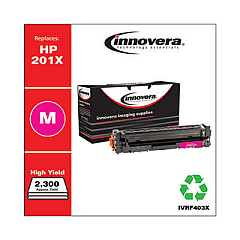
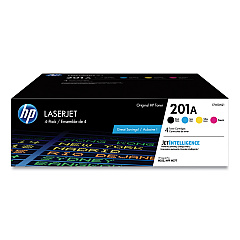
    HP 201A are standard yield cartridges, while HP 201X are high-yield cartridges that provide more pages per cartridge.

  • How many pages can I print with HP 201A cartridges?

    Page yield varies by color: Black yields approximately 1,500 pages, while each color (cyan, magenta, yellow) yields about 1,400 pages.

  • Are these cartridges compatible with other HP printers?

    These cartridges are specifically designed for the HP Color LaserJet Pro MFP M252n and may not be compatible with other models.

  • What is the CF253XM Color Toner Cartridge Pack?

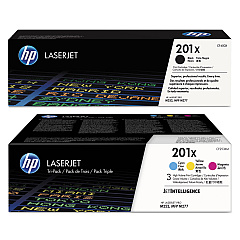
    The CF253XM is a multi-pack containing high-yield cyan, magenta, and yellow toner cartridges.

  • How long do these toner cartridges typically last?

    Cartridge life depends on usage, but under normal conditions, they can last several months to a year.

  • Can I use third-party or refilled cartridges in my HP Color LaserJet Pro MFP M252n?

    While third-party cartridges may work, HP recommends using genuine HP cartridges for optimal print quality and printer performance.

  • What's the benefit of using high-yield (X) cartridges?

    High-yield cartridges offer a lower cost per page and require less frequent replacements, making them ideal for high-volume printing.

  • Are these toner cartridges environmentally friendly?

    HP offers a recycling program for used cartridges, helping to reduce environmental impact.

  • How do I install new toner cartridges in my HP Color LaserJet Pro MFP M252n?

    The printer has an easy-access front panel. Simply open it, remove the old cartridge, and insert the new one until it clicks into place.

  • What should I do if I experience print quality issues with these cartridges?

    First, ensure the cartridges are properly installed. If issues persist, run the printer's built-in cleaning and calibration processes. If problems continue, contact HP support.

Warehouse Locations

Policy & Agreement | Copyright © 1995-2026 BlueDogInk.com
