




Ads

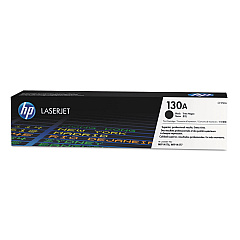
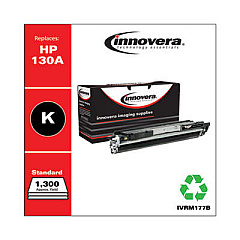
HP Color LaserJet Pro MFP M177fw Black Toner Cartridges

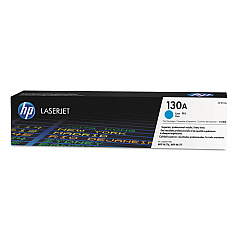
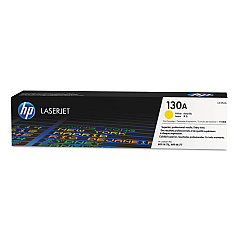
HP Color LaserJet Pro MFP M177fw Color Toner Cartridges

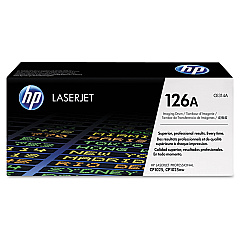
HP Color LaserJet Pro MFP M177fw Drum Units

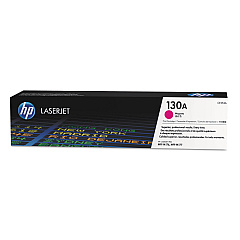
Enhance your printing experience with genuine HP Color LaserJet Pro MFP M177fw Toner Cartridges. This versatile multifunction printer demands high-quality supplies to deliver exceptional results. Our comprehensive range includes the HP CE314A Imaging Drum for crisp, clear prints, and a full spectrum of toner cartridges: HP CF350A Black, HP CF351A Cyan, HP CF352A Yellow, and HP CF353A Magenta. These authentic HP cartridges ensure vibrant colors, sharp text, and professional-quality documents every time. Whether you're printing reports, presentations, or marketing materials, these toner cartridges are designed to maximize your printer's performance and efficiency. With long-lasting yields and reliable output, you can count on consistent results page after page. Trust in the quality and reliability of genuine HP supplies to keep your Color LaserJet Pro MFP M177fw running smoothly and producing outstanding prints for all your business needs.

HP Color LaserJet Pro MFP M177fw Toner Cartridges FAQs

  • How often should I replace the toner cartridges in my HP Color LaserJet Pro MFP M177fw?

    Replacement frequency depends on usage, but typically when print quality diminishes or the printer indicates low toner levels.

  • Are these toner cartridges compatible with other HP printer models?

    These cartridges are specifically designed for the HP Color LaserJet Pro MFP M177fw. Always check your printer's compatibility before purchasing.

  • What is the page yield for each toner cartridge?

    Page yields vary by cartridge. The black cartridge typically yields around 1,300 pages, while color cartridges yield approximately 1,000 pages each.

  • How long do these toner cartridges last if unopened?

    Unopened toner cartridges can last up to two years if stored properly in a cool, dry place away from direct sunlight.

  • Can I use third-party or refilled cartridges in my HP Color LaserJet Pro MFP M177fw?

    While third-party options exist, using genuine HP cartridges ensures optimal print quality and prevents potential damage to your printer.

  • How do I properly install new toner cartridges in my printer?

    Refer to your printer's user manual for step-by-step instructions. Generally, you'll need to open the printer, remove the old cartridge, and insert the new one until it clicks into place.

  • What should I do with my used toner cartridges?

    HP offers a free recycling program for used cartridges. You can also check with local office supply stores for recycling options.

  • How can I tell if my toner cartridge is genuine HP?

    Look for the HP hologram on the packaging and security seal. You can also verify the authenticity using the HP Sure Supply website.

  • Do I need to replace all color cartridges at the same time?

    Not necessarily. You can replace individual color cartridges as they run out, but it's often recommended to replace them together for consistent color quality.

  • What's the difference between the imaging drum and toner cartridges?

    The imaging drum transfers toner to the paper, while toner cartridges contain the actual ink powder. The drum typically lasts longer but needs periodic replacement.

Warehouse Locations

Policy & Agreement | Copyright © 1995-2026 BlueDogInk.com
