





Ads

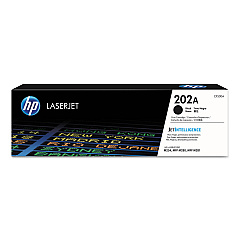
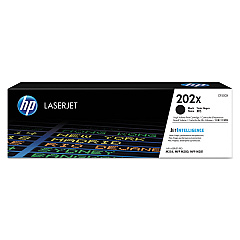
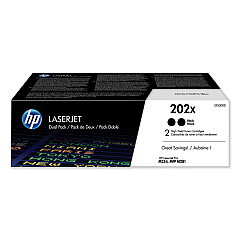
HP Color LaserJet Pro M254 Black Toner Cartridges

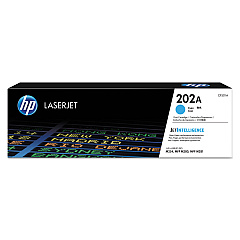
HP Color LaserJet Pro M254 Color Toner Cartridges

HP Color LaserJet Pro M254 Toner Set

HP Color LaserJet Pro M254 Maintenance Kits

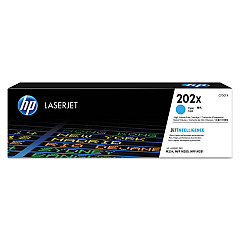
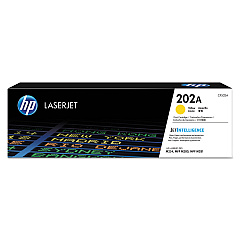
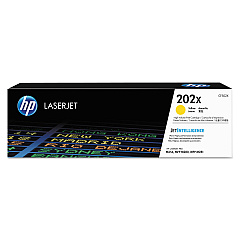
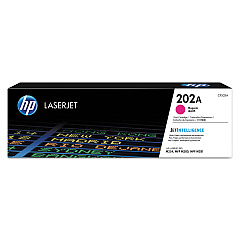
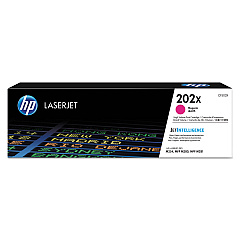
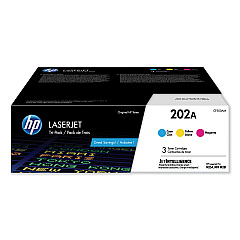
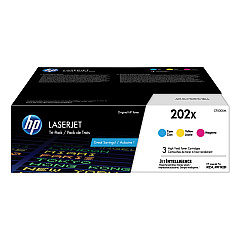
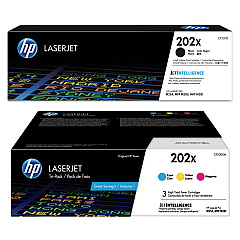
Enhance your printing experience with genuine HP Color LaserJet Pro M254 Toner Cartridges. Our comprehensive range includes standard and high-yield options in black, cyan, magenta, and yellow, ensuring vibrant, professional-quality prints for your business, educational, or healthcare needs. Choose from convenient multi-packs like the HP 202A CF500AM and HP 202X CF500XM for cost-effective color printing, or opt for individual cartridges to replace only what you need. The HP 202X high-yield series offers extended print capacity, reducing replacement frequency and overall costs. For optimal performance, don't forget the HP RM2-5576 550-Sheet Feeder Pickup Roller Assembly to keep your printer running smoothly. Trust in HP's superior quality and reliability to deliver crisp text and brilliant colors, meeting the demands of your busy office or institution.

HP Color LaserJet Pro M254 Printers Supplies FAQs

  • What is the difference between HP 202A and HP 202X toner cartridges?

    HP 202A are standard yield cartridges, while HP 202X are high-yield cartridges that offer more prints per cartridge.

  • Are these toner cartridges compatible with other HP printers?

    These cartridges are specifically designed for the HP Color LaserJet Pro M254 series. Always check your printer's compatibility before purchasing.

  • How many pages can I print with the HP 202X high-yield cartridges?

    Page yield varies by color, but typically, high-yield cartridges can print approximately 3,200 pages for black and 2,500 pages for each color.

  • Can I use third-party toner cartridges in my HP Color LaserJet Pro M254?

    While third-party cartridges may work, HP recommends using genuine HP toner cartridges for optimal print quality and printer performance.

  • What is the shelf life of these toner cartridges?

    Unopened HP toner cartridges typically have a shelf life of about 2.5 years from the date of manufacture.

  • How do I install a new toner cartridge in my HP Color LaserJet Pro M254?

    Open the front cover, remove the old cartridge, and insert the new one until it clicks into place. Close the cover to complete installation.

  • Are these toner cartridges environmentally friendly?

    Yes, HP offers a recycling program for used toner cartridges, helping to reduce environmental impact.

  • What is the purpose of the HP RM2-5576 550-Sheet Feeder Pickup Roller Assembly?

    This assembly helps feed paper into the printer smoothly, reducing paper jams and ensuring consistent printing performance.

  • Can I mix HP 202A and HP 202X cartridges in my printer?

    Yes, you can use both standard and high-yield cartridges in your HP Color LaserJet Pro M254 printer simultaneously.

  • How often should I replace my toner cartridges?

    Replace cartridges when print quality diminishes or when your printer indicates low toner levels. Usage frequency and print volume will affect replacement intervals.

Warehouse Locations

Policy & Agreement | Copyright © 1995-2026 BlueDogInk.com
