





Ads

HP Color LaserJet Managed MFP E77825dn Printer Accessories

HP Color LaserJet Managed MFP E77825dn Warranty and Services

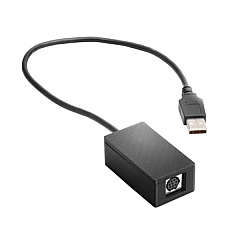
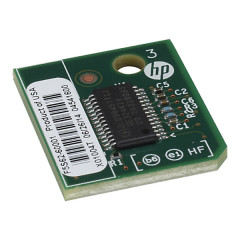
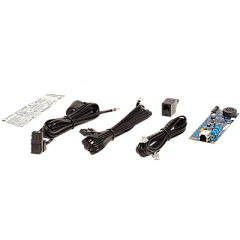
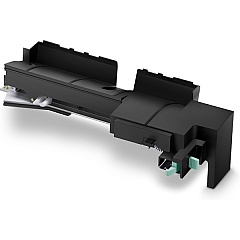
Enhance your HP Color LaserJet Managed MFP E77825dn Printers Supplies with a range of high-quality accessories designed to boost productivity and functionality. From the HP 2EH31A Analog Fax Accessory 700 for seamless faxing capabilities to the B5L28A Internal USB Port Kit for expanded connectivity options, these supplies cater to diverse business needs. Increase storage capacity with the B5L29A 500GB Internal Hard Disk Drive, while the B5L31A Foreign Interface Harness enables integration with third-party devices. For those requiring wireless functionality, the J8030A Wireless Accessory is an ideal addition. Security-conscious organizations will appreciate the F5S62A Trusted Platform Module, ensuring data protection. The Y1G10A 2/3-Hole Punch Accessory streamlines document finishing, making the HP Color LaserJet Managed MFP E77825dn a versatile and efficient printing solution for businesses, educational institutions, healthcare facilities, and government offices.

HP Color LaserJet Managed MFP E77825dn Printers Supplies FAQs

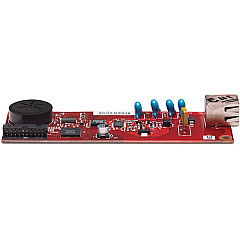
  • What is the purpose of the HP 2EH31A Analog Fax Accessory 700?

    The HP 2EH31A Analog Fax Accessory 700 enables faxing capabilities for the HP Color LaserJet Managed MFP E77825dn printer.

  • How does the B5L28A Internal USB Port Kit benefit users?

    The B5L28A Internal USB Port Kit provides additional USB connectivity options, allowing users to connect more devices directly to the printer.

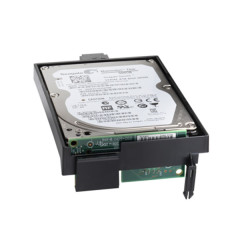
  • What is the storage capacity of the B5L29A Internal Hard Disk Drive?

    The B5L29A Internal Hard Disk Drive has a storage capacity of 500GB, providing ample space for document storage and print job management.

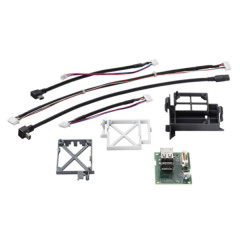
  • What is the function of the B5L31A Foreign Interface Harness?

    The B5L31A Foreign Interface Harness allows the printer to integrate with third-party devices and solutions, expanding its functionality.

  • How does the F5S62A Trusted Platform Module enhance security?

    The F5S62A Trusted Platform Module provides hardware-based security features, helping to protect sensitive data and ensure printer integrity.

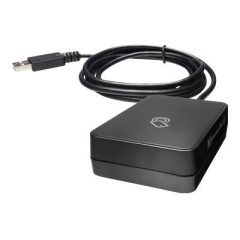
  • What does the J8030A Wireless Accessory do?

    The J8030A Wireless Accessory enables wireless connectivity for the printer, allowing for more flexible placement and network integration.

  • What is the purpose of the Y1G10A 2/3-Hole Punch Accessory?

    The Y1G10A 2/3-Hole Punch Accessory automates the process of punching holes in documents, streamlining document finishing and preparation for binders.

  • Are these supplies compatible with other HP printer models?

    While some accessories may be compatible with other HP models, it's best to check the specific compatibility for each accessory with your printer model.

  • Do I need to install all these accessories to use the printer?

    No, these accessories are optional and can be added based on your specific needs and requirements.

  • Where can I find installation instructions for these accessories?

    Installation instructions can typically be found in the user manual that comes with each accessory or on HP's official support website.

Warehouse Locations

Policy & Agreement | Copyright © 1995-2026 BlueDogInk.com
