




Ads

HP Color LaserJet Enterprise MFP M578f Black Toner Cartridges

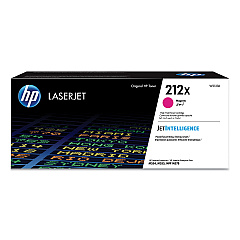
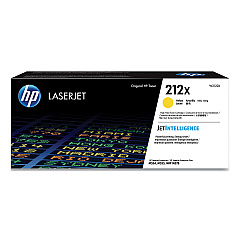
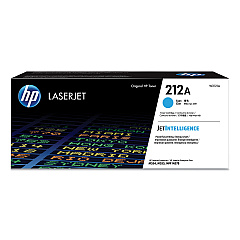
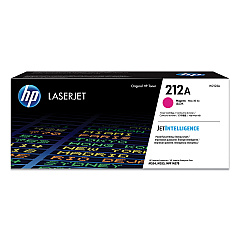
HP Color LaserJet Enterprise MFP M578f Color Toner Cartridges

HP Color LaserJet Enterprise MFP M578f Toner Set

HP Color LaserJet Enterprise MFP M578f Waste Toner Kits

HP Color LaserJet Enterprise MFP M578f Fusers

HP Color LaserJet Enterprise MFP M578f Maintenance Kits

HP Color LaserJet Enterprise MFP M578f Paper Trays

HP Color LaserJet Enterprise MFP M578f Printer Accessories

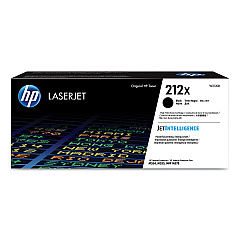
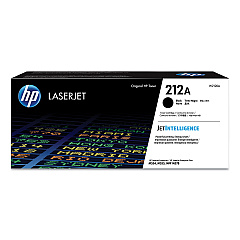
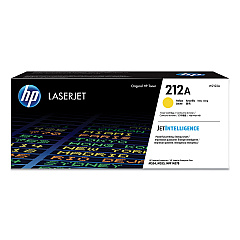
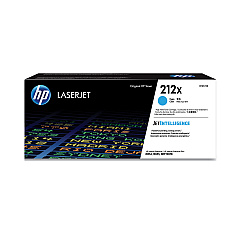
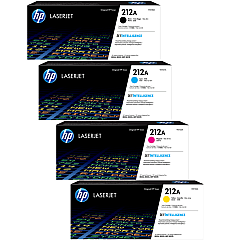
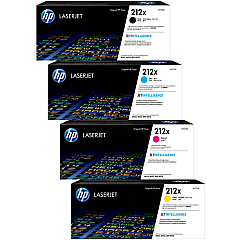
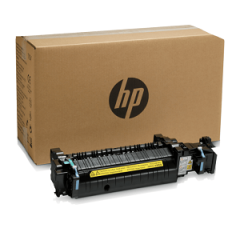
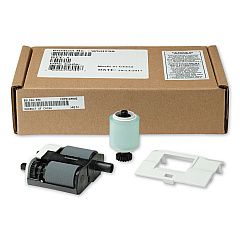
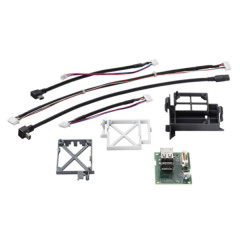
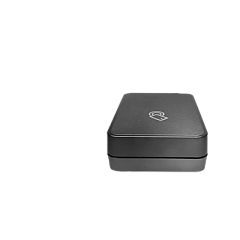
Enhance your printing capabilities with genuine HP Color LaserJet Enterprise MFP M578f Toner Cartridges and accessories. This comprehensive range includes standard and high-yield toner cartridges in black, cyan, yellow, and magenta, ensuring vibrant, professional-quality prints. The HP 212A and 212X series offer options for various printing volumes, while additional components like the B5L37A Toner Collection Unit and B5L35A Fuser Kit maintain optimal performance. Boost functionality with the B5L28A Internal USB Port Kit or B5L53A Analog Fax 600 Accessory. For wireless printing, consider the 3JN69A BLE/NFC/Wireless Accessory. Improve paper handling with the B5L34A Paper Tray and organize your workspace using the HP Printer Cabinet (B5L51A). Keep your device running smoothly with the W5U23A ADF Roller Replacement Kit. Trust in HP's quality to maximize your M578f's potential.

HP Color LaserJet Enterprise MFP M578f Toner Cartridges FAQs

  • What is the difference between HP 212A and 212X toner cartridges?

    HP 212A are standard yield cartridges, while 212X are high-yield cartridges that offer more prints per cartridge.

  • Is the HP B5L53A Analog Fax 600 Accessory compatible with the M578f?

    Yes, the HP B5L53A Analog Fax 600 Accessory is compatible with the HP Color LaserJet Enterprise MFP M578f.

  • How often should I replace the HP W5U23A ADF Roller Replacement Kit?

    The replacement frequency depends on usage, but typically it's recommended to replace the ADF roller kit after processing about 150,000 pages.

  • Can I use non-HP toner cartridges in the M578f?

    While third-party cartridges may work, HP recommends using genuine HP toner cartridges for optimal print quality and printer performance.

  • What is the purpose of the HP B5L37A Toner Collection Unit?

    The Toner Collection Unit collects excess toner during printing to prevent it from contaminating the printer or prints.

  • How many additional sheets can the HP B5L34A Paper Tray hold?

    The HP B5L34A Paper Tray can hold up to 550 sheets of paper, increasing the printer's total paper capacity.

  • Is the HP 3JN69A BLE/NFC/Wireless Accessory necessary for Wi-Fi printing?

    The HP 3JN69A accessory adds Bluetooth Low Energy, NFC, and wireless capabilities to printers that don't have built-in wireless functionality.

  • What is the page yield of the HP W2120X High Yield Black Toner Cartridge?

    The HP W2120X High Yield Black Toner Cartridge typically yields around 13,000 pages.

  • Can I use the HP B5L28A Internal USB Port Kit to print directly from a USB drive?

    Yes, the HP B5L28A Internal USB Port Kit allows for direct printing from a USB drive as well as job storage.

  • How often should the HP B5L35A Fuser Kit be replaced?

    The fuser kit typically needs replacement after processing about 150,000 pages, but this can vary based on usage and print patterns.

Warehouse Locations

Policy & Agreement | Copyright © 1995-2026 BlueDogInk.com
