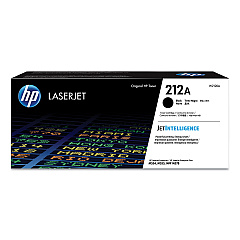
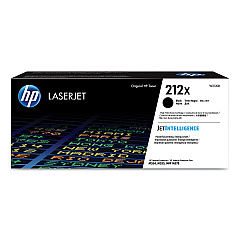
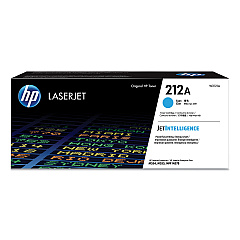
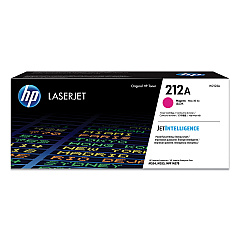
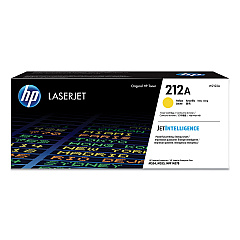
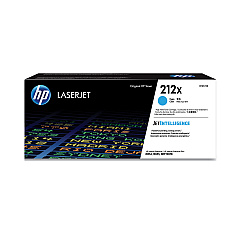
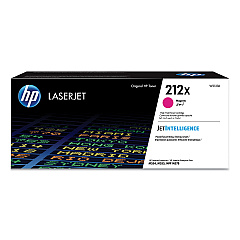
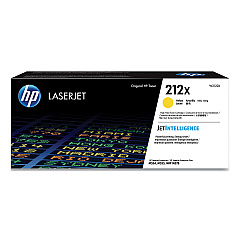
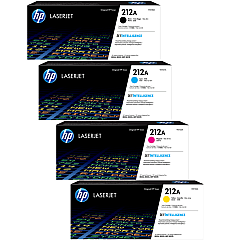
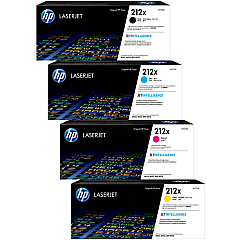
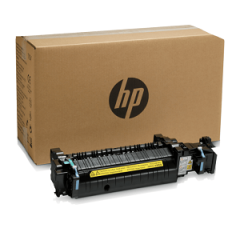
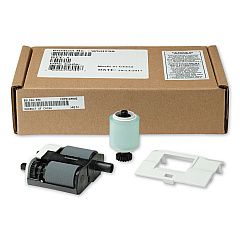





HP Color LaserJet Enterprise Flow MFP M578z Toner Cartridges

Ads

HP Color LaserJet Enterprise Flow MFP M578z Black Toner Cartridges

HP Color LaserJet Enterprise Flow MFP M578z Color Toner Cartridges

HP Color LaserJet Enterprise Flow MFP M578z Toner Set

HP Color LaserJet Enterprise Flow MFP M578z Waste Toner Kits

HP Color LaserJet Enterprise Flow MFP M578z Fusers

HP Color LaserJet Enterprise Flow MFP M578z Maintenance Kits

HP Color LaserJet Enterprise Flow MFP M578z Paper Trays

HP Color LaserJet Enterprise Flow MFP M578z Printer Accessories

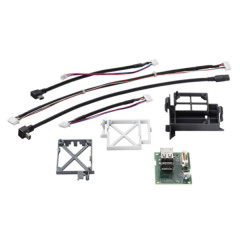
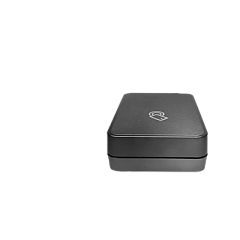
Enhance your printing capabilities with genuine HP Color LaserJet Enterprise Flow MFP M578z Toner Cartridges and accessories. This comprehensive range includes standard and high-yield toner cartridges in black, cyan, yellow, and magenta, ensuring vibrant, professional-quality prints. Boost productivity with the HP 3JN69A BLE/NFC/Wireless Accessory and B5L28A Internal USB Port Kit. Expand paper handling with the B5L34A Paper Tray and maintain optimal performance using the B5L35A and B5L36A Fuser Kits. The B5L37A Toner Collection Unit and W5U23A ADF Roller Replacement Kit keep your printer running smoothly. For added functionality, consider the B5L53A Analog Fax 600 Accessory and HP Printer Cabinet (B5L51A). Whether you're a business, educational institution, government agency, healthcare provider, or wholesaler, these genuine HP supplies guarantee exceptional print quality and reliability for your HP Color LaserJet Enterprise Flow MFP M578z.

HP Color LaserJet Enterprise Flow MFP M578z Toner Cartridges FAQs

  • What is the difference between standard and high-yield toner cartridges?

    High-yield cartridges contain more toner and can print more pages than standard cartridges, making them more cost-effective for high-volume printing.

  • Are these toner cartridges compatible with other HP printers?

    These cartridges are specifically designed for the HP Color LaserJet Enterprise Flow MFP M578z. Always check your printer's compatibility before purchasing.

  • How often should I replace the fuser kit?

    Fuser kit replacement frequency depends on usage. Typically, it's recommended to replace it after printing 150,000 to 200,000 pages or when print quality deteriorates.

  • What is the purpose of the toner collection unit?

    The toner collection unit captures excess toner during printing, preventing it from contaminating the printer and ensuring clean, high-quality prints.

  • Can I use third-party toner cartridges with this printer?

    While third-party cartridges may work, using genuine HP toner cartridges ensures optimal print quality and prevents potential damage to your printer.

  • How do I install the BLE/NFC/Wireless Accessory?

    The HP 3JN69A BLE/NFC/Wireless Accessory can be easily installed by following the instructions provided in the accessory's manual or consulting HP's support website.

  • What is the capacity of the additional paper tray?

    The HP B5L34A Paper Tray typically adds 550 sheets of paper capacity to your printer, but always verify the exact specifications for your model.

  • How often should I replace the ADF roller?

    The ADF roller should be replaced after processing approximately 150,000 pages or if you notice frequent paper feed issues.

  • Can I add the analog fax accessory after purchasing the printer?

    Yes, the HP B5L53A Analog Fax 600 Accessory can be added to your HP Color LaserJet Enterprise Flow MFP M578z after purchase to enable fax functionality.

  • What are the dimensions of the HP Printer Cabinet?

    The exact dimensions of the HP Printer Cabinet (B5L51A) may vary, so it's best to check the product specifications on HP's website or consult with a sales representative for precise measurements.

Warehouse Locations

Policy & Agreement | Copyright © 1995-2026 BlueDogInk.com
