





Ads

HP Color LaserJet CM2320nf MFP Black Toner Cartridges

HP Color LaserJet CM2320nf MFP Color Toner Cartridges

HP Color LaserJet CM2320nf MFP Toner Set

HP Color LaserJet CM2320nf MFP Printer Parts

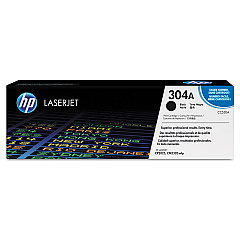
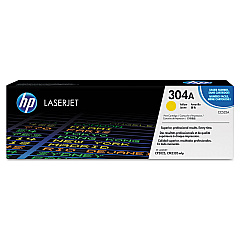
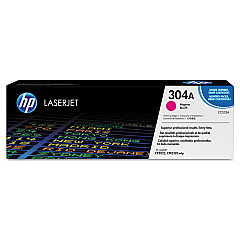
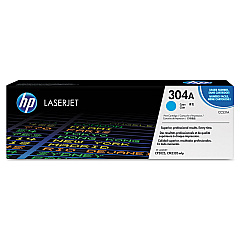
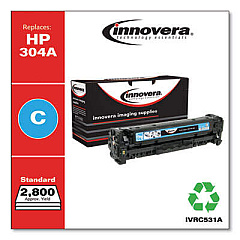
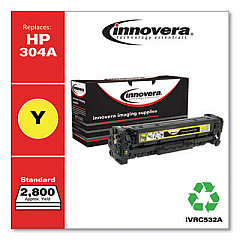
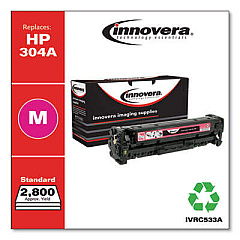
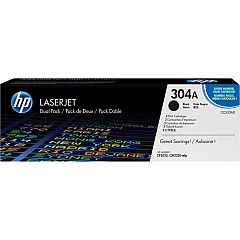
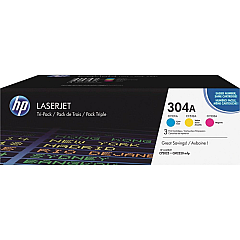
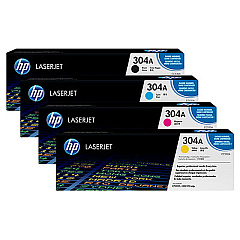
Enhance your printing experience with genuine HP Color LaserJet CM2320nf MFP Toner Cartridges. These high-quality cartridges ensure crisp text and vibrant colors for all your business, educational, healthcare, and wholesale needs. Choose from a variety of options, including the cost-effective HP 304A Toner Cartridge Bundle or individual cartridges in black, cyan, yellow, and magenta. For high-volume printing, consider the HP CC530AD Black Toner Cartridge Dual Pack or the HP CF340A Toner Cartridge Tri-Pack. Don't forget the HP RL1-1785 Multipurpose/Tray 1 Separation Pad for smooth paper feeding. These reliable supplies are designed specifically for your HP Color LaserJet CM2320nf MFP, guaranteeing optimal performance and professional-quality output. Invest in genuine HP toner cartridges to maximize your printer's efficiency and produce stunning documents that make a lasting impression.

HP Color LaserJet CM2320nf MFP Printers Supplies FAQs

  • What is the page yield for the HP 304A toner cartridges?

    The page yield varies by color. Black cartridges typically yield about 3,500 pages, while color cartridges (cyan, magenta, yellow) yield approximately 2,800 pages each.

  • Are these toner cartridges compatible with other HP printers?

    These cartridges are specifically designed for the HP Color LaserJet CM2320nf MFP. Always check your printer's compatibility before purchasing toner cartridges.

  • What is the difference between the single black cartridge and the dual pack?

    The dual pack (HP CC530AD) contains two black toner cartridges, offering better value for high-volume printing compared to buying individual cartridges.

  • How long do these toner cartridges typically last?

    The lifespan of toner cartridges depends on usage. Under normal printing conditions, they can last several months to a year.

  • What is the purpose of the HP RL1-1785 Separation Pad?

    The separation pad helps prevent multiple sheets from feeding into the printer simultaneously, reducing paper jams and ensuring smooth printing operations.

  • Can I use third-party or refilled toner cartridges in this printer?

    While third-party cartridges may work, using genuine HP toner cartridges ensures the best print quality and helps maintain your printer's warranty.

  • What is the Tri-Pack (HP CF340A) and what does it include?

    The Tri-Pack includes one each of cyan, magenta, and yellow toner cartridges, offering convenience and potential cost savings for color printing.

  • How do I know when it's time to replace my toner cartridge?

    Your printer will typically display a low toner warning. You may also notice a decrease in print quality or faded text and images.

  • Are these toner cartridges environmentally friendly?

    HP offers a recycling program for used toner cartridges, helping to reduce environmental impact. Check HP's website for details on their recycling initiatives.

  • What should I do if I experience print quality issues with these cartridges?

    First, ensure the cartridge is properly installed. If issues persist, try printing a test page or cleaning the print heads. If problems continue, contact HP support for assistance.

Warehouse Locations

Policy & Agreement | Copyright © 1995-2026 BlueDogInk.com
