


Images




$141.99
Free Shipping
Part #: CF358A Original
Status: In Stock

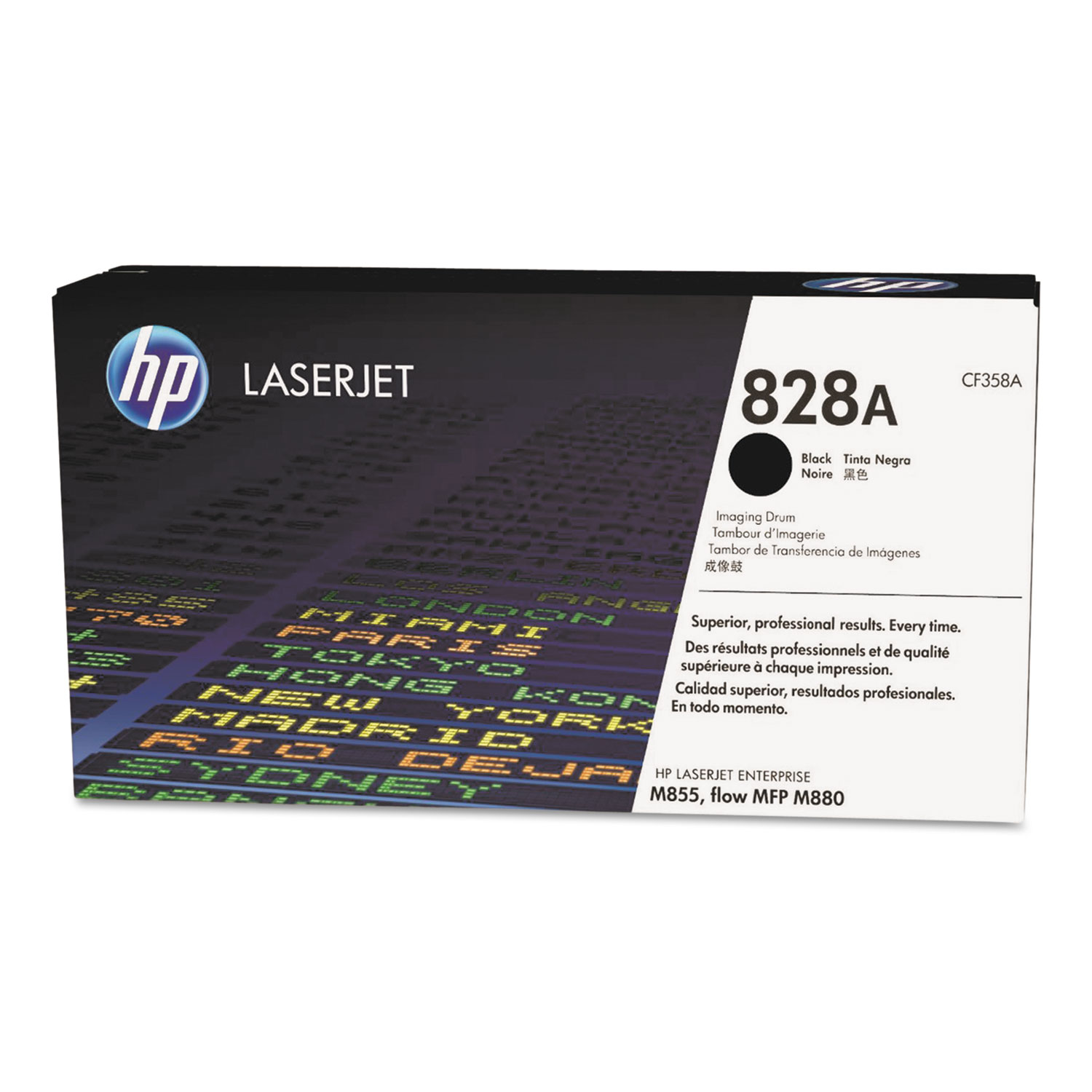
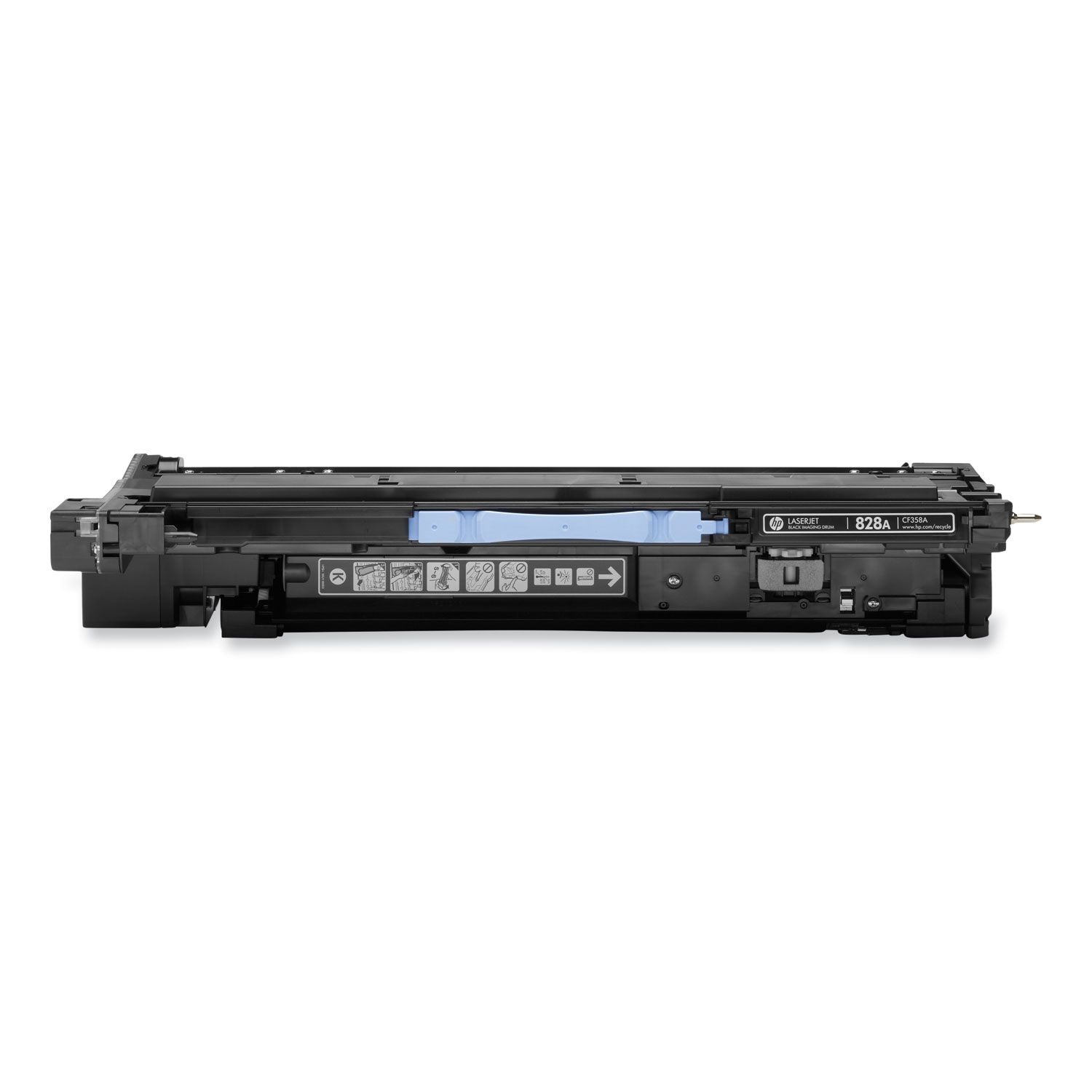
HP Genuine CF358A printing supplies offer great print quality and reliable performance for fast, professional quality color printing. The CF358A brings new toner formulation, cartridge architecture, and smart printing features to HP's precision printing system. Easy to install and replace, Genuine HP CF358A supplies ensure output consistency over the life of the cartridge and make supplies easy to maintain by providing status monitoring and proactive alerts when replacement is needed. Designed together with your HP printer, CF358A supplies ensure crisp, sharp, vibrant results every time.
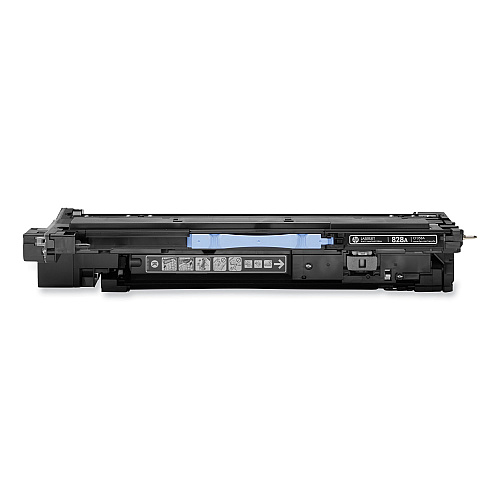
HP 828A Black Imaging Drum; Yield 30,000 pages
$141.99
Free Shipping
Part #: CF358A Original
Status: In Stock

ITEM CF310A
HP CF310A Black Toner CartridgeHP 826A Black Toner Cartridge; Yield 29,000 pages
$474.99
In Stock
Free Shipping

ITEM CF300A
HP CF300A Black Toner CartridgeHP 827A Black Toner Cartridge; Yield 29,500 pages
$161.99
In Stock
Free Shipping

ITEM CF311A
HP CF311A Cyan Toner CartridgeHP 826A Cyan Toner Cartridge; Yield 31,500 pages
$780.99
In Stock
Free Shipping

ITEM CF312A
HP CF312A Yellow Toner CartridgeHP 826A Yellow Toner Cartridge; Yield 31,500 pages
$780.99
In Stock
Free Shipping

ITEM CF313A
HP CF313A Magenta Toner CartridgeHP 826A Magenta Toner Cartridge; Yield 31,500 pages
$780.99
In Stock
Free Shipping

ITEM CF301A
HP CF301A Cyan Toner CartridgeHP 827A Cyan Toner Cartridge; Yield 32,000 pages
$722.99
In Stock
Free Shipping

ITEM CF302A
HP CF302A Yellow Toner CartridgeHP 827A Yellow Toner Cartridge; Yield 32,000 pages
$722.99
In Stock
Free Shipping
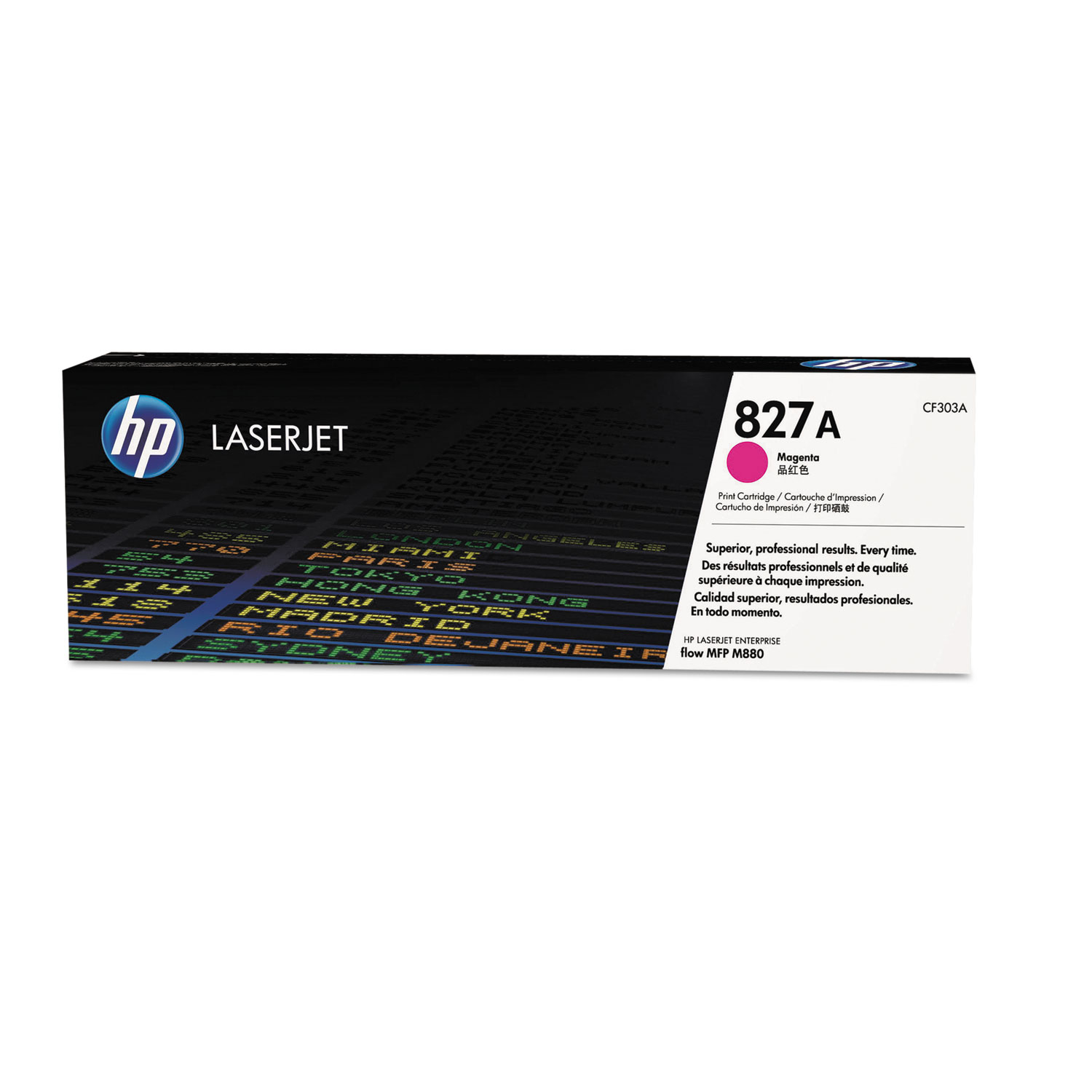
ITEM CF303A
HP CF303A Magenta Toner CartridgeHP 827A Magenta Toner Cartridge; Yield 32,000 pages
$722.99
In Stock
Free Shipping
ITEM 826A-Set
HP 826A Toner Cartridge SetIncludes CF310A, CF311A, CF312A, CF313A
$2817.96
In Stock
Free Shipping
ITEM 827A-Set
HP 827A Toner Cartridge SetIncludes 1 Each of CF300A, CF301A, CF302A, CF303A
$2330.96
In Stock
Free Shipping

ITEM CF359A
HP CF359A Cyan Imaging DrumHP 828A Cyan Imaging Drum; Yield 30,000 pages
$390.99
In Stock
Free Shipping

ITEM CF364A
HP CF364A Yellow Imaging DrumHP 828A Yellow Imaging Drum; Yield 30,000 pages
$390.99
In Stock
Free Shipping

ITEM CF365A
HP CF365A Magenta Imaging DrumHP 828A Magenta Imaging Drum; Yield 30,000 pages
$390.99
In Stock
Free Shipping

ITEM 112000
HP 112000 Multipurpose PaperHPM1120R Multipurpose Ultra White Paper, 96 Brightness, 20lb, 8 1/2 x 11, 500 Sheets/Ream
$10.09
In Stock
Brand
Category
Model
CF358A
Color(s)
Black
Device Types
Laser Printer
Market Indicator (Cartridge Number)
HP 828A
OEM/Compatible
OEM
Page-Yield
30000
Post-Consumer Recycled Content Percent
0%
Remanufactured
No
Supply Type
Drum Unit
Total Recycled Content Percent
15%

Bluedogink is an authorized Boardwalk dealer 
What is the HP CF358A Black Imaging Drum?
The HP CF358A Black Imaging Drum is a crucial component of a laser printer that transfers toner to the paper to create printouts. It is specifically designed for use with compatible HP printers.
Which printers are compatible with the HP CF358A Imaging Drum?
The HP CF358A Imaging Drum is compatible with several HP LaserJet Enterprise models. It is essential to check your printer's manual or specifications to ensure compatibility.
How many pages can the HP CF358A Imaging Drum produce?
The HP CF358A Imaging Drum can typically produce up to 30,000 pages, depending on the type of print jobs and the printer's settings.
How do I install the HP CF358A Imaging Drum?
To install the HP CF358A Imaging Drum, first turn off the printer and open the front cover. Carefully remove the old drum and insert the new one, ensuring it is securely in place. Close the cover and turn the printer back on.
How can I tell when the HP CF358A Imaging Drum needs to be replaced?
You may need to replace the HP CF358A Imaging Drum if you notice print quality issues, such as streaks, smudges, or faded prints. Some printers also provide notifications when the drum is near the end of its life.
Where can I purchase the HP CF358A Imaging Drum?
The HP CF358A Imaging Drum can be purchased from various office supply retailers, online stores such as BlueDogInk, or directly from HP's official website.

Bluedogink.com is a leading provider of printer, printer supplies, office and paper products.
Our wholesale price on HP CF358A Black Imaging Drum info is part of our commitment to provide consumers with the lowest discount price available. Our customers are very important to us. We cater to many industries including military, government, schools, educational, medical, corporate, healthcare, legal, accounting, finance and many more. So, act now and buy HP CF358A Black Imaging Drum at our low price.







Thank you for your interest in this item.
Please note: Once you receive word that this item is available, it's up to you to act! An email notification guarantees neither inventory nor price. But don't worry: should you miss out on the first shipment, you can always request another notification.

your order $99+
Sign up for the best discounts and exclusive offers not advertised anywhere else
your order $99+
Sign up for the best discounts and exclusive offers not advertised anywhere else
 At Checkout
*Get $10 off your order $99+, limit one use per customer, expires in 14 days