














Epson XP 430 Color, Black & Combo Ink Cartridges & Printer Supplies

Ads

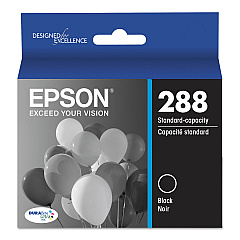
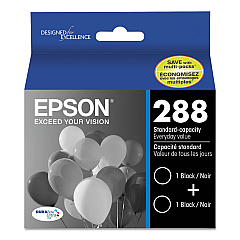
Epson XP-430 Black Ink Cartridges

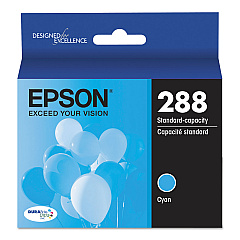
Epson XP-430 Color Ink Cartridges

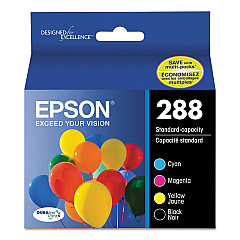
Epson XP-430 Ink Set

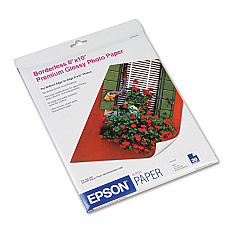
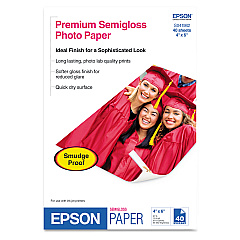
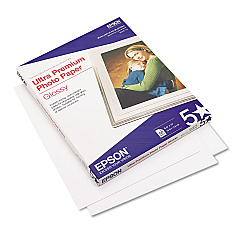
Epson XP-430 Photo Paper

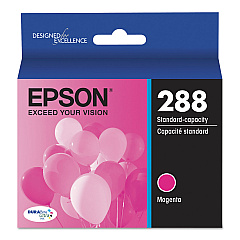
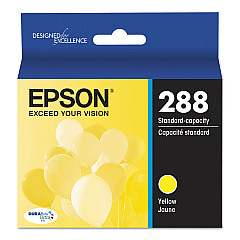
Ensure optimal print quality with genuine Epson XP-430 Ink Cartridges. These cartridges are specifically designed for the Epson XP-430 printer, offering crisp text and vibrant colors for all your printing needs. Choose from a variety of options including individual color cartridges (T288220 Cyan, T288320 Magenta, T288420 Yellow), black cartridges (T288120), and convenient combo packs (T288120-BCS, T288XL-BCS). For high-volume printing, consider the T288XL series, which provides extended yield. The T288520 Color Multipack is perfect for those who frequently print in color. Whether you're printing documents, photos, or graphics, these Epson XP-430 Ink Cartridges deliver exceptional results. With options for both standard and high-capacity cartridges, you can select the best fit for your printing volume and budget. Trust in Epson's quality to bring your prints to life.

Epson XP 430 Color, Black & Combo Ink Cartridges & Printer Supplies FAQs

  • What kind of ink does an Epson XP 430 take?

    The Epson Expression XP-430 uses Epson 288XL ink cartridges.

  • Are these ink cartridges compatible with other Epson printers?

    These cartridges are specifically designed for the Epson XP-430 printer. Always check your printer's compatibility before purchasing.

  • How do I connect my Epson XP 430 to my computer?

    The easiest way is through a USB cable, but you can also enable Wi-Fi Direct mode to allow direct communication between your product and computer or other devices without a wireless router or access point

  • What's the difference between standard and XL cartridges?

    XL cartridges have a higher ink capacity and typically last longer, making them more economical for frequent printing.

  • Do I have to replace all ink cartridges Epson?

    Printer cartridges can be replaced when needed, not on a regular basis. If one cartridge runs low, do not replace other colors at the same time, but for the printer to work you need to have all of the cartridges installed.

  • How long do these ink cartridges last?

    The lifespan of ink cartridges varies depending on usage, but standard cartridges typically last for about 175-300 pages, while XL cartridges can print 450-500 pages.

  • Can I use Epson 288 instead of 288XL?

    Yes, the only difference between the Epson 288 and 288 XL DURABrite Ultra pigment ink is the amount of ink in each cartridge. The Epson 288 contains Standard Capacity while the 288XL produces 2.5x more prints than the Standard.

  • Can I use third-party ink cartridges in my Epson XP-430?

    While third-party cartridges may work, using genuine Epson cartridges ensures optimal print quality and prevents potential damage to your printer.

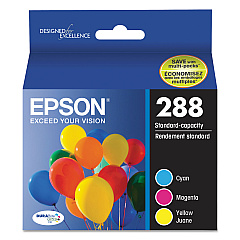
  • What's included in the T288520 Color Multipack?

    The T288520 Color Multipack includes cyan, magenta, and yellow ink cartridges.

  • How do I install these ink cartridges?

    Simply open your printer's ink cartridge compartment, remove the old cartridge, and insert the new one until it clicks into place. Follow your printer's on-screen instructions for any additional steps.

  • Are these cartridges recyclable?

    Yes, Epson offers a cartridge recycling program. Check their website for details on how to recycle your used cartridges.

  • What's the shelf life of unopened ink cartridges?

    Unopened ink cartridges typically have a shelf life of about two years from the production date when stored properly.

  • Can I mix standard and XL cartridges in my printer?

    Yes, you can use a combination of standard and XL cartridges in your Epson XP-430 printer.

  • Do these cartridges come with a warranty?

    Yes, genuine Epson ink cartridges come with a limited warranty. Check the packaging or Epson's website for specific warranty details.

Warehouse Locations

Policy & Agreement | Copyright © 1995-2026 BlueDogInk.com
