













Ads

Epson XP-340 Black Ink Cartridges

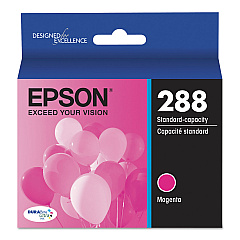
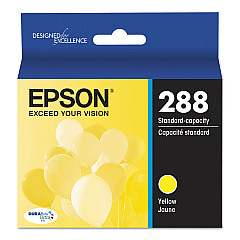
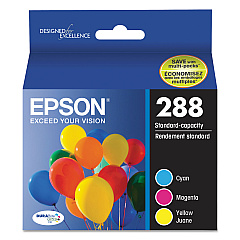
Epson XP-340 Color Ink Cartridges

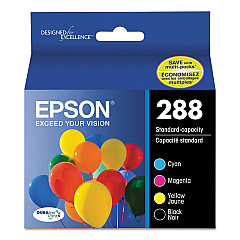
Epson XP-340 Ink Set

Epson XP-340 Photo Paper

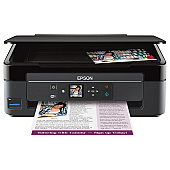
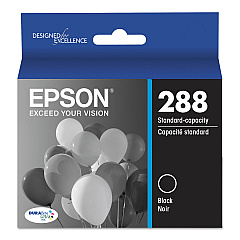
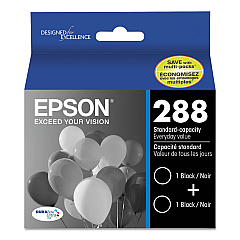
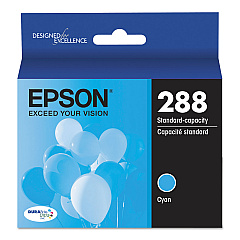
Enhance your printing experience with genuine Epson XP-340 Ink Cartridges. These high-quality cartridges are designed specifically for the Epson XP-340 printer, ensuring optimal performance and stunning print results. Choose from a range of options including individual color cartridges (black, cyan, magenta, and yellow), convenient combo packs, and cost-effective dual packs. For those who print frequently, consider the high-capacity XL cartridges for extended print runs. Whether you're printing documents, photos, or graphics, these Epson cartridges deliver crisp text and vibrant colors. With options like the T288520 Color Ink Cartridge Multipack, you can easily stock up on all your color needs. Trust in the reliability and consistency of genuine Epson ink to bring your prints to life and keep your XP-340 printer running smoothly.

Epson XP-340 Ink Cartridges FAQs

  • Are these cartridges compatible with other Epson printers?

    These cartridges are specifically designed for the Epson XP-340 printer. Always check your printer's compatibility before purchasing.

  • What's the difference between regular and XL cartridges?

    XL cartridges contain more ink and are ideal for high-volume printing, offering better value for frequent users.

  • How long do these cartridges typically last?

    Cartridge life depends on usage, but standard cartridges typically print 175-300 pages, while XL cartridges can print 450-650 pages.

  • Can I use third-party ink cartridges in my Epson XP-340?

    While third-party cartridges may work, using genuine Epson cartridges ensures the best print quality and protects your printer's warranty.

  • What's included in the T288120-BCS Combo Pack?

    The T288120-BCS Combo Pack typically includes one black cartridge and one of each color (cyan, magenta, and yellow).

  • How do I install these ink cartridges?

    Open your printer's ink cartridge cover, remove the old cartridge, insert the new one until it clicks, and close the cover. Your printer will guide you through the process.

  • Are these cartridges recyclable?

    Yes, Epson offers a cartridge recycling program. Check their website for details on how to recycle your used cartridges.

  • What should I do if my printer doesn't recognize the new cartridge?

    Ensure the cartridge is properly seated and the contacts are clean. If issues persist, consult your printer's manual or contact Epson support.

  • How should I store unused ink cartridges?

    Store cartridges in a cool, dry place in their original packaging. Avoid extreme temperatures and direct sunlight.

  • Can I mix XL and standard cartridges in my printer?

    Yes, you can use a combination of XL and standard cartridges in your Epson XP-340 printer without any issues.

Warehouse Locations

Policy & Agreement | Copyright © 1995-2026 BlueDogInk.com
