













Ads

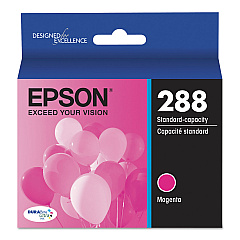
Epson XP-330 Black Ink Cartridges

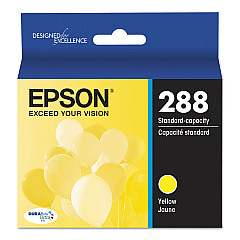
Epson XP-330 Color Ink Cartridges

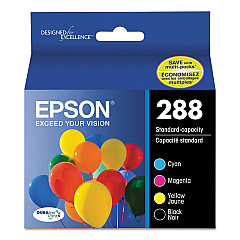
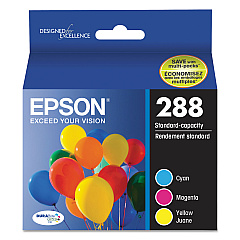
Epson XP-330 Ink Set

Epson XP-330 Photo Paper

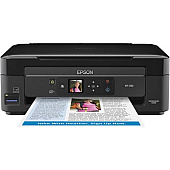
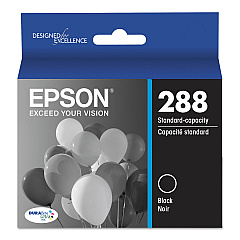
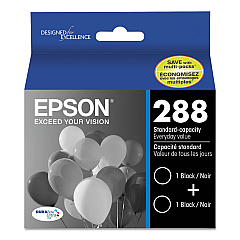
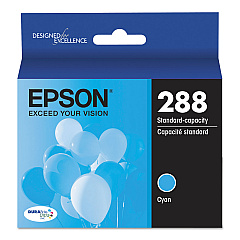
Enhance your printing experience with genuine Epson XP-330 Ink Cartridges. These high-quality cartridges are designed specifically for the Epson XP-330 printer, ensuring optimal performance and stunning print results. Choose from a range of options including individual color cartridges (black, cyan, magenta, and yellow), convenient combo packs, and cost-effective multipack options. The T288 series offers standard capacity, while the T288XL series provides high-capacity alternatives for more frequent printing needs. Whether you're printing documents, photos, or graphics, these Epson ink cartridges deliver crisp text and vibrant colors. With options like the T288120-BCS Combo Pack and T288520 Color Ink Cartridge Multipack, you can easily stock up on all the colors you need. Trust in Epson's superior ink technology to bring your prints to life with the Epson XP-330 Ink Cartridges.

Epson XP-330 Ink Cartridges FAQs

  • What ink cartridges are compatible with the Epson XP-330 printer?

    The Epson XP-330 printer is compatible with the T288 and T288XL series ink cartridges, including black, cyan, magenta, and yellow colors.

  • What's the difference between T288 and T288XL cartridges?

    T288XL cartridges are high-capacity versions that contain more ink than the standard T288 cartridges, allowing for more prints before replacement.

  • Can I use third-party ink cartridges in my Epson XP-330?

    While third-party cartridges may work, using genuine Epson cartridges ensures the best print quality and printer performance.

  • How long do Epson XP-330 ink cartridges last?

    The lifespan of ink cartridges varies depending on usage, but standard T288 cartridges typically last for several hundred pages, while XL versions last longer.

  • Are combo packs more cost-effective than buying individual cartridges?

    Yes, combo packs like the T288120-BCS and T288XL-BCS often offer better value compared to purchasing individual cartridges.

  • Can I replace only the color that runs out, or do I need to replace all cartridges at once?

    You can replace individual color cartridges as they run out; there's no need to replace all cartridges simultaneously.

  • How do I install new ink cartridges in my Epson XP-330?

    To install new cartridges, turn on the printer, open the cartridge cover, remove the old cartridge, insert the new one until it clicks, and close the cover.

  • What should I do if my printer doesn't recognize a new ink cartridge?

    Try removing and reinserting the cartridge, ensuring it's properly seated. If the issue persists, clean the cartridge contacts and try again.

  • How can I check the ink levels in my Epson XP-330?

    You can check ink levels through the printer's control panel or by using the Epson printer software on your computer.

  • Are Epson XP-330 ink cartridges recyclable?

    Yes, Epson offers a cartridge recycling program. You can return used cartridges to Epson or participating retailers for proper recycling.

Warehouse Locations

Policy & Agreement | Copyright © 1995-2026 BlueDogInk.com
