





Ads

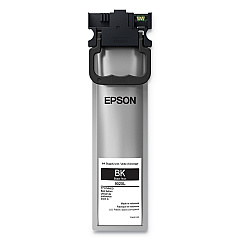
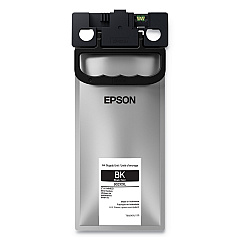
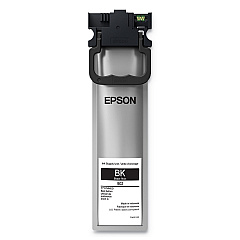
Epson WorkForce WF-C5790 Black Ink Cartridges

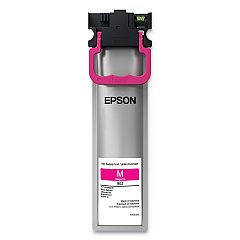
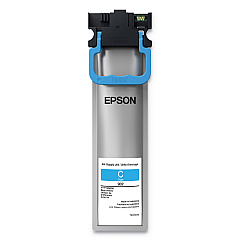
Epson WorkForce WF-C5790 Color Ink Cartridges

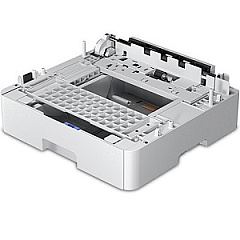
Epson WorkForce WF-C5790 Paper Trays

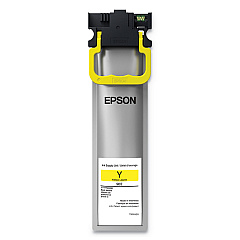
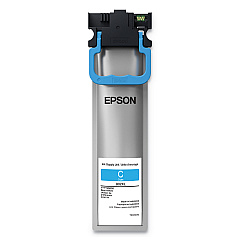
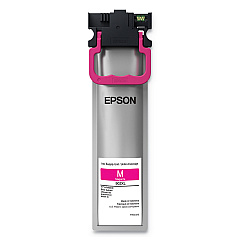
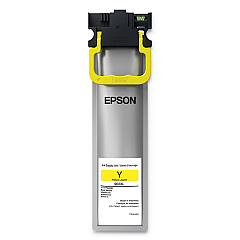
Enhance your printing experience with genuine Epson WorkForce WF-C5790 Ink Cartridges. This versatile printer utilizes a range of high-quality ink cartridges, including the T902 series in black, cyan, magenta, and yellow, as well as their XL and XXL counterparts for extended printing capacity. The C12C932871 Paper Tray ensures smooth paper handling. Whether you're printing documents or vibrant graphics, these cartridges deliver exceptional results with crisp text and vivid colors. The Epson WorkForce WF-C5790 Ink Cartridges are designed to maximize efficiency and minimize waste, making them ideal for businesses, educational institutions, and healthcare facilities. With options for standard, high-yield, and extra high-yield cartridges, you can choose the perfect balance between cost-effectiveness and print volume for your specific needs. Trust in Epson's renowned quality to keep your WF-C5790 performing at its best.

Epson WorkForce WF-C5790 Printers Supplies FAQs

  • What is the difference between standard, XL, and XXL ink cartridges?

    Standard cartridges have a regular capacity, XL cartridges have a higher capacity, and XXL cartridges offer the highest capacity, allowing for more prints before replacement.

  • Are these cartridges compatible with other Epson printers?

    These cartridges are specifically designed for the Epson WorkForce WF-C5790 and may not be compatible with other printer models.

  • How long do these ink cartridges typically last?

    The lifespan of ink cartridges varies depending on usage, print settings, and the specific cartridge type (standard, XL, or XXL).

  • Can I use third-party ink cartridges in my Epson WorkForce WF-C5790?

    While third-party cartridges may work, using genuine Epson cartridges ensures optimal print quality and printer performance.

  • How do I install new ink cartridges in my WF-C5790?

    Follow the printer's on-screen instructions for cartridge replacement. Generally, you'll need to open the printer cover, remove the old cartridge, and insert the new one until it clicks into place.

  • What should I do if my printer doesn't recognize a new cartridge?

    Try removing and reinserting the cartridge, ensuring it's properly seated. If the issue persists, clean the cartridge contacts and try again.

  • Are these ink cartridges environmentally friendly?

    Epson designs its cartridges with environmental considerations in mind, and they can be recycled through Epson's cartridge recycling program.

  • How can I maximize the lifespan of my ink cartridges?

    Print regularly to prevent nozzles from drying out, use draft mode for non-critical prints, and keep the printer in a cool, dry place.

  • What's the shelf life of unopened ink cartridges?

    Unopened cartridges typically last up to two years from the production date when stored properly.

  • Can I use the WF-C5790 if one color cartridge is empty?

    The printer may continue to function for black and white printing if a color cartridge is empty, but it's best to replace empty cartridges promptly for optimal performance.

Warehouse Locations

Policy & Agreement | Copyright © 1995-2026 BlueDogInk.com
