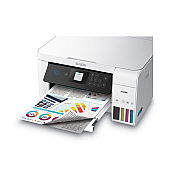
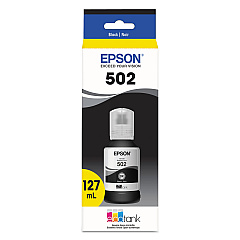





Epson WorkForce ST-C2100 Black Ink Cartridges

Epson WorkForce ST-C2100 Color Ink Cartridges

Epson WorkForce ST-C2100 Ink Set

Epson WorkForce ST-C2100 Maintenance Kits

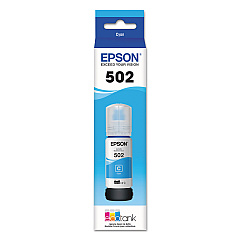
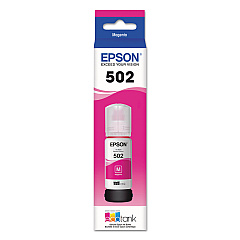
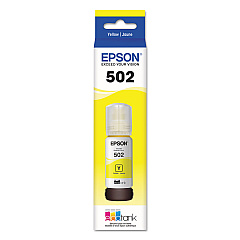
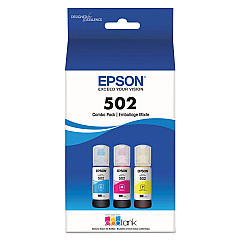
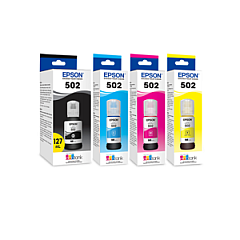
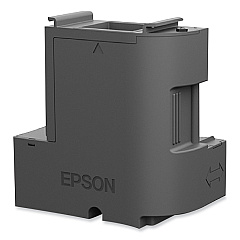
Enhance your printing experience with genuine Epson WorkForce ST-C2100 Ink Cartridges. This comprehensive range includes the Epson T04D100 Ink Maintenance Box for efficient waste ink management, and the Epson T502 Ink Cartridge Set for all your color printing needs. Individual ink bottles are available in Black (T502120), Cyan (T502220), Magenta (T502320), and Yellow (T502420), allowing for easy and cost-effective replacements. For added convenience, the Epson T502520 Multi-Color Ink Bottles set provides all essential colors in one package. These high-capacity ink bottles ensure long-lasting, high-quality prints for your business, educational, or personal projects. Designed specifically for the Epson WorkForce ST-C2100 printer, these cartridges deliver exceptional print quality, vibrant colors, and sharp text. Maximize your printer's performance and reduce downtime with these reliable, easy-to-install ink solutions.

Epson WorkForce ST-C2100 Ink Cartridges FAQs

  • How long do Epson WorkForce ST-C2100 Ink Cartridges last?

    The lifespan of ink cartridges varies depending on usage, but typically they can last for several thousand pages.

  • Are these ink cartridges compatible with other Epson printers?

    These cartridges are specifically designed for the Epson WorkForce ST-C2100 and may not be compatible with other models.

  • How do I install the Epson T04D100 Ink Maintenance Box?

    The maintenance box is easily replaceable. Consult your printer's manual for step-by-step instructions on installation.

  • Can I use third-party ink cartridges with my Epson WorkForce ST-C2100?

    While third-party cartridges may work, using genuine Epson cartridges ensures optimal print quality and prevents potential damage to your printer.

  • How do I know when it's time to replace my ink cartridges?

    Your printer will display a low ink warning when it's time to replace cartridges. You can also check ink levels through your printer's software.

  • What's the difference between individual ink bottles and the multi-color set?

    Individual bottles allow you to replace only the colors you need, while the multi-color set provides all colors in one package for convenience.

  • Are these ink cartridges environmentally friendly?

    Epson designs its cartridges with environmental considerations in mind, and they can be recycled through Epson's cartridge recycling program.

  • How should I store unused ink cartridges?

    Store unused cartridges in a cool, dry place away from direct sunlight. Keep them in their original packaging until ready for use.

  • Can I mix different brands of ink in my Epson WorkForce ST-C2100?

    It's not recommended to mix ink brands as it may affect print quality and potentially damage your printer.

  • What should I do if my printer doesn't recognize a new ink cartridge?

    Ensure the cartridge is properly installed and seated. If issues persist, clean the cartridge contacts and try again. If problems continue, contact Epson support.

Warehouse Locations

Policy & Agreement | Copyright © 1995-2026 BlueDogInk.com
