















Ads

Epson WorkForce Pro WF-R5190 Black Ink Cartridges

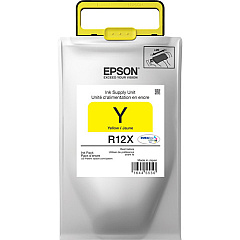
Epson WorkForce Pro WF-R5190 Color Ink Cartridges

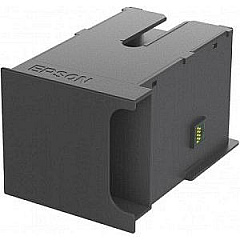
Epson WorkForce Pro WF-R5190 Maintenance Kits

Epson WorkForce Pro WF-R5190 Copy Paper

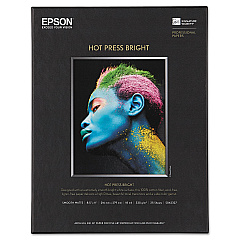
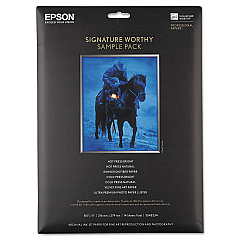
Epson WorkForce Pro WF-R5190 Photo Paper

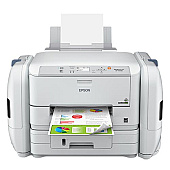
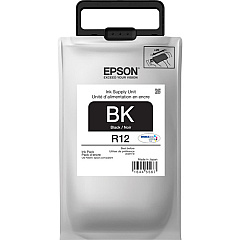
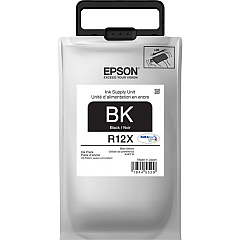
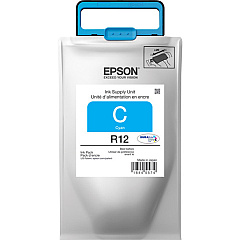
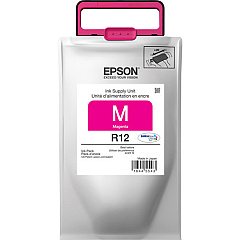
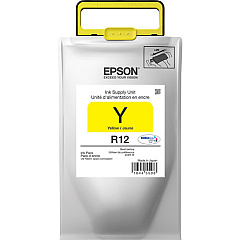
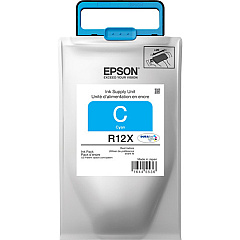
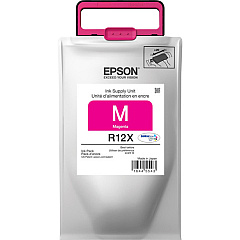
Enhance your printing experience with genuine Epson WorkForce Pro WF-R5190 Ink Cartridges. This high-performance printer utilizes a range of specialized ink packs to deliver exceptional quality and efficiency. The lineup includes the Epson T671000 Maintenance Box for hassle-free upkeep, and color-specific ink packs: TR12120 Black, TR12220 Cyan, TR12320 Magenta, and TR12420 Yellow. For businesses with higher volume needs, the extended capacity options - TR12X120 Black, TR12X220 Cyan, TR12X320 Magenta, and TR12X320 Yellow - offer even greater productivity. These innovative ink packs ensure consistent, professional-grade output for all your printing needs, from crisp text documents to vibrant marketing materials. With Epson's advanced technology, you'll enjoy reduced printing costs, minimal waste, and uninterrupted workflow. Choose Epson WorkForce Pro WF-R5190 Ink Cartridges for reliable, high-quality results that keep your business running smoothly.

Epson WorkForce Pro WF-R5190 Ink Cartridges FAQs

  • How long do Epson WorkForce Pro WF-R5190 ink cartridges last?

    The lifespan of ink cartridges varies depending on usage, but standard capacity cartridges typically last for about 10,000 pages, while high-capacity cartridges can print up to 75,000 pages.

  • Are these ink cartridges compatible with other Epson printers?

    No, these ink cartridges are specifically designed for the Epson WorkForce Pro WF-R5190 printer and may not be compatible with other models.

  • What's the difference between standard and high-capacity ink packs?

    High-capacity ink packs (TR12X series) contain more ink and can print more pages than standard capacity ink packs (TR12 series), making them more economical for high-volume printing.

  • How often should I replace the Epson T671000 Maintenance Box?

    The maintenance box should be replaced when prompted by the printer, typically after processing a large number of prints or cleaning cycles.

  • Can I use third-party ink cartridges in my Epson WorkForce Pro WF-R5190?

    While third-party cartridges may work, using genuine Epson ink cartridges ensures optimal print quality and prevents potential damage to your printer.

  • How do I install new ink packs in my Epson WorkForce Pro WF-R5190?

    Follow the instructions in your printer's manual. Generally, you'll need to open the ink compartment, remove the old pack, and insert the new one until it clicks into place.

  • What should I do if my printer doesn't recognize a new ink cartridge?

    Try removing and reinserting the cartridge. If the issue persists, clean the cartridge contacts and ensure it's properly seated. If problems continue, contact Epson support.

  • Can I buy individual color cartridges or do I need to replace all colors at once?

    You can buy and replace individual color cartridges as needed. The Epson WorkForce Pro WF-R5190 allows for separate replacement of each color.

  • How should I store unused ink cartridges?

    Store unused cartridges in a cool, dry place away from direct sunlight. Keep them in their original packaging until you're ready to use them to prevent the ink from drying out.

  • Is it normal for ink levels to decrease even when I'm not printing frequently?

    Yes, some ink is used for maintenance processes like print head cleaning, even when you're not actively printing. This helps maintain print quality and prevents clogging.

Warehouse Locations

Policy & Agreement | Copyright © 1995-2026 BlueDogInk.com
