

















Ads

Epson WorkForce Pro WF-R4640 Black Ink Cartridges

Epson WorkForce Pro WF-R4640 Color Ink Cartridges

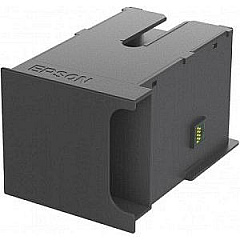
Epson WorkForce Pro WF-R4640 Maintenance Kits

Epson WorkForce Pro WF-R4640 Copy Paper

Epson WorkForce Pro WF-R4640 Photo Paper

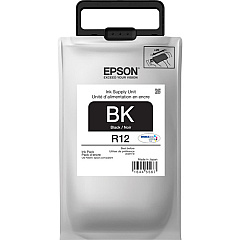
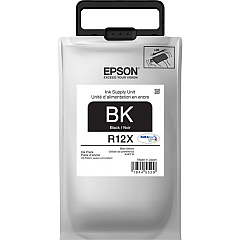
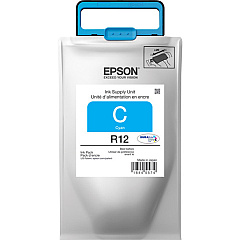
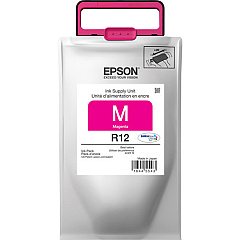
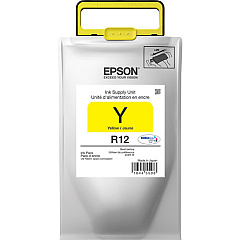
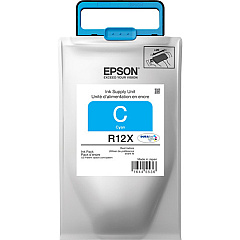
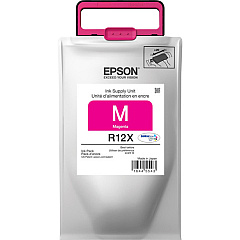
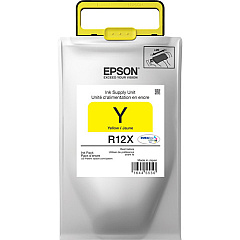
Enhance your printing experience with genuine Epson WorkForce Pro WF-R4640 Ink Cartridges. This high-performance printer utilizes a range of ink packs to deliver exceptional quality and efficiency. The T671000 Maintenance Box ensures optimal printer performance, while the TR12120 Black, TR12220 Cyan, TR12320 Magenta, and TR12420 Yellow Ink Packs provide vibrant, long-lasting colors. For extended printing needs, choose the high-capacity TR12X120 Black, TR12X220 Cyan, TR12X320 Magenta, and TR12X320 Yellow Ink Packs. These cartridges are designed to meet the demands of businesses, educational institutions, government offices, healthcare facilities, and wholesale operations. With Epson's innovative ink technology, you'll achieve professional-quality prints while minimizing costs and maximizing productivity. Trust in the reliability and performance of genuine Epson ink cartridges for your WorkForce Pro WF-R4640 printer.

Epson WorkForce Pro WF-R4640 Ink Cartridges FAQs

  • How long do Epson WorkForce Pro WF-R4640 Ink Cartridges last?

    The lifespan of ink cartridges varies depending on usage, but high-capacity packs can yield up to 20,000 pages for black and 20,000 pages for color.

  • Are these ink cartridges compatible with other Epson printers?

    These ink cartridges are specifically designed for the Epson WorkForce Pro WF-R4640 and may not be compatible with other models.

  • What's the difference between regular and high-capacity ink packs?

    High-capacity ink packs (TR12X series) contain more ink and can print more pages than regular capacity packs (TR12 series).

  • How often should I replace the T671000 Maintenance Box?

    The maintenance box should be replaced when prompted by the printer, typically after processing a large number of print jobs.

  • Can I use third-party ink cartridges in my Epson WorkForce Pro WF-R4640?

    While third-party cartridges may work, using genuine Epson cartridges ensures optimal print quality and prevents potential damage to your printer.

  • How do I install new ink packs in my Epson WorkForce Pro WF-R4640?

    Follow the instructions in your printer's manual or on-screen prompts. Generally, you'll need to open the ink compartment, remove the old pack, and insert the new one until it clicks into place.

  • Are these ink cartridges environmentally friendly?

    Epson designs its cartridges with environmental considerations in mind, using recyclable materials and offering recycling programs for used cartridges.

  • Can I buy individual color cartridges or do I need to replace all colors at once?

    You can purchase and replace individual color cartridges as needed, allowing for more cost-effective ink management.

  • What should I do if my printer doesn't recognize a new ink cartridge?

    Ensure the cartridge is properly installed and compatible with your printer model. If issues persist, clean the cartridge contacts and try reinserting it.

  • Do these ink cartridges come with a warranty?

    Yes, genuine Epson ink cartridges typically come with a limited warranty. Check the packaging or Epson's website for specific warranty details.

Warehouse Locations

Policy & Agreement | Copyright © 1995-2026 BlueDogInk.com
