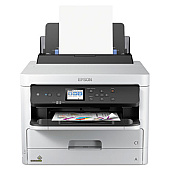
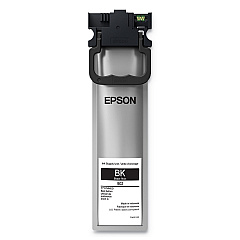
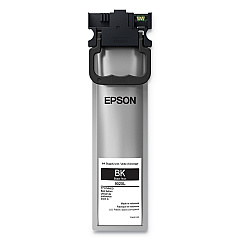
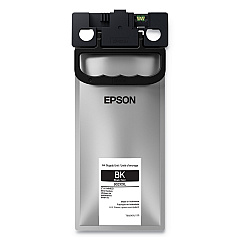
















Epson WorkForce Pro WF-C5290 Black Ink Cartridges

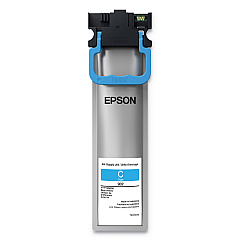
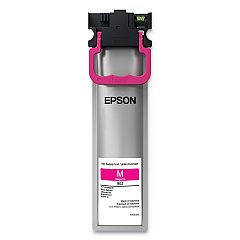
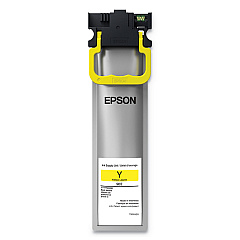
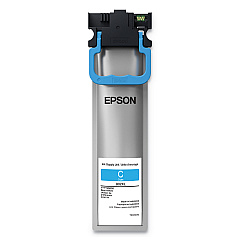
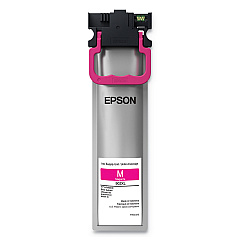
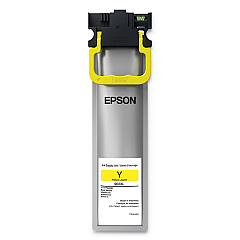
Epson WorkForce Pro WF-C5290 Color Ink Cartridges

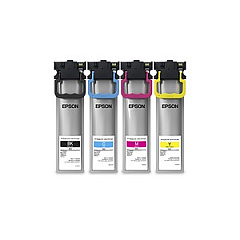
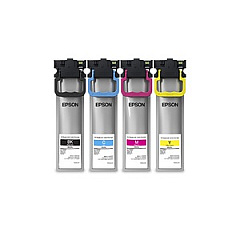
Epson WorkForce Pro WF-C5290 Ink Set

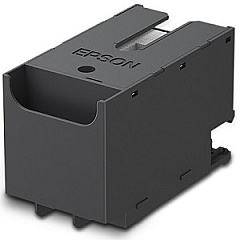
Epson WorkForce Pro WF-C5290 Maintenance Kits

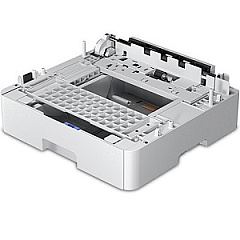
Epson WorkForce Pro WF-C5290 Paper Trays

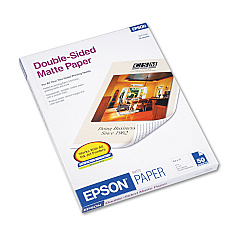
Epson WorkForce Pro WF-C5290 Copy Paper

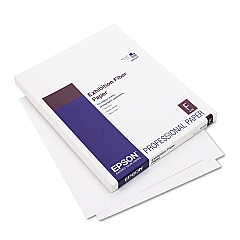
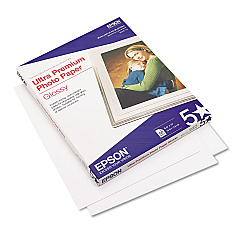
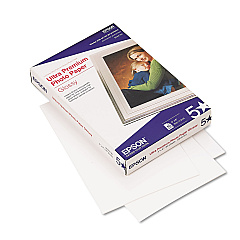
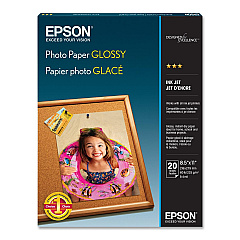
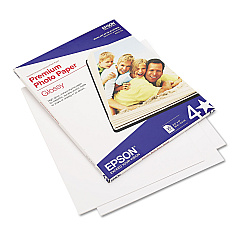
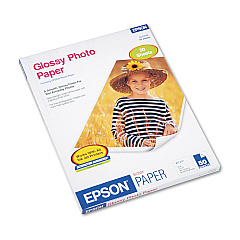
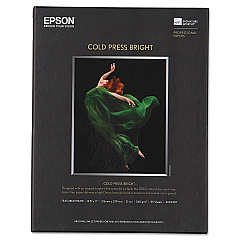
Epson WorkForce Pro WF-C5290 Photo Paper

Ensure uninterrupted productivity with genuine Epson WorkForce Pro WF-C5290 Ink Cartridges. This comprehensive range includes standard and high-yield options to suit various printing needs. From the T902 series for everyday use to the T902XL and T902XXL for high-volume printing, these cartridges deliver exceptional quality and reliability. The set includes Black, Cyan, Magenta, and Yellow inks, ensuring vibrant color output. For maintenance, the T6716 Ink Maintenance Box keeps your printer in top condition. The C12C932871 Paper Tray expands your printer's capacity, reducing refill frequency. Whether you're a small business, educational institution, or healthcare facility, these Epson supplies guarantee professional-grade prints that make a lasting impression. Choose Epson WorkForce Pro WF-C5290 Ink Cartridges for superior performance and cost-effective printing solutions.

Epson WorkForce Pro WF-C5290 Ink Cartridges FAQs

  • What is the difference between T902, T902XL, and T902XXL cartridges?

    T902 are standard capacity, T902XL are high-yield, and T902XXL (Black only) offers the highest page yield for maximum efficiency.

  • Are these cartridges compatible with other Epson printers?

    These cartridges are specifically designed for the Epson WorkForce Pro WF-C5290. Always check your printer's compatibility before purchasing.

  • How often should I replace the Ink Maintenance Box?

    Replace the Ink Maintenance Box when prompted by your printer, typically after several thousand pages.

  • Can I use third-party ink cartridges in my Epson WF-C5290?

    While third-party cartridges may work, using genuine Epson cartridges ensures optimal print quality and protects your printer's warranty.

  • What is the page yield for these cartridges?

    Page yields vary by cartridge type. Standard T902 yields about 350 pages, XL about 1,900, and XXL Black up to 5,000 pages.

  • How do I install the additional paper tray?

    The C12C932871 Paper Tray easily attaches to the bottom of your printer. Refer to the user manual for specific installation instructions.

  • Are these cartridges environmentally friendly?

    Yes, Epson designs these cartridges with recyclable materials and offers a cartridge recycling program.

  • How long do unopened ink cartridges last?

    Unopened cartridges typically last up to two years from the production date when stored properly.

  • Can I mix standard and XL cartridges in my printer?

    Yes, you can use a combination of standard and XL cartridges in your Epson WF-C5290 printer.

  • Does using genuine Epson ink affect my printer's warranty?

    Using genuine Epson ink cartridges helps maintain your printer's warranty. Non-Epson inks may void the warranty if they cause damage.

Warehouse Locations

Policy & Agreement | Copyright © 1995-2026 BlueDogInk.com
