





Ads

Epson WorkForce Pro WF-8590DTWFC Black Ink Cartridges

Epson WorkForce Pro WF-8590DTWFC Color Ink Cartridges

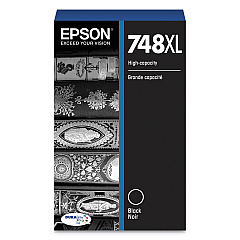
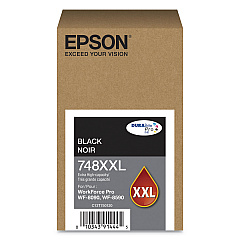
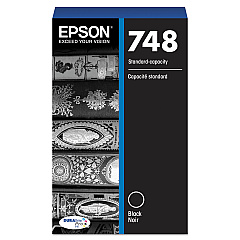
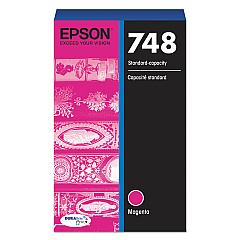
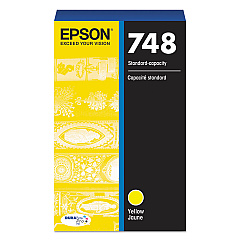
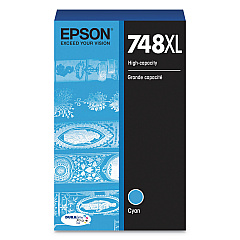
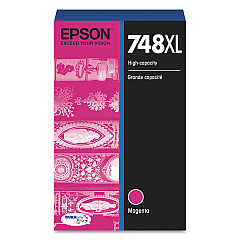
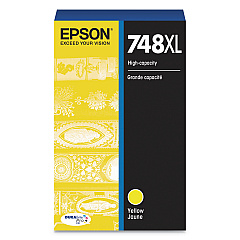
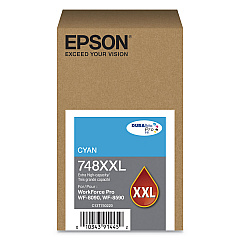
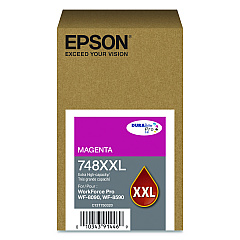
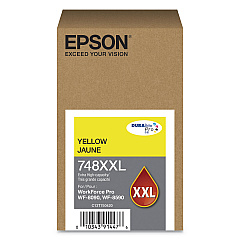
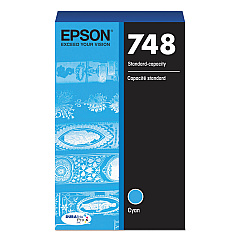
Enhance your printing experience with genuine Epson WorkForce Pro WF-8590DTWFC Ink Cartridges. This high-performance printer utilizes a range of cartridges to deliver exceptional quality and efficiency. Choose from standard capacity options like T748120 (Black), T748220 (Cyan), T748320 (Magenta), and T748420 (Yellow), or opt for higher yield XL cartridges such as T748XL120, T748XL220, T748XL320, and T748XL420. For maximum productivity, consider the XXL series: T748XXL120, T748XXL220, T748XXL320, and T748XXL420. These cartridges ensure crisp text, vibrant colors, and long-lasting prints for your business, educational, healthcare, or wholesale needs. With Epson's advanced DURABrite Ultra ink technology, your documents and images will resist water, fading, and smudging, providing professional-quality results every time. Invest in genuine Epson cartridges to maintain your printer's performance and warranty.

Epson WorkForce Pro WF-8590DTWFC Ink Cartridges FAQs

  • Are these ink cartridges compatible with other Epson printers?

    These cartridges are specifically designed for the Epson WorkForce Pro WF-8590DTWFC. Always check your printer's manual for compatible cartridge models.

  • What's the difference between standard, XL, and XXL cartridges?

    The main difference is ink capacity. XXL cartridges hold the most ink, followed by XL, then standard. Higher capacity cartridges typically offer more prints and better value for high-volume users.

  • How long do these ink cartridges last?

    The lifespan of ink cartridges depends on usage and print settings. Generally, XL and XXL cartridges last longer than standard ones.

  • Can I use third-party ink cartridges in my Epson WorkForce Pro WF-8590DTWFC?

    While third-party cartridges may work, using genuine Epson cartridges ensures optimal print quality and helps maintain your printer's warranty.

  • How do I install these ink cartridges?

    Follow the instructions in your printer's manual. Generally, you'll need to turn on the printer, open the ink cartridge cover, remove the old cartridge, and insert the new one until it clicks into place.

  • Are these cartridges environmentally friendly?

    Epson offers a cartridge recycling program. Check their website for details on how to recycle your used cartridges responsibly.

  • What should I do if my printer doesn't recognize the new cartridge?

    Ensure the cartridge is properly installed and compatible with your printer model. If issues persist, clean the cartridge contacts and try again, or contact Epson support.

  • Can I buy these cartridges in bulk for my business?

    Yes, many suppliers offer bulk purchasing options for businesses. Contact the seller for information on bulk orders and potential discounts.

  • How can I tell if my ink cartridge is genuine?

    Look for Epson's hologram on the packaging and check the cartridge for Epson branding. You can also verify the authenticity on Epson's official website using the cartridge's serial number.

  • What's the shelf life of unopened ink cartridges?

    Unopened Epson ink cartridges typically have a shelf life of two years from the production date when stored properly. Check the expiration date on the packaging for specific information.

Warehouse Locations

Policy & Agreement | Copyright © 1995-2026 BlueDogInk.com
